Why does high FPS matter for racing sims?
Higher FPS improves smoothness and control feel, making steering inputs feel more precise—especially at 144Hz and above.
Racing Simulator PCs
Racing sims reward smooth frames and consistent responsiveness—especially with triple monitors or VR. These builds are configured for stable performance, clean frame pacing, and long session reliability.
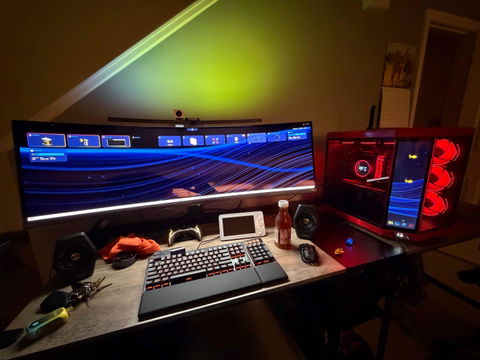
I ABSOLUTELY LOVE THIS PC!!! I get like 200+ fps on WoW and it runs flawlessly. It was packaged superb!
Super helpful and delivered in a very timely manner
Fast laptop that works as advertised.
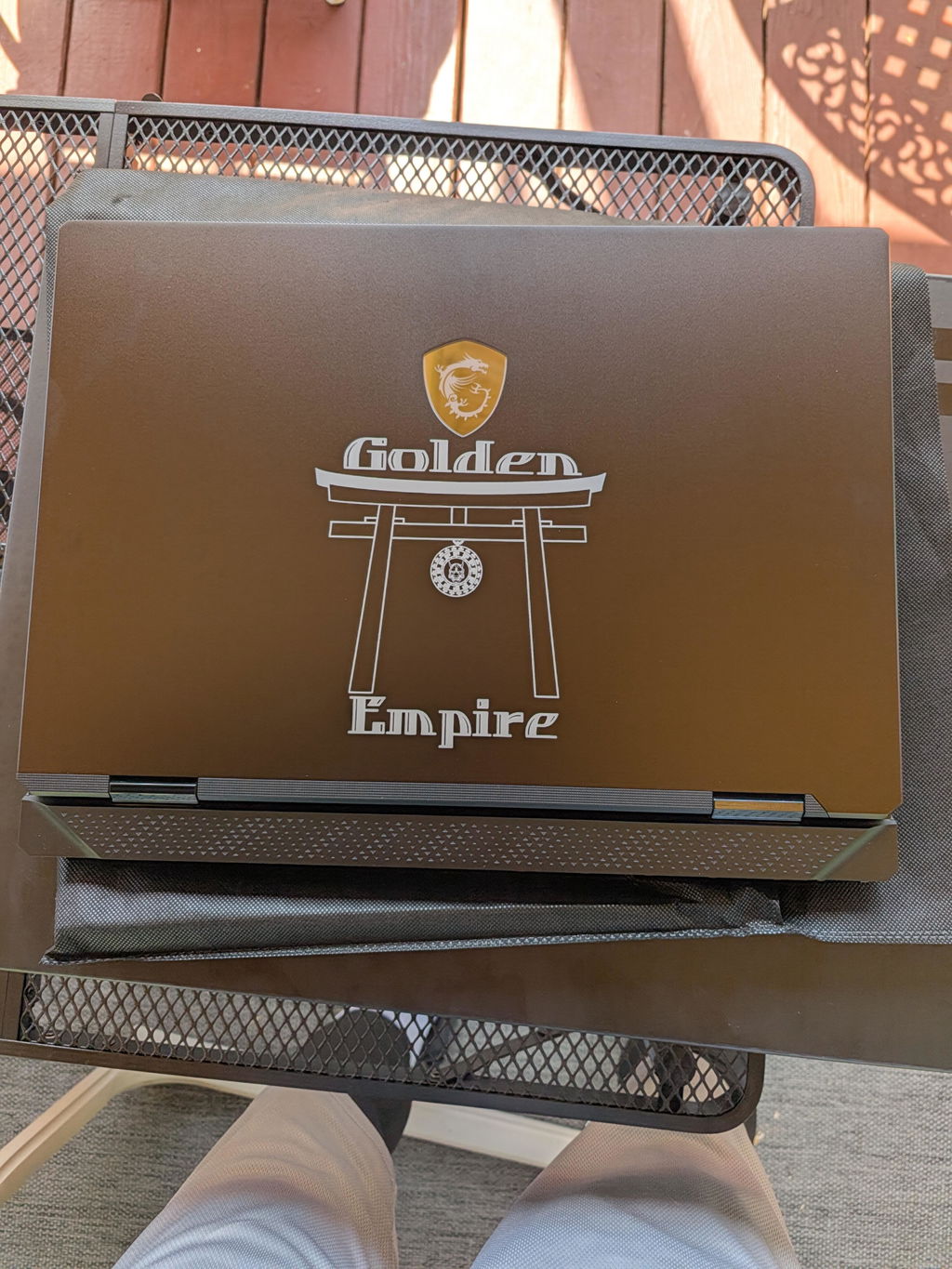
Great communication and willingness to work with with the customer. Super important things that many places seem to get wrong more and more often these days. Something went wrong with the laser etching machine during my build and since I wanted a rush build they were very quick to let me know and offer me very reasonable solutions. When my PC arrived it was in beautiful tip top shape. This is not the first time I've ordered from them and won't be the last!
Fast shipping. Dream pc! Love it. Support is super responsive
Runs super smoothly no issues at all company really have the clients back wanting everyone to have quality parts and understanding on how to use there build
My cad station died, needed a computer fast. These guys helped me pick out what I need at a lower price than other computer builders. They gave me many options options to get the best machine for money value. 5 days I was reloading the new machine and up and running the next day. Project saved! Thanks guys! You have my business!
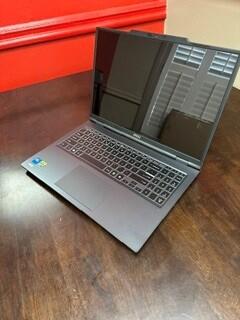
I didn't get this laptop for gaming, but for programming and daily use, but let's be honest, I also got it for gaming. The performance has been beyond expectations. The quality is astounding. Excellent sound quality, no lag, whether I'm using it to edit a Python file or run through Tamriel or watch a movie. I'm all about portability, so I don't have a big monitor, but I have AR glasses, but don't really need them with this 16 inch screen. My only regret is that I couldn't budget for more storage. I'll have to upgrade in the near future, because it didn't take long to load gigs and gigs of content.
Thank you guys for making me feel welcome and putting all my fears at ease.
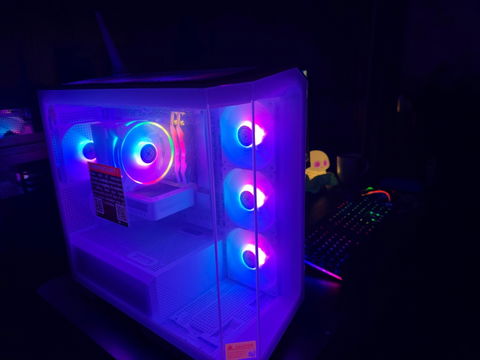
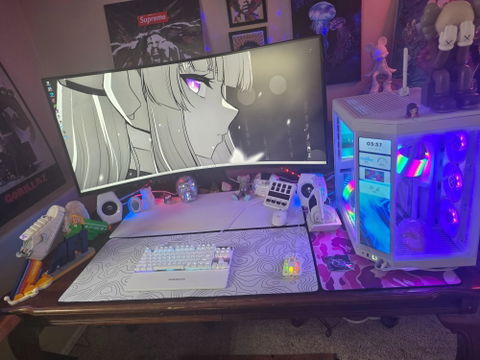
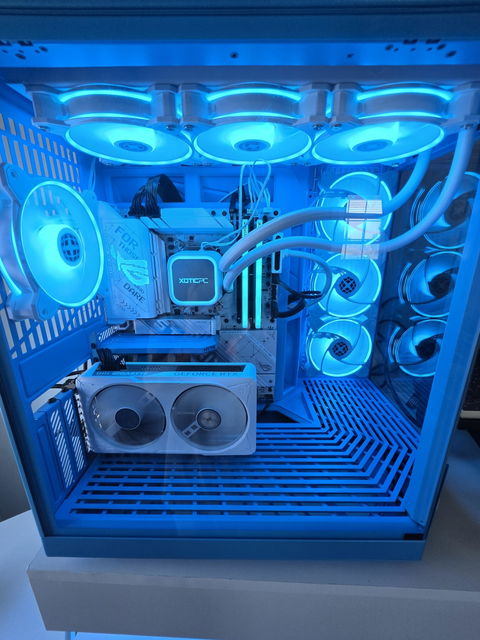
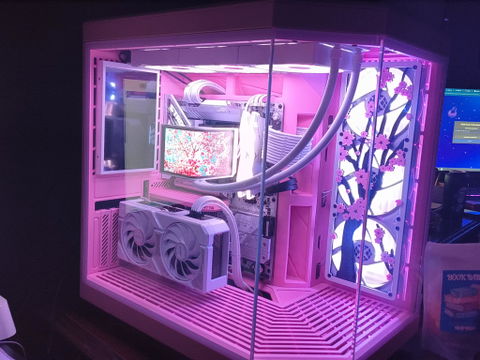
The Hyte Y70 case does not disappoint. The 4k touch display with its insane refresh rate is better than my S26 Ultra. You can setup the display to have multiple screens that you can scroll through after you customize each one. The top and side panels easily pop on and off the case for no tool access. It has so much room for fans! You can fit a 360mm case fan in the bottom no problem, along with a 120mm next to it. Yes, in the bottom the case has space to have fans hidden surrounding your hardware from below, with another inch to inch and a half gap below them to either push or pull air. I opted for the blueberry milk color which looks stellar with Rog Strix 870A mother board, white RTX5060 gpu, white rgb memory cards from T-Force, and white rgb case fans and water cooler. Out of the box it was plug and play. It's assemebled visually perfect including all wiring hidden. No doubt it was peformance tested and tuned upon assembly based on how well it performs from the first start and how much Microsoft b.s. I dont have to deal with. Because I chose upgraded white wiring they included all the factory black wiring for all my hardware still in its original packaging inside the shipping box, which I appreciate. It shipped encased in foam and had custom formed foam inside to protect mainly the gpu from rattling around. The icing on the cake, it arrived in half their average wait time!!! I chose XoticPC because of the reviews, their options available for cases and hardware, and most of all the lifetime warranty; which to me speaks to how they back their product and their customers. After 1 week, the systen they built does not disappont. The setup easily handles the vivid realism details of The Last Of Us, the bright fast flashy sci-fi details of High On Life, and has an insane frame rate for GTA V. All the while I can monitor my systems performance, the time, weather(or many other things), and fun fish or other live emojis and gifs, on the display.
I love my PC it runs great, was built quickly, and I couldn’t be happier.
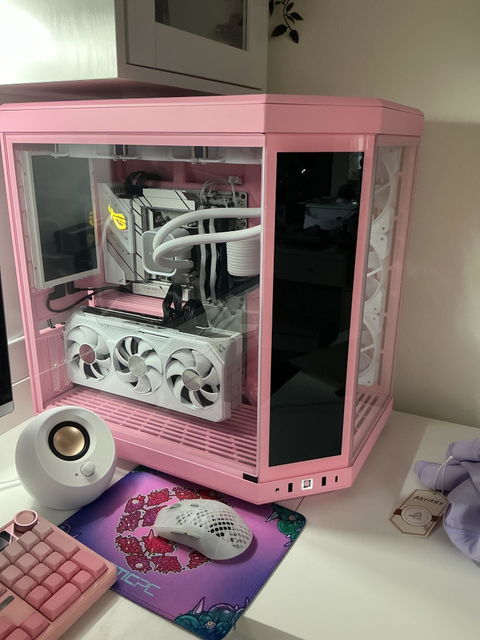
Got the PC on Monday! Had a week and all is great! I love the case and the colors. Everything is operating normally and very smooth! Nice build quality! Thanks!
I have bought a few laptops from XOTIC PC and each time they make it easier and easier to keep coming back. I would definitely buy from them with my next laptop purchases for me and my staff.
The package came super fast, and well packaged. The system is beautiful and can handle any game that I want to play but couldn’t with my old system. It is beautiful inside and out. This is worth every dollar I spent and have been recommending the company to everyone that I have bragged too about the system!
About a year ago I bought a gaming PC from xotic and the experience was so good I reordered almost the exact same thing for my fiance a year later. The order process was simple, the build was fast, and everything shipped in pristine condition. Will definitely shop here again for any upgrades!
Racing sims scale with refresh rate, resolution, and number of displays. Use this guide to pick the right tier—then select a build from the collection that matches (or exceeds) it.
Best for: single 1080p/1440p high-refresh monitor.
Best for: ultra-wide or higher settings at 1440p.
Best for: triple monitors or VR headsets.
Quick answers for FPS targets, triple screens, VR, and rig stability.
Higher FPS improves smoothness and control feel, making steering inputs feel more precise—especially at 144Hz and above.
Often yes. Triple monitors can push more total pixels than a single 4K display, so a stronger GPU helps maintain stable frame pacing.
Yes—VR benefits from GPU headroom and stable thermals. For the smoothest VR experience, choose a higher tier build with a stronger GPU.
For many racing sims, 16GB can work, but 32GB is recommended if you use background apps, overlays, streaming, or run higher detail settings.
Yes. These are standard Windows desktops with strong connectivity for common sim racing peripherals.
XOTIC PCs include a lifetime parts & labor warranty. Full details are on the Warranty Explained page.
Your cart is currently empty.
Start Shopping