Gaming PC Accessories & Peripherals
Upgrade your setup with performance accessories built for gaming — keyboards, mice, headsets, mousepads, and gear. Need help picking the right fit? Our team can recommend accessories based on your games, playstyle, and PC.
- Must-haves: mouse + mousepad, headset, keyboard
- Next upgrades: mic/webcam for comms & streaming, controller for specific games

Quick view 

Quick view $39.00 / 0% APR from $1/mo
 Car Power Inverter 300W

Quick view 

Quick view 
Quick view 

Quick view 
We're here to help.
Need assistance with choosing the right PC? Contact us today. Your performance matters to us.

Quick view 

Quick view 
Quick view 

Quick view 
Quick view 
Quick view 

Quick view 

Quick view $49.00 / 0% APR from $1/mo
XOTIC PC Mortar Mouse


Quick view $19.00 / 0% APR from $0/mo
XOTIC PC Mousepad

Secure Your 1-of-1 Masterpiece
Hyper-limited, custom-themed PCs. Once they sell out, they're vaulted forever.
Claim yours now.
Quick view 
Quick view 
Quick view 

Quick view 
Quick view


Let customers speak for us
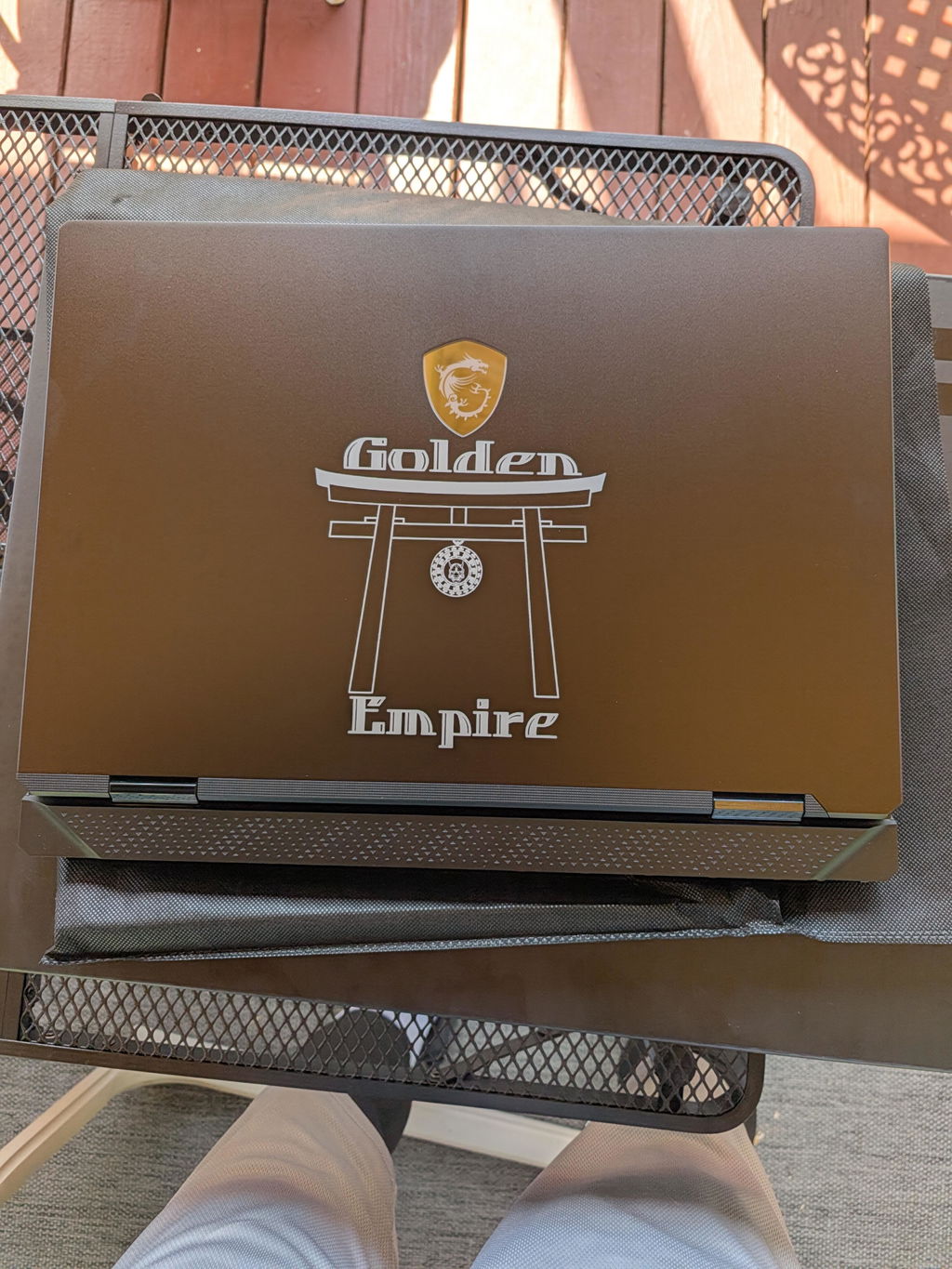
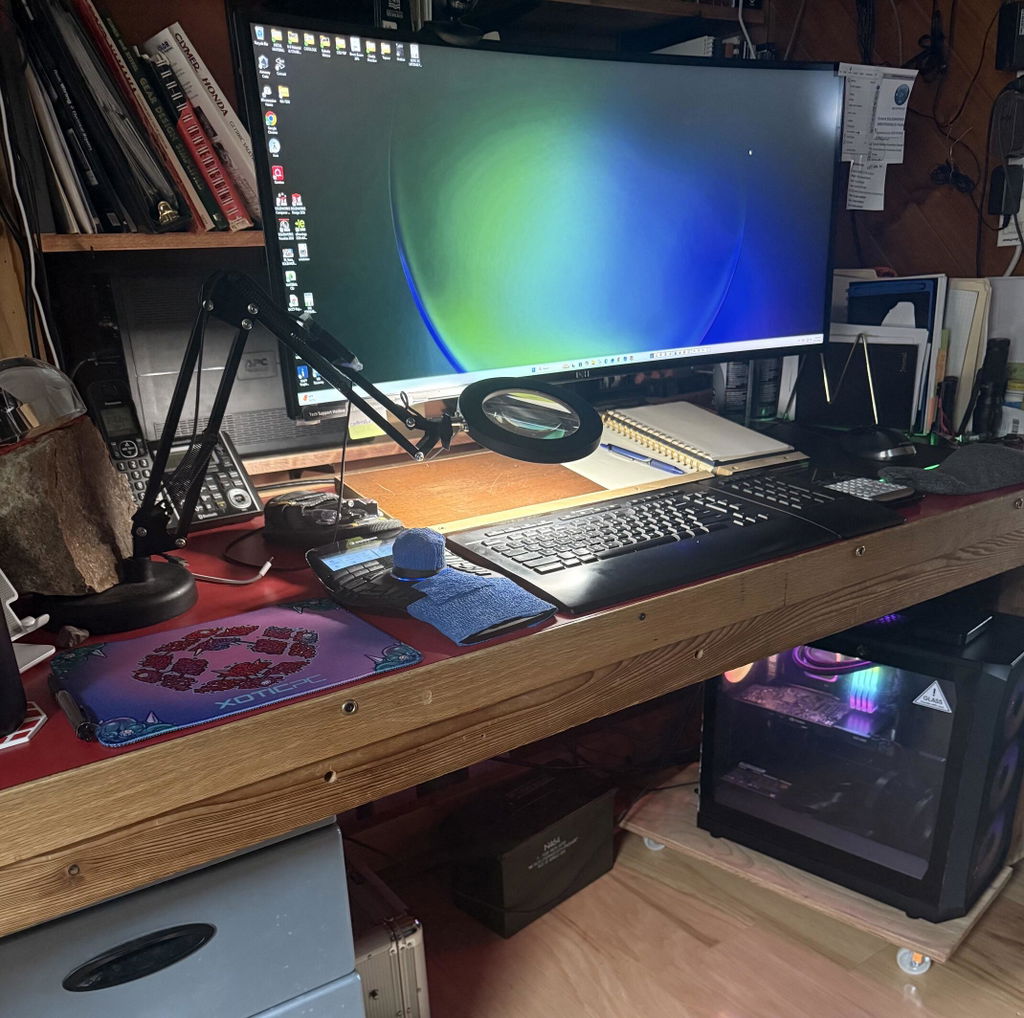
Great communication and willingness to work with with the customer. Super important things that many places seem to get wrong more and more often these days. Something went wrong with the laser etching machine during my build and since I wanted a rush build they were very quick to let me know and offer me very reasonable solutions. When my PC arrived it was in beautiful tip top shape. This is not the first time I've ordered from them and won't be the last!
Fast shipping. Dream pc! Love it. Support is super responsive
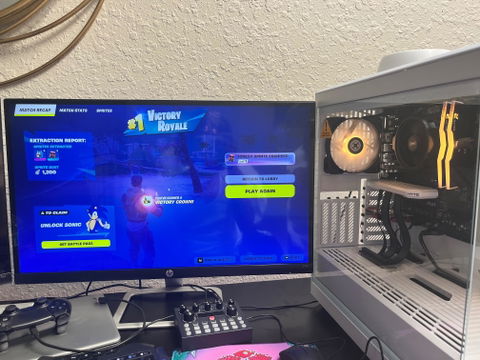
Runs super smoothly no issues at all company really have the clients back wanting everyone to have quality parts and understanding on how to use there build
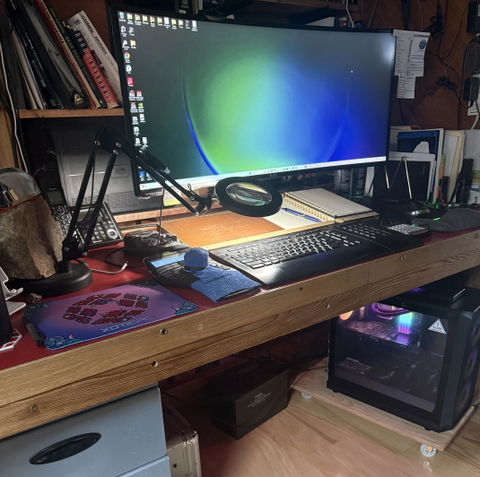
My cad station died, needed a computer fast. These guys helped me pick out what I need at a lower price than other computer builders. They gave me many options options to get the best machine for money value. 5 days I was reloading the new machine and up and running the next day. Project saved! Thanks guys! You have my business!
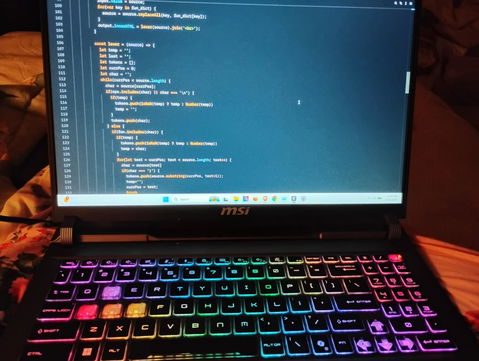
I didn't get this laptop for gaming, but for programming and daily use, but let's be honest, I also got it for gaming. The performance has been beyond expectations. The quality is astounding. Excellent sound quality, no lag, whether I'm using it to edit a Python file or run through Tamriel or watch a movie. I'm all about portability, so I don't have a big monitor, but I have AR glasses, but don't really need them with this 16 inch screen. My only regret is that I couldn't budget for more storage. I'll have to upgrade in the near future, because it didn't take long to load gigs and gigs of content.
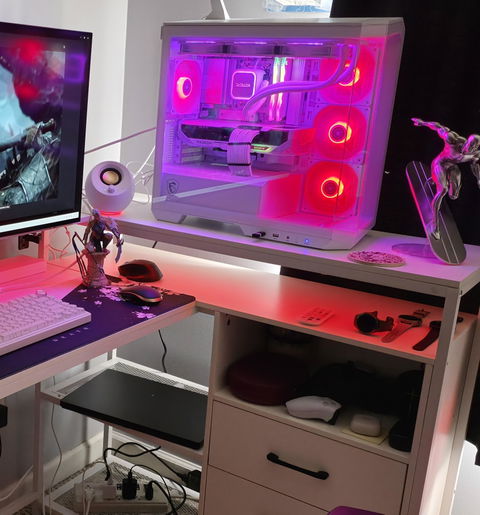
Thank you guys for making me feel welcome and putting all my fears at ease.
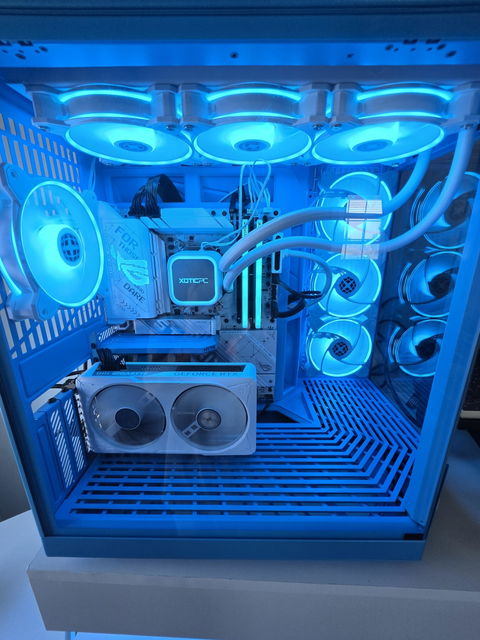
The Hyte Y70 case does not disappoint. The 4k touch display with its insane refresh rate is better than my S26 Ultra. You can setup the display to have multiple screens that you can scroll through after you customize each one. The top and side panels easily pop on and off the case for no tool access. It has so much room for fans! You can fit a 360mm case fan in the bottom no problem, along with a 120mm next to it. Yes, in the bottom the case has space to have fans hidden surrounding your hardware from below, with another inch to inch and a half gap below them to either push or pull air. I opted for the blueberry milk color which looks stellar with Rog Strix 870A mother board, white RTX5060 gpu, white rgb memory cards from T-Force, and white rgb case fans and water cooler. Out of the box it was plug and play. It's assemebled visually perfect including all wiring hidden. No doubt it was peformance tested and tuned upon assembly based on how well it performs from the first start and how much Microsoft b.s. I dont have to deal with. Because I chose upgraded white wiring they included all the factory black wiring for all my hardware still in its original packaging inside the shipping box, which I appreciate. It shipped encased in foam and had custom formed foam inside to protect mainly the gpu from rattling around. The icing on the cake, it arrived in half their average wait time!!! I chose XoticPC because of the reviews, their options available for cases and hardware, and most of all the lifetime warranty; which to me speaks to how they back their product and their customers. After 1 week, the systen they built does not disappont. The setup easily handles the vivid realism details of The Last Of Us, the bright fast flashy sci-fi details of High On Life, and has an insane frame rate for GTA V. All the while I can monitor my systems performance, the time, weather(or many other things), and fun fish or other live emojis and gifs, on the display.
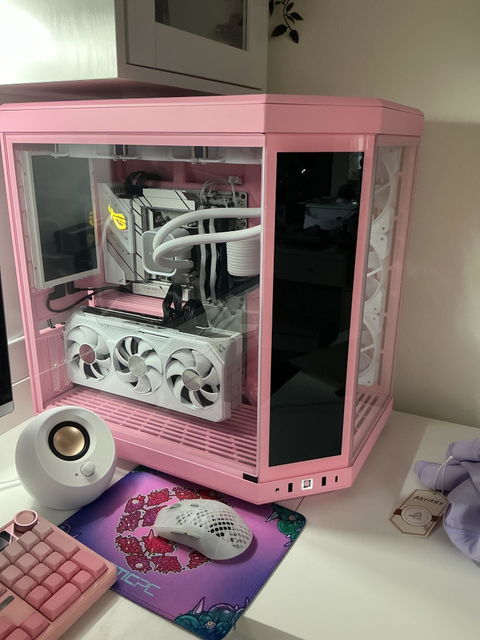
I love my PC it runs great, was built quickly, and I couldn’t be happier.
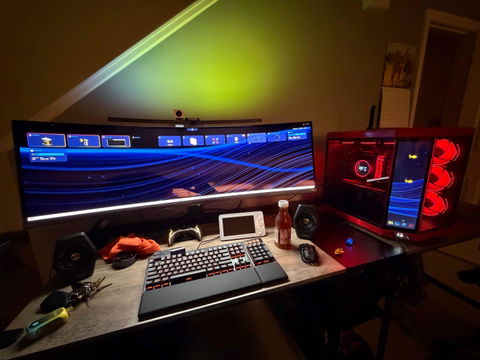
Got the PC on Monday! Had a week and all is great! I love the case and the colors. Everything is operating normally and very smooth! Nice build quality! Thanks!
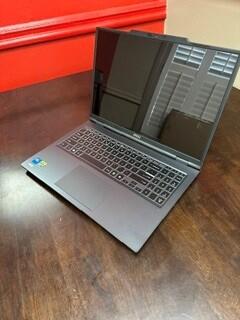
I have bought a few laptops from XOTIC PC and each time they make it easier and easier to keep coming back. I would definitely buy from them with my next laptop purchases for me and my staff.
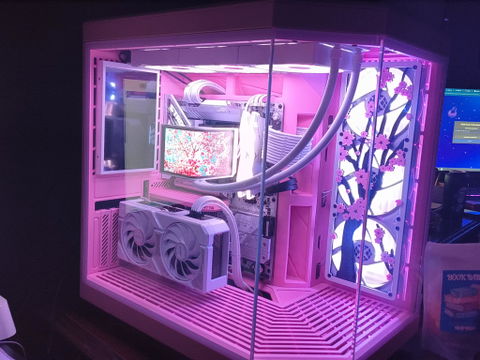
The package came super fast, and well packaged. The system is beautiful and can handle any game that I want to play but couldn’t with my old system. It is beautiful inside and out. This is worth every dollar I spent and have been recommending the company to everyone that I have bragged too about the system!
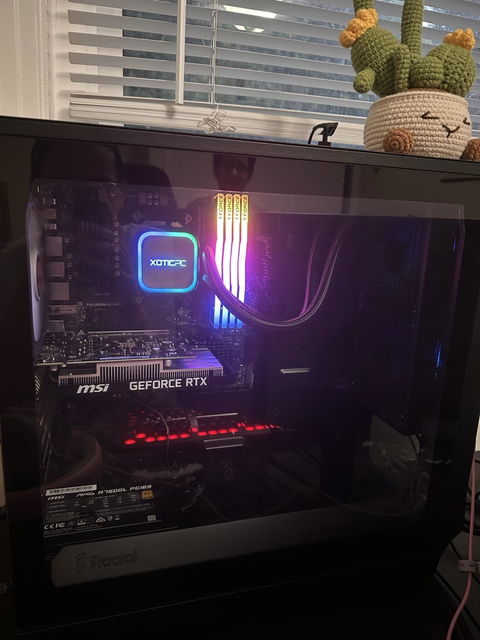
About a year ago I bought a gaming PC from xotic and the experience was so good I reordered almost the exact same thing for my fiance a year later. The order process was simple, the build was fast, and everything shipped in pristine condition. Will definitely shop here again for any upgrades!
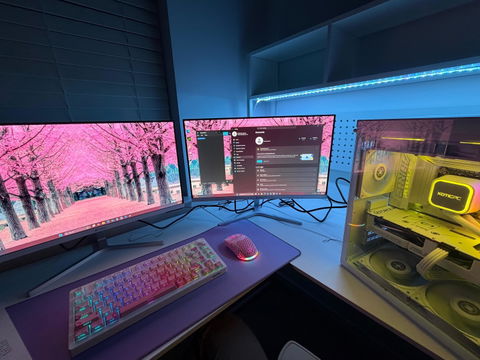
Set up was quick and easy. Customer support was very quick to respond. Runs amazing.
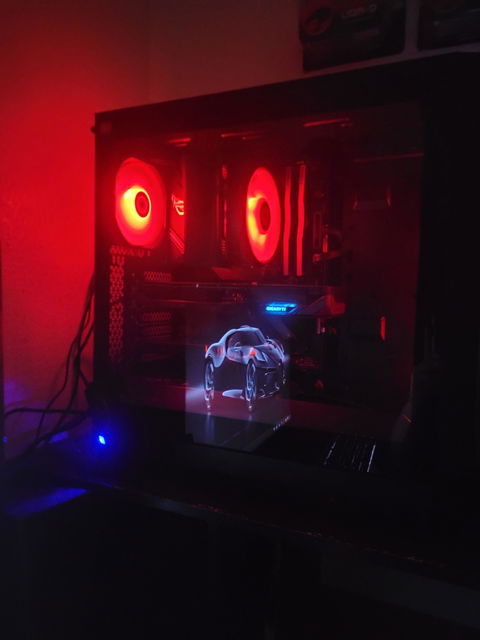
Sleek and good for the game I play
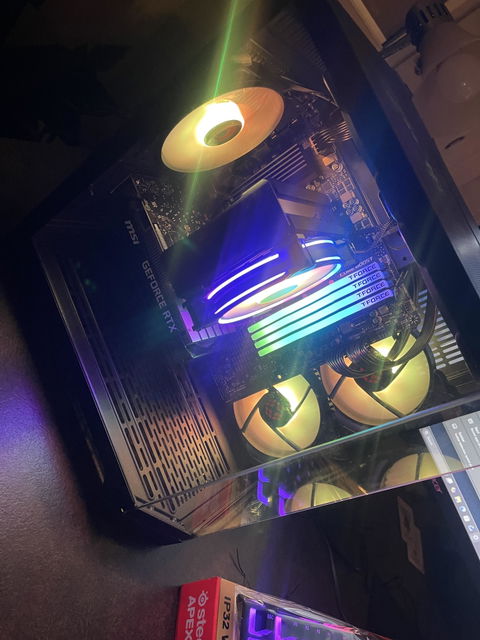
Purchasing this custom PC for my son has been the best decision I have made in a while. XoticPC made the ordering process seamless and provided assistance as needed along the way. Even when a mistake was made by myself it was immediately caught and handled before I was even notified. I would recommend this company to anyone looking to purchase a custom PC. The performance was everything we expected and the warranty puts us at ease with the purchase. I look forward to doing business in the future!
Gaming Accessories FAQs
Quick answers for building a complete PC gaming setup—what to buy first, how compatibility works, and how to choose gear that matches your playstyle.
Start with the essentials: a responsive keyboard and mouse, a comfortable headset, and a quality mousepad. From there, upgrade based on your games and goals (competitive FPS, immersion, streaming, or productivity).
A solid “complete setup” checklist usually includes:
- Keyboard + mouse (or controller if you prefer)
- Headset (or speakers + mic)
- Mousepad / desk mat
- Webcam / microphone (optional for streaming or calls)
- USB hub / cable management (optional but helpful)
Most accessories are universally compatible with modern PCs via USB, wireless dongle, Bluetooth, or 3.5mm audio. If you’re unsure about a specific product or connection type, our team can confirm compatibility before you order.
“Gaming peripherals” usually refers to input and audio gear (keyboards, mice, headsets, controllers). “PC accessories” is broader and can include setup gear like mousepads, hubs, mounts, lighting, and other add-ons.
Wired is simple and consistent with no charging. Wireless gives you a cleaner desk setup and more freedom of movement. For competitive play, modern low-latency wireless is excellent—just make sure you have a reliable charging routine.
Focus on switch feel (linear/tactile/clicky), size (full/TKL/60%), and build quality. Competitive players often prefer faster actuation and a compact layout, while creators may want dedicated keys and a numpad.
Prioritize shape/comfort, weight, sensor quality, and the grip style you use. For FPS, lightweight mice and consistent tracking help. For MMO/MOBA, extra buttons can be a big advantage.
We periodically run promotions and curated bundle options. If you’re building a full setup, ask our team and we’ll point you to the best-value combinations currently available.
Yes—accessories are a great add-on when ordering a new system. We can help you choose gear that matches your games, your monitor, and your preferred playstyle so your setup feels “complete” on day one.
Accessories are covered by their manufacturer warranty. If you ever run into an issue, we’ll help point you to the right support path.