

Build Your Ultimate Future-Proof Gaming PC: Master Components and Upgrades
By Andrew E., XOTIC PC
In the world of gaming, having a future-proof PC is essential to enjoy the latest titles and advancements in technology. This guide is designed to help you navigate the critical components and technology considerations necessary to build a high-performance gaming rig that can stand the test of time. Readers will discover essential hardware choices that contribute to longevity, performance boosts that keep pace with evolving game requirements, and tips to maintain and upgrade their system effectively. The article will cover key components, compatibility concerns, and the importance of staying updated on emerging technologies. By the end, you’ll have a comprehensive understanding of how to create a future-proof gaming PC and why choosing a service like XOTIC PC can enhance your experience. For those looking to understand PC building in depth, resources on key components are crucial.
Which Core Components Power a Future-Proof Gaming PC?
Building a gaming PC involves selecting components that not only meet your current gaming needs but also provide room for future upgrades. The main factors to consider include the CPU, GPU, RAM, storage, and motherboard. Each of these parts plays a critical role in your system's performance and its capability for handling increasingly demanding games.
How to Choose the Best CPU and GPU for Longevity
Choosing the right CPU and GPU is foundational to creating a future-proof gaming PC. A powerful CPU can significantly enhance game performance, with top brands like Intel and AMD offering options that excel in longevity. Look for CPUs with multi-core processing capabilities and high clock speeds. On the GPU side, selecting models that support ray tracing and AI-driven performance boosts ensures that your rig will be ready for demanding graphics in upcoming titles. Selecting options like NVIDIA’s RTX series or AMD’s RX line will future-proof your system for years to come. Understanding the nuances of CPU vs GPU can also guide your selection.
What RAM and Storage Options Boost Performance and Future-Proofing?
When considering RAM, opting for DDR5 technology provides faster speeds and improved bandwidth, which can greatly affect game performance and load times. Look for configurations that offer at least 16GB, with 32GB being ideal for future-proofing. In terms of storage, using SSDs instead of traditional HDDs enhances speed and efficiency. NVMe SSDs offer the fastest data transfer rates and should be prioritized for game installations, ensuring your system can handle the increasing file sizes of modern gaming. Fast NVMe SSDs are key for rapid game loading.
How Does Compatibility Impact Your Custom Gaming PC Build?
Compatibility between components is essential to avoid bottlenecks and ensure optimal performance. Always check the socket type of the CPU to ensure it matches the motherboard, and ensure the GPU fits physically in your case while providing enough power to operate. Additionally, proper alignment of RAM speeds with motherboard capabilities is crucial for achieving maximum system performance. Conduct thorough research on community forums and compatibility check tools to maintain seamless integration throughout your build.
Which Motherboards Match Latest CPUs and Support Future Upgrades?
When choosing a motherboard, look for options with support for the latest chipsets, which allow for future upgrades without necessitating a complete rebuild. Brands like ASUS and MSI offer motherboards with built-in support for upcoming technology such as PCIe 5.0, which enables higher bandwidth for graphics cards and storage solutions. Selecting a motherboard with multiple expansion slots is beneficial for long-term upgrades, ensuring that your system can adapt to future gaming trends.
How to Balance Power Supply and Cooling for Stable Performance?
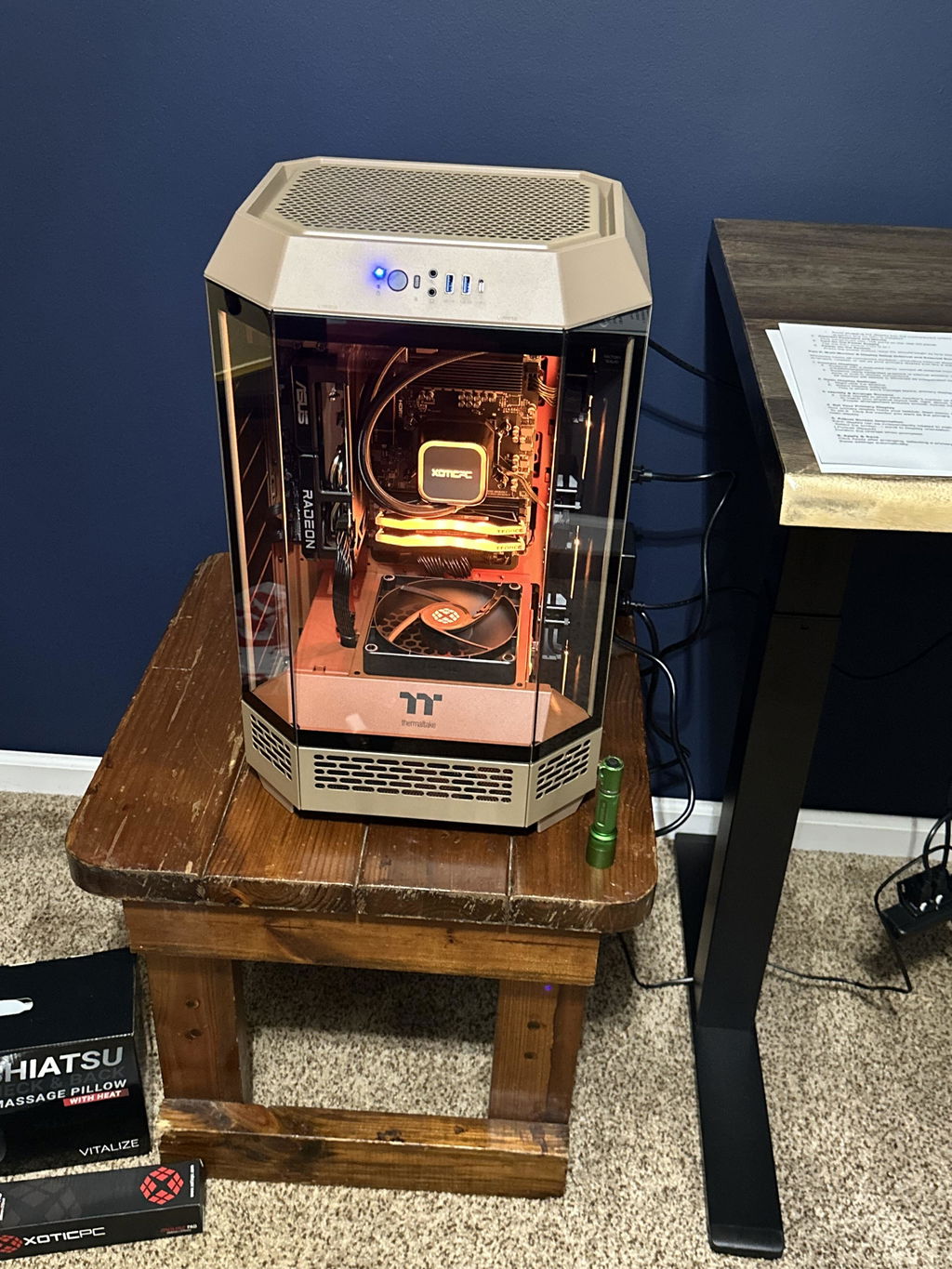
Effective cooling systems are critical to maintaining performance and lifespan in high-performance gaming PCs. A well-rated power supply is equally important, providing consistent power without fluctuation. Look for units rated at least 80 Plus Gold for efficiency. Additionally, consider liquid cooling solutions for CPUs and GPUs to enhance thermal management, reducing the risk of overheating during extended gaming sessions. Effective thermal performance ensures that your components can operate at peak capabilities without throttling.
What Upgrade Tips Keep Your High-Performance Gaming Rig Ahead?
To keep your gaming rig performing its best, consider upgrades strategically. Start with the GPU, as this typically delivers the most immediate performance boost in gaming. Follow this with memory upgrades if you plan to multitask or play memory-intensive games. Regularly clean your system to remove dust buildup, which can hinder airflow and cooling efficiency. Lastly, keep an eye on emerging gaming advancements to anticipate the need for future upgrades based on evolving game technology.
When and How to Upgrade GPUs and CPUs Without Rebuilding?
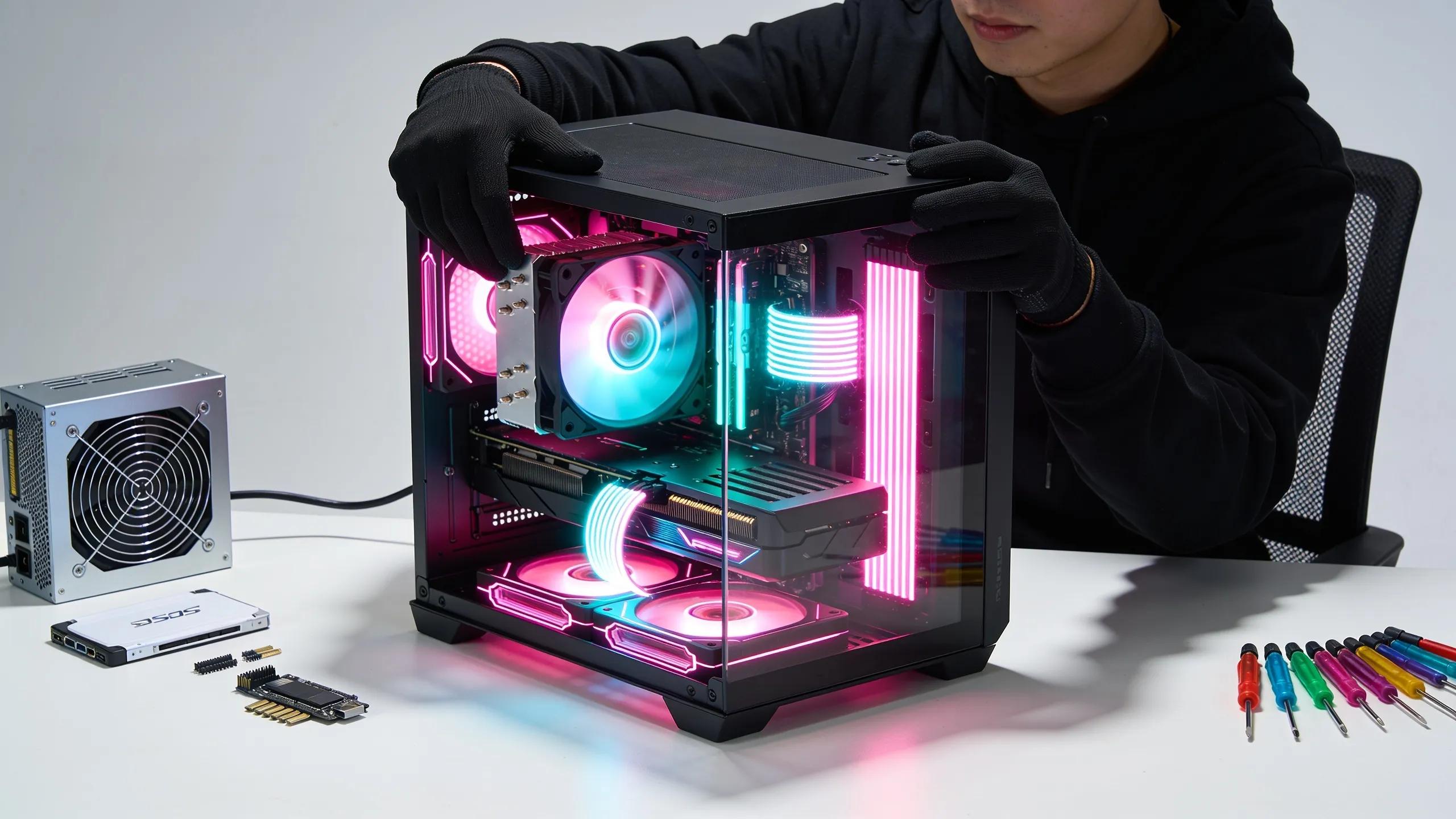
Upgrading GPUs and CPUs can sometimes be done without a complete rebuild, especially when using modular components. To perform such upgrades, start by researching compatibility with your current motherboard and power supply. Carefully uninstall the old GPU or CPU, applying thermal paste correctly when installing new components. Following manufacturer instructions will ensure that your upgrades are successful without necessitating extensive system downtime.
Why Monitoring Emerging Tech like PCIe 5.0 and DDR5 Matters?
Staying informed about emerging technologies, such as PCIe 5.0 and DDR5, is crucial for future-proofing your gaming PC. PCIe 5.0 doubles the bandwidth of its predecessor, offering faster data transfer rates that cater to high-end GPUs and SSDs. Similarly, DDR5 enhances memory speeds and efficiency, ensuring that your system can handle advanced gaming and multitasking scenarios. Keeping abreast of these technologies equips you with the knowledge needed to make informed decisions about upgrades and component purchases.
Why Choose XOTIC PC’s Custom Build Services for Future-Proof Gaming?
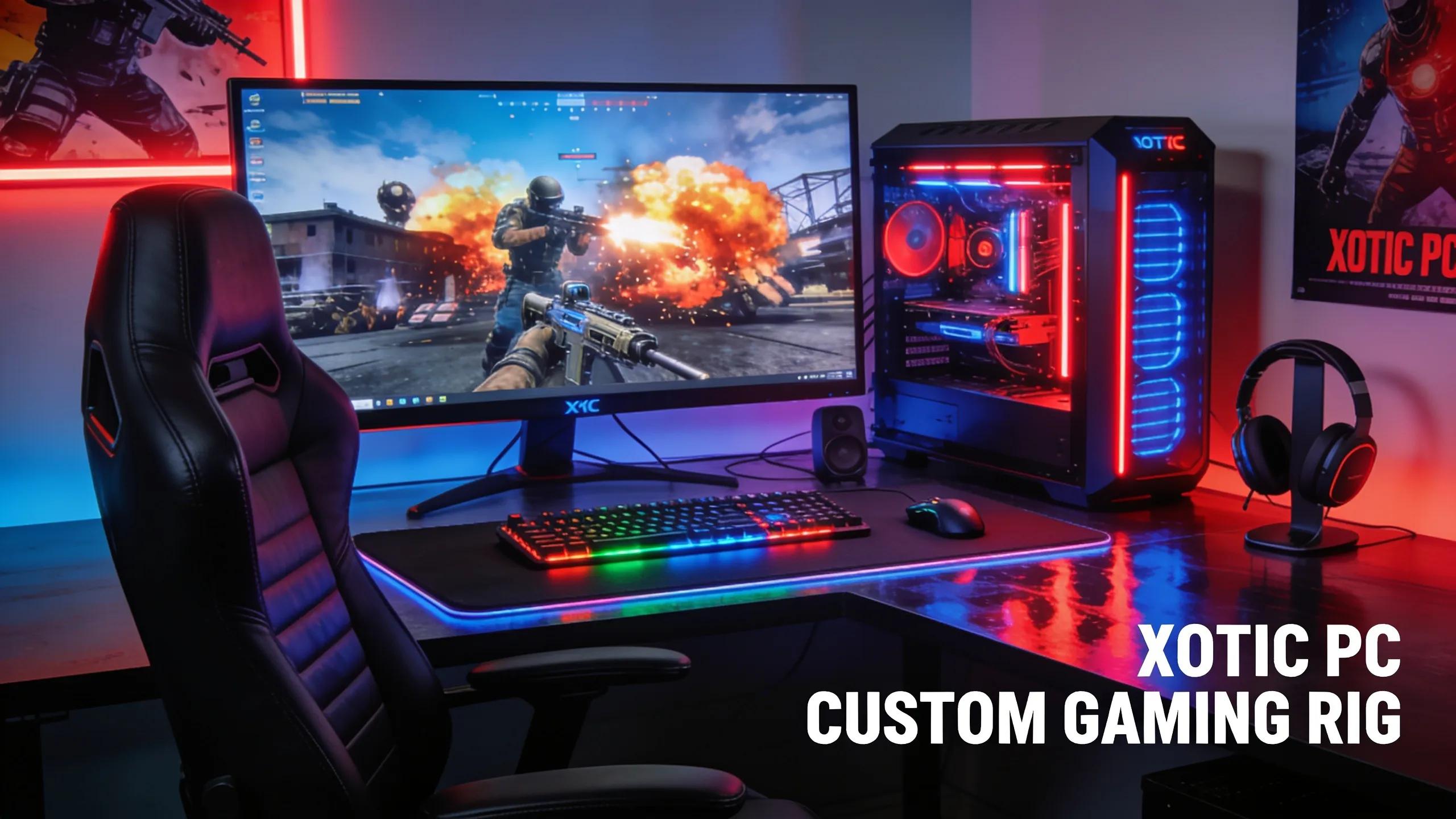
XOTIC PC specializes in providing tailored gaming solutions that align with future hardware trends and gamer preferences. Their in-depth understanding of component capabilities allows for optimized builds that maximize performance and longevity.
How Expert Assembly and Component Selection Maximize Your PC’s Lifespan
With a focus on quality and performance, XOTIC PC ensures that every component is carefully selected for not just current performance, but lasting durability. Their expert assembly process incorporates best practices in cooling and thermal management, ensuring that components operate within safe temperature ranges. This attention to detail significantly extends the lifespan of your gaming rig, making it a wise choice for any gamer looking to invest in their system. Considering a professional service can simplify the process of achieving optimal PC longevity.
What Interactive Tools and Support Boost Your Custom Build Experience?
XOTIC PC offers a variety of interactive tools and customer support features to enhance your building experience. From comprehensive component configurators to knowledgeable customer service representatives, they provide the resources necessary to create the ultimate gaming rig tailored to your specific needs and preferences. Engaging with their community also allows for insights and recommendations that can guide your build decisions effectively.