

Future-Proof Your Gaming PC With Custom Builds: Unlock Peak Performance Now
By Andrew E., XOTIC PC
Creating a gaming PC that stands the test of time is crucial for both serious gamers and content creators. A future-proof gaming PC not only utilizes the best available technology but also allows for easy upgrades as new components become available. This article will guide you through the essentials of building a custom gaming PC, focusing on hardware selection, optimization techniques, and considerations for future upgrades. It addresses common challenges, such as component compatibility and performance longevity. With the right knowledge, you can design a system that offers peak performance and adapts to evolving gaming demands over time.
Hardware Selection
When building a gaming PC, selecting the right hardware is paramount to ensure both current performance and future longevity. Key components include the central processing unit (CPU), graphics processing unit (GPU), RAM, and storage devices. Each of these components plays a vital role in system performance and future upgradeability.
CPU Selection: Choose a processor that balances power and efficiency. Options like the Intel Core i5 or AMD Ryzen 5 provide excellent performance for gamers and creators.
GPU Investment: Investing in a high-quality graphics card is critical. The NVIDIA RTX series offers cutting-edge visuals and performance capabilities, ideal for modern gaming.
RAM and Storage Needs: Aim for at least 16GB of RAM to maintain smooth performance. As for storage, SSDs are recommended for faster load times compared to traditional hard drives.
In addition to these essential selections, XOTIC PC specializes in custom-built, high-performance gaming PCs that incorporate these components, allowing for significant customization tailored to your specific gaming needs.
Cooling Strategies
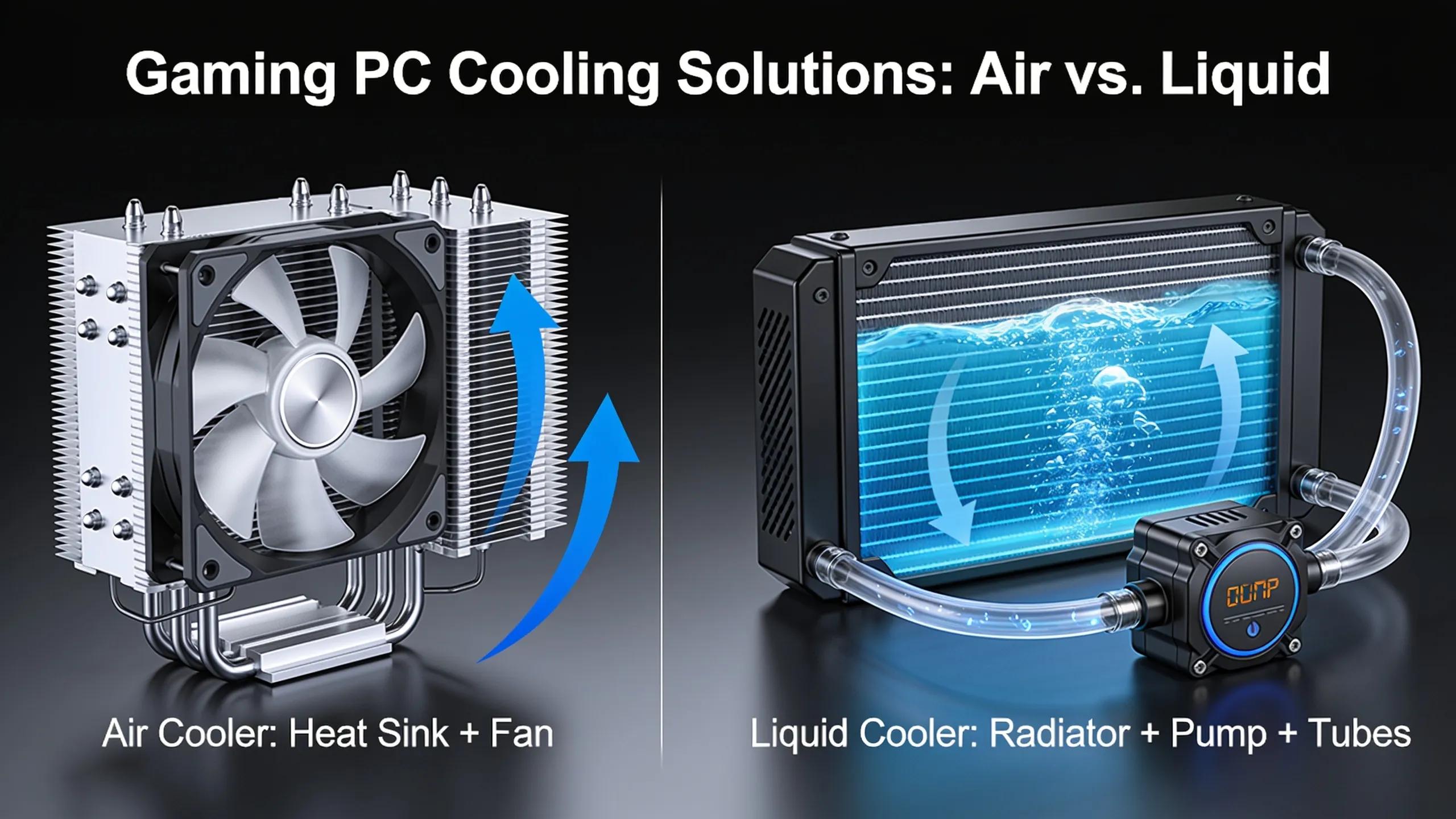
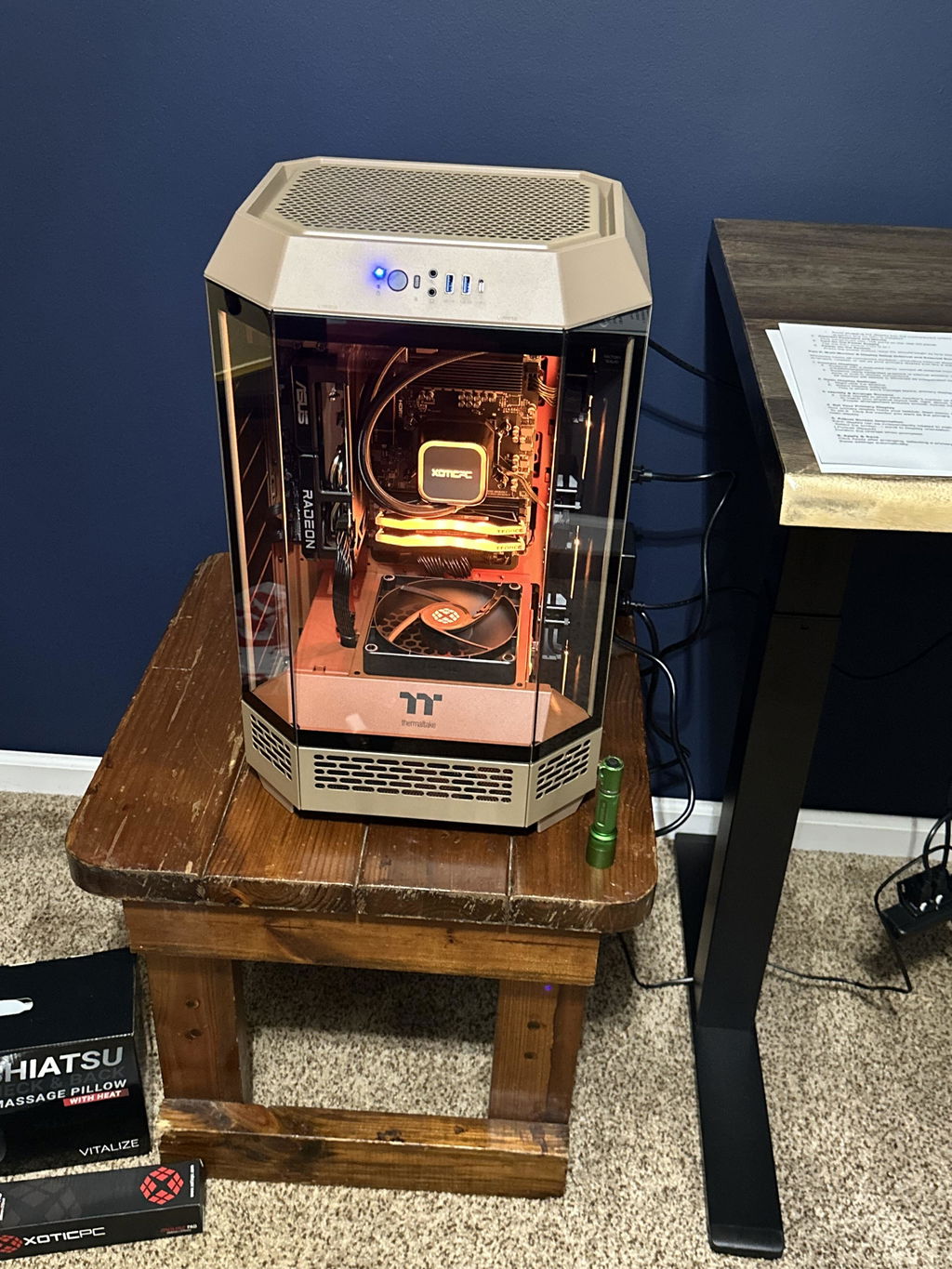
Maintaining optimal temperatures is essential for the stability and longevity of your gaming PC. Effective cooling solutions such as air cooling and liquid cooling are crucial. Air cooling systems are generally more straightforward, while liquid cooling setups can provide better temperature management under heavy loads.
Upgrade Considerations
When building your future-proof gaming PC, considering future upgrades is key. Select components that are easily upgradable, and keep an eye out for manufacturers offering upgrade policies. XOTIC PC's configurator tool can also assist you in customizing your PC with future upgrades in mind, ensuring a lasting investment in high performance.
What Defines a Future-Proof Custom Gaming PC?
A future-proof custom gaming PC is characterized by several key components that collectively enhance its longevity and performance.
Robust CPU and GPU: The CPU and GPU are the heart of any gaming PC. Prioritize models that have a history of strong performance and support for future technologies.
Sufficient RAM: A minimum of 16GB RAM is essential, with the option to upgrade as needed.
Benefits of SSDs: Utilizing Solid State Drives significantly enhances speed and system responsiveness while providing ample storage for games and applications.
These definitions help in understanding what components are essential for building a machine that can adapt to new gaming environments and demands.
Which Components Maximize Longevity and Power?
To ensure the maximum longevity and power of your gaming PC, consider the following components:
High-Performance CPUs: Invest in processors known for their durability and upgrade potential, such as those from the AMD Ryzen series.
Quality GPUs: Choose graphics cards that are not only powerful but also have a strong reputation for lasting performance under pressure.
SSD Technology: Solid State Drives provide faster read/write speeds and lower failure rates compared to traditional hard drives, contributing to overall system longevity.
Focusing on these components will greatly extend the life cycle of your gaming PC and enable it to handle advancements in gaming technology more effectively.
How Does Customization Boost Your Gaming Edge?
Customization enables gamers to tailor their systems according to personal preferences and gameplay style. By selecting specific components, users can optimize their builds for performance in various gaming genres. For example, strategy gamers may prioritize processing power while first-person shooter enthusiasts might require higher graphics fidelity.
XOTIC PC's custom builds offer a range of options, allowing gamers to configure their PCs with the finest quality components and assemblies.
How to Choose High-Performance Components That Last
Selecting components that ensure high performance over time involves several considerations:
Powerful CPUs and GPUs: Opt for models with high benchmarks in gaming performance.
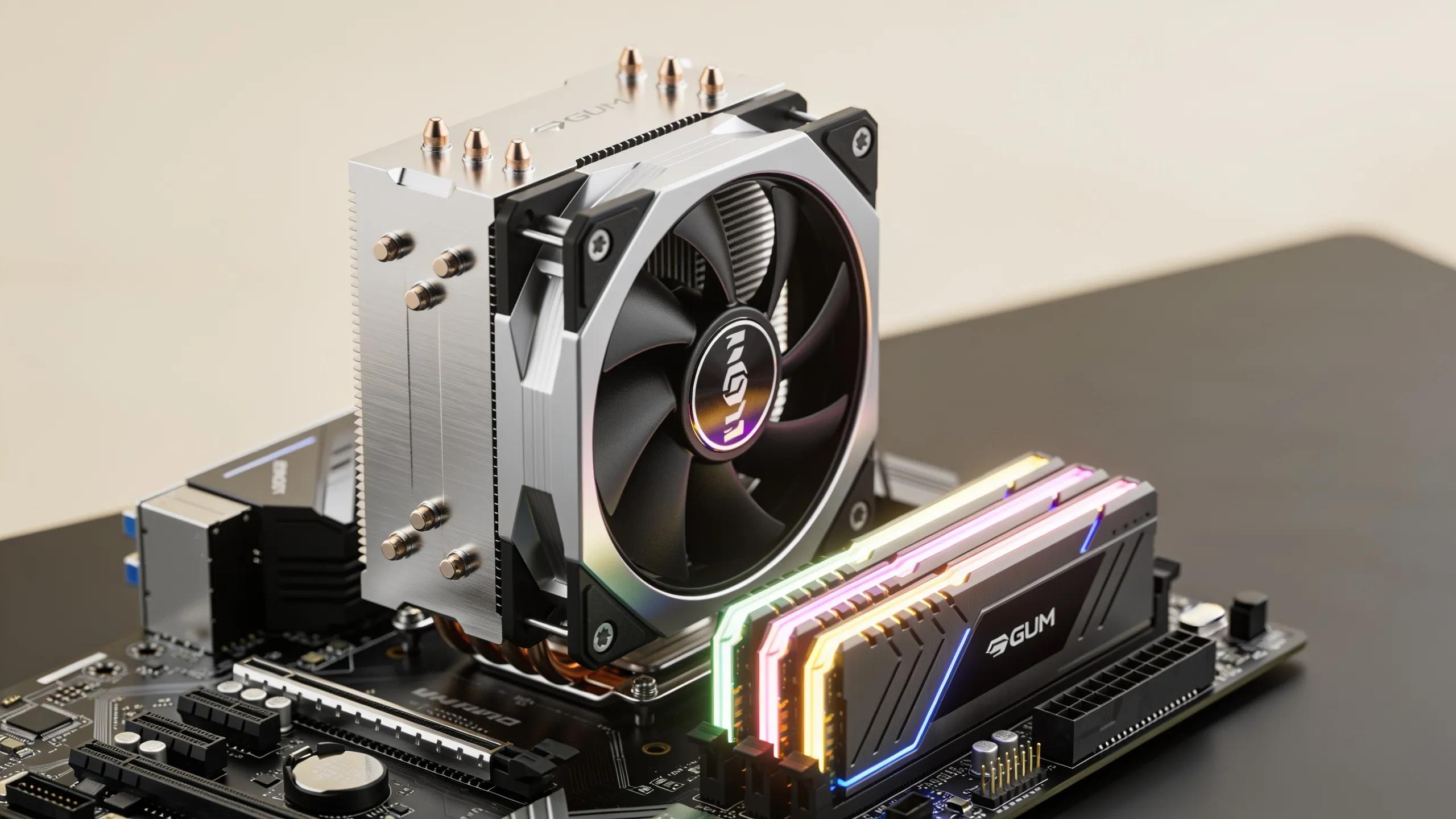
Cooling Solutions: Advanced cooling systems, such as liquid cooling, will help maintain optimal temperatures and enhance component life.
Compatibility Checks: Always ensure all components are compatible with each other and the motherboard to prevent any performance bottlenecks.
By focusing on these guidelines, you can build a PC that remains at the forefront of gaming technology.
What Cooling Strategies Keep Your Build Stable and Efficient?
Keeping your PC cool is essential for ensuring long-term performance. Effective cooling strategies include:
Air Cooling: Simple and effective, air cooling systems utilize fans and heat sinks to dissipate heat.
Liquid Cooling: More advanced setups that often result in lower temperatures and quieter operation.
These strategies play a critical role in maintaining the optimal performance of your gaming PC.
Air Cooling vs Liquid Cooling: Which Wins for Longevity?
Both air and liquid cooling methods have their advantages and disadvantages.
Air Cooling Advantages: Generally easier to install and maintain.Reliable under typical gaming loads.
Liquid Cooling Benefits: More effective at dissipating heat, especially under high-performance conditions.Quieter operation due to lower fan speeds.
Considering these factors will help you select the right cooling strategy for your gaming environment.
How Does Cooling Impact Upgrade Potential and Stability?
Effective cooling systems not only enhance the performance of your gaming PC but also contribute significantly to its upgrade potential and stability. Proper cooling ensures that high-performance components operate within safe temperature ranges, allowing for better overclocking and longer lifespans. The ability to maintain stable temperatures reduces the risk of hardware failure, making future upgrades more feasible.
Where to Start: Building Your Custom Future-Proof Gaming PC Today
To start building your custom future-proof gaming PC, consider the following essential components:
CPU: Begin with a processor that offers robust performance.
GPU: Invest in a graphics card that can handle current and future gaming demands.
RAM and Storage: Ensure enough memory and fast storage solutions for optimal performance.
Preparing a workspace with the right tools and following assembly instructions will set you on the path to a successful custom build.
How to Use a Configurator Tool to Tailor Your Setup
Utilizing a configurator tool is an excellent way to personalize your gaming PC build. With XOTIC PC's configurator, you can select the best components that suit your gaming style and future upgrade paths. This tool simplifies the customization process, ensuring all parts work seamlessly together.
What Are the Key Upgrade Paths to Extend Your PC’s Lifespan?
Identifying the right components for future upgrades is essential for extending the lifespan of your gaming PC. Key areas to focus on include:
CPU and GPU Upgrade Paths: Look for motherboards that support future-generation CPUs and graphics cards.
RAM and Storage Upgrades: Ensure that your system can handle additional RAM and larger or faster storage solutions.
Choosing Compatible Components: Always verify compatibility to ensure future upgrades can be executed smoothly without performance issues.
By following these guidelines and making informed decisions, your gaming PC will not just meet current demands, but also grow with the gaming industry for years to come.