

Choose Current Gaming PC Components: Expert Compatibility & Build Advice
Building a gaming PC in 2026 isn't about grabbing the priciest part in every category — it's about making every component pull its weight together.
Modern platforms deliver serious performance, but they also throw more variables into the mix. CPU socket support, PCIe lane allocation, DDR5 memory topology, GPU power requirements, NVMe generations, cooler dimensions, and motherboard expansion can all make or break how a system actually performs.
That's what makes PC component selection a true balancing act.
Pair a high-end graphics card with an underpowered processor, and you'll leave performance on the table in CPU-heavy games. Load up on motherboard features you'll never touch. Cram in four sticks of fast DDR5, and you may struggle to hit the speeds two larger modules would nail with ease. Even a power supply that technically clears the wattage bar can still fall short for a high-power GPU if it lacks the right connectors or transient-response muscle.
This [gaming PC](https://xoticpc.com/pages/zip) parts guide cuts through the noise — showing you how to choose compatible components, dodge common mismatches, and build a system engineered around the performance you actually want.
1. System Balancing Fundamentals
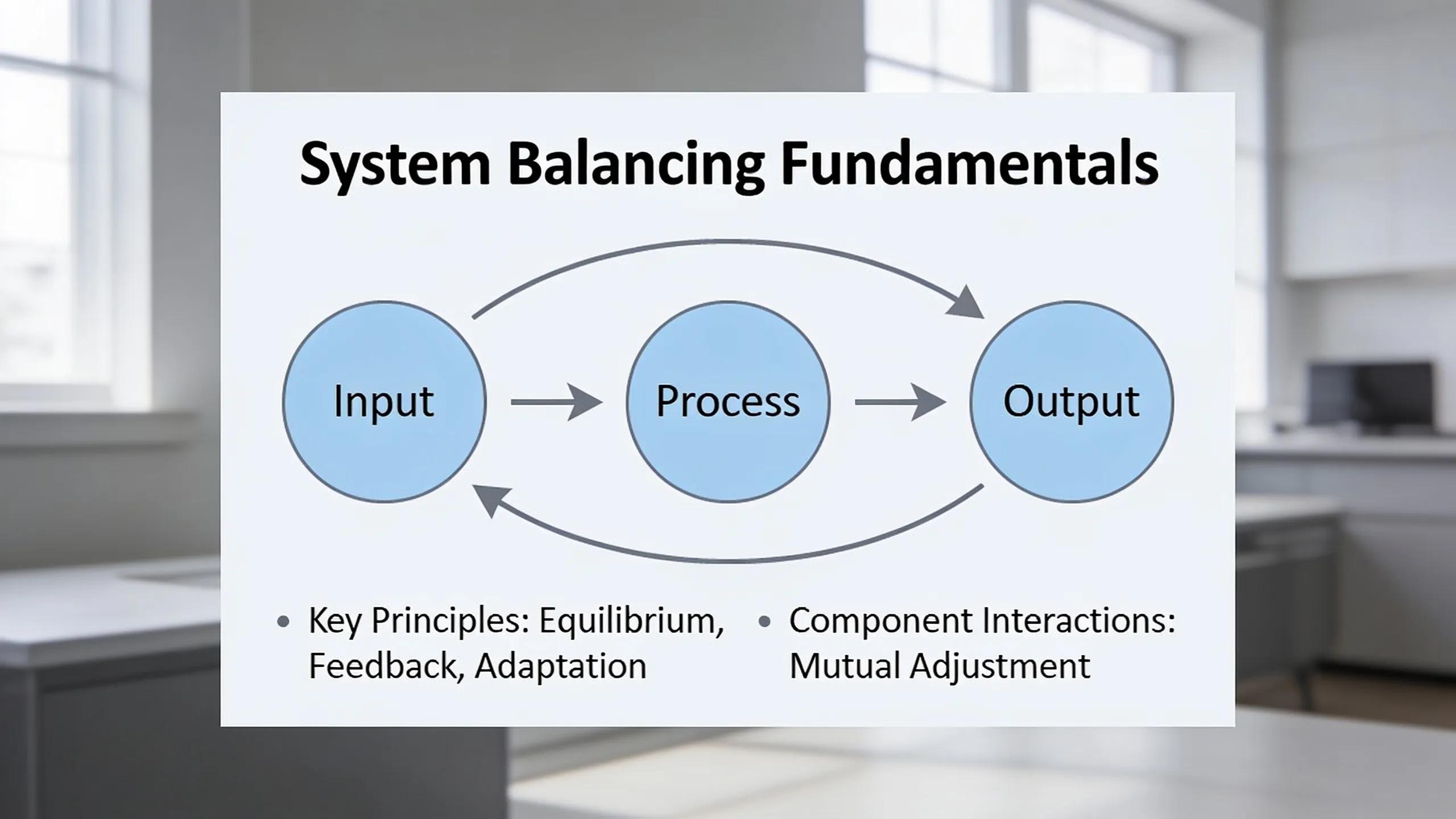
The idea of a perfectly "bottleneck-free" PC is a myth.
Every computer has a limiting component somewhere in the chain — the real question is whether that limit lands exactly where you want it to.
Start With Resolution, Refresh Rate, and Games
Your monitor and your gaming goals should drive your component choices — before you even start comparing individual CPU or GPU models.
1080p high-refresh gaming: CPU performance takes center stage when you're chasing 240 FPS, 360 FPS, or beyond. Competitive titles can generate frames fast enough that the processor becomes the bottleneck.
1440p gaming: This tier is typically more GPU-intensive, but it still rewards a strong gaming CPU — balanced CPU and GPU spending matters most here.
4K gaming: The graphics card carries the heavy lifting. Putting extra budget toward the GPU pays off more than chasing the fastest CPU on the shelf.
And remember: the same hardware performs differently depending on the game. Competitive shooters, simulation titles, strategy games, MMOs, and heavily modded games can hit the CPU far harder than graphically demanding single-player titles.
Think in Performance Tiers
For most gaming builds, here's a solid starting framework:
| Gaming Goal | CPU Priority | GPU Priority |
|---|---|---|
| 1080p / 60-144 FPS | Moderate | Moderate |
| 1080p / 240 FPS+ | High | Moderate to High |
| 1440p / High Refresh | High | High |
| 4K / High Settings | Moderate to High | Very High |
| Gaming + Streaming | High | High |
| Gaming + Creation | Very High | High to Very High |
Steer clear of dramatically mismatched components unless you've got a specific reason to go that route.
Dropping an enthusiast-class GPU into a system with an entry-level processor might make sense for GPU compute workloads, for example — but it's rarely the most efficient setup for gaming.
Bottlenecks Are Not Just CPU vs. GPU
A truly balanced system accounts for more than just CPU vs. GPU:
- System memory capacity and latency
- PCIe lane availability
- SSD interface bandwidth
- VRM and motherboard power capability
- CPU cooling
- GPU cooling and case airflow
- Power supply capacity
- Display resolution and refresh rate
That's exactly why PC compatibility deserves a whole-system evaluation — not just a checklist of individually compatible parts.
2. Core Processor & Graphics Pairing
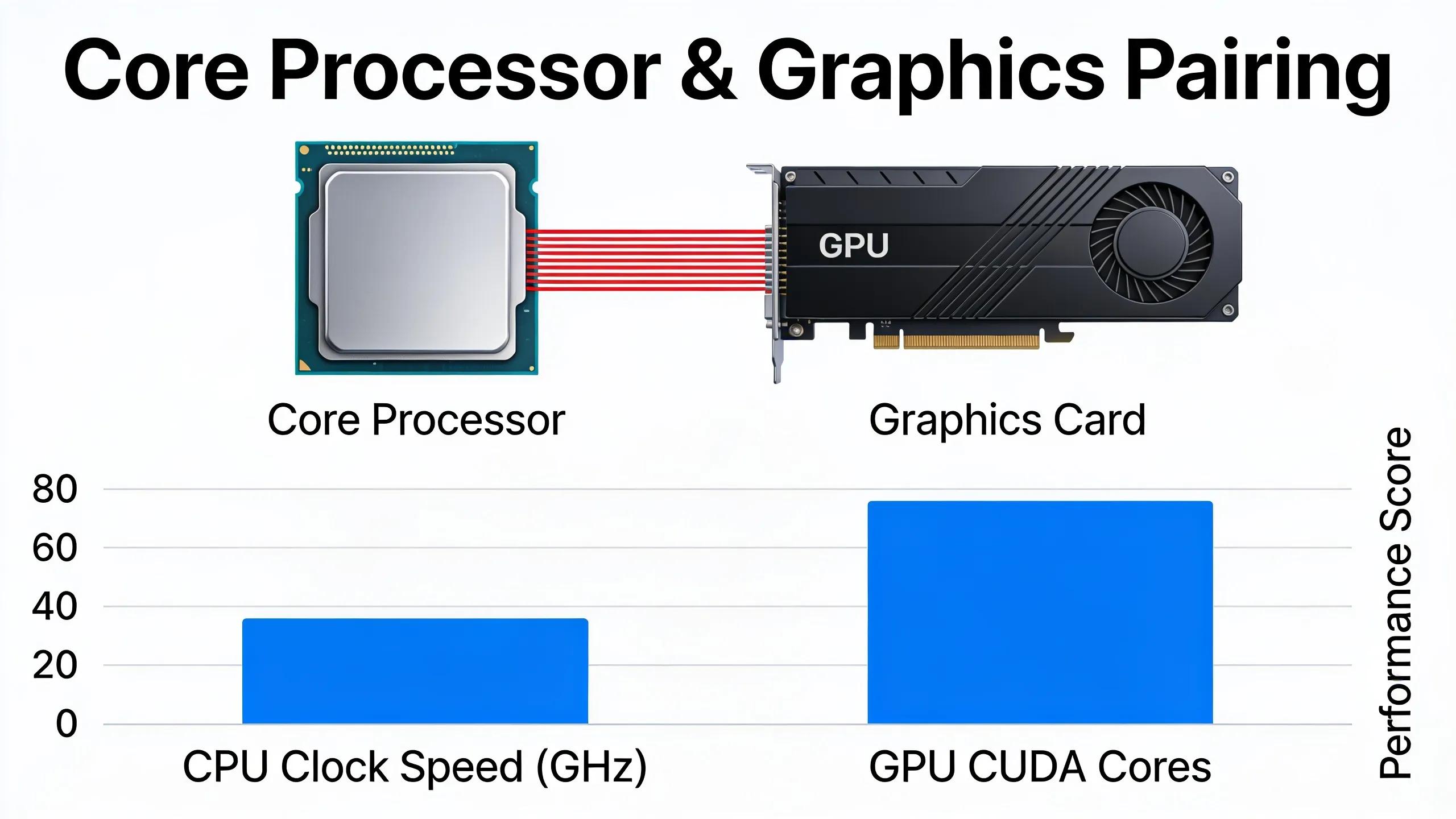
Modern CPU GPU compatibility is usually simple on the electrical side — but getting components that physically connect is only step one.
Current CPU Platforms in 2026
AMD's Ryzen 9000 family still runs on the AM5 platform, including the gaming-focused Ryzen 9000 X3D processors. Ryzen 9000 desktop processors support DDR5 and PCIe 5.0, and AM5 backs it all up with a broad motherboard ecosystem — from budget-friendly B-series boards to enthusiast X870 and X870E models.
Intel's current desktop lineup includes the Core Ultra 200S and the newer Core Ultra 200S Plus processors introduced in 2026. Core Ultra 200S Plus processors run on the LGA1851 platform and Intel 800-series motherboards. Intel's 270K Plus and 250K/KF Plus also push officially supported memory speeds up to DDR5-7200 in supported one-DIMM-per-channel configurations.
Current Gaming GPU Platforms
The current discrete gaming market is led by NVIDIA's GeForce RTX 50 Series and AMD's Radeon RX 9000 Series.
Don't just grab the fastest GPU your budget allows — weigh:
- Target resolution
- Desired refresh rate
- Ray tracing expectations
- VRAM capacity
- Upscaling technologies
- Streaming or encoding requirements
- Productivity workloads
- Power consumption
- Physical card dimensions
For gaming-first systems, the GPU usually deserves the biggest slice of your performance budget, especially at 1440p and 4K.
Do PCIe Generations Need to Match?
No.
A PCIe 5.0 motherboard doesn't demand a PCIe 5.0 graphics card, and a newer GPU doesn't force you onto the newest motherboard generation either.
PCI Express is built for cross-generation compatibility — a compatible card and slot simply negotiate the fastest speed both can handle.
PCIe 5.0 doubles the signaling rate of PCIe 4.0, jumping from 16 GT/s per lane to 32 GT/s per lane, but don't confuse raw interface bandwidth with real-world gaming performance.
For most builders, the questions that actually matter are:
- Does the primary GPU slot receive the correct number of CPU-connected lanes?
- Does installing another M.2 drive reduce the GPU slot from x16 to x8?
- Does the motherboard share lanes between expansion slots?
- Are any M.2 sockets disabled when certain SATA or PCIe devices are installed?
Motherboard manuals often spell out lane-sharing tables for exactly this reason — check yours before you buy.
Do Not Pair CPUs by GHz Alone
Clock speed works fine when comparing closely related processors, but it's a weak universal yardstick for gaming performance.
A 5.5 GHz processor isn't automatically faster than a 5.2 GHz chip built on a different architecture.
Cache design, instructions per clock, memory latency, core architecture, scheduler behavior, game optimization, and specialized features like AMD 3D V-Cache can all tip the scales.
Choose processors based on real application and gaming performance — not by comparing advertised boost clocks in isolation.
3. Motherboard Chipsets & Power Delivery
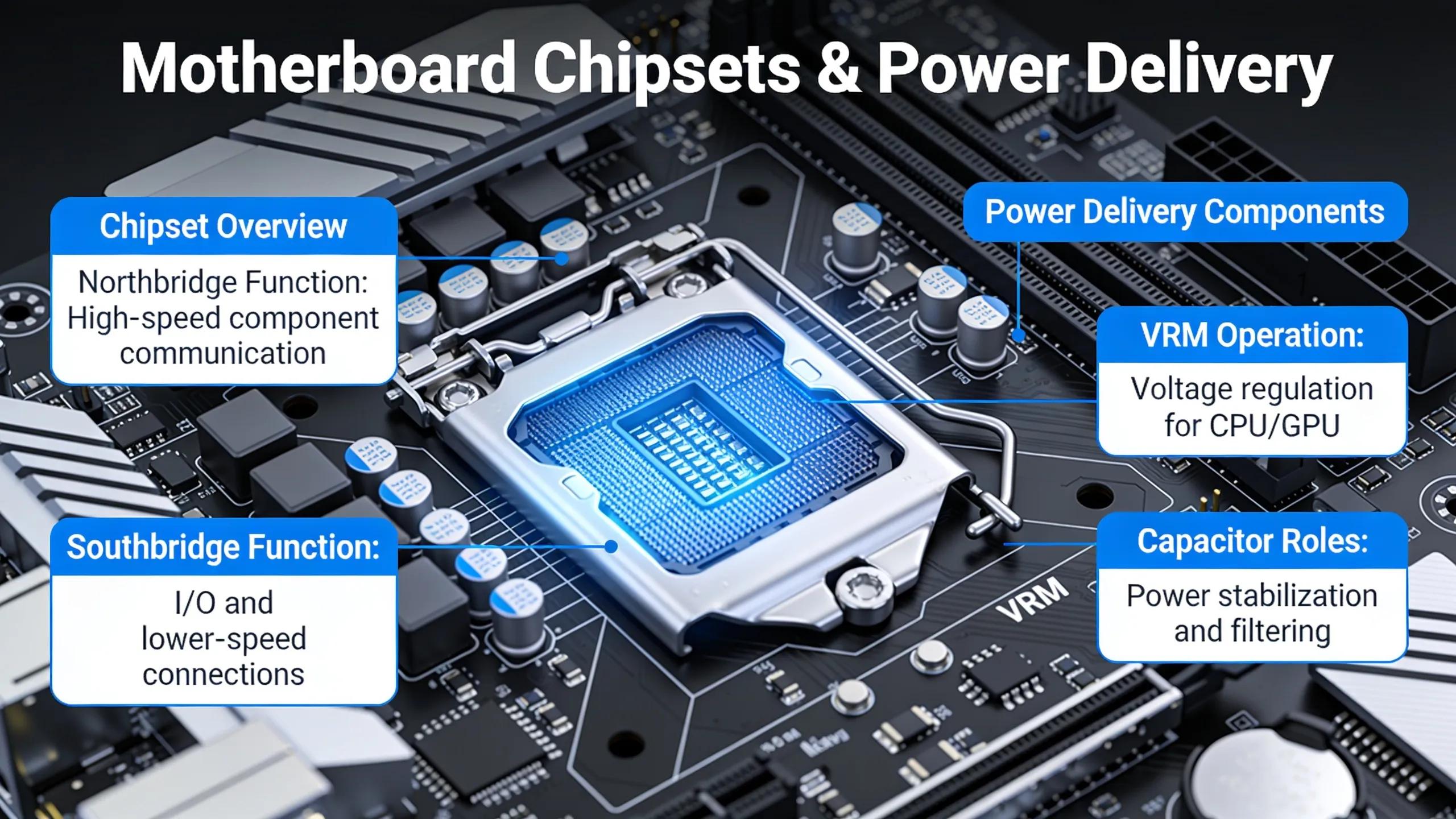
The motherboard ties the entire system together — and it's also one of the easiest places to blow your budget for nothing.
AMD X870E, X870, B850, and B840
AMD's current AM5 chipset lineup gives builders several tiers of connectivity to choose from.
X870E is built for enthusiast systems that demand maximum expansion flexibility. AMD specifies PCIe 5.0 connectivity for graphics and NVMe storage, plus a larger overall PCIe lane budget.
X870 keeps PCIe 5.0 graphics and NVMe support while trimming some chipset-provided connectivity compared with X870E.
B850 can be a smart pick for mainstream gaming systems. It supports processor and DDR5 memory overclocking, PCIe 5.0 NVMe connectivity, and a PCIe 4.0 graphics interface under AMD's baseline specification.
B840 is a leaner platform with reduced expansion capabilities and no CPU overclocking support, though memory overclocking is still on the table.
Don't write off a B850 board just because it wears a "B" badge.
For a single-GPU gaming system running one or two NVMe drives, a quality B850 board can deliver everything the build actually needs.
Intel Z890 vs. B860
The same logic holds for Intel.
Z890 delivers more chipset PCIe lanes and connectivity than B860, and it unlocks CPU, BCLK, and memory overclocking with supported processors.
B860 supports memory overclocking but not the same CPU overclocking controls.
Intel lists up to 24 chipset PCIe lanes for Z890 versus 14 for B860, and Z890 runs a wider DMI connection to the processor.
For a gaming system with one GPU, a couple of SSDs, and standard USB peripherals, a well-designed B860 board can be all you need.
Step up to Z890 when extra expansion, enthusiast tuning, storage, connectivity, or CPU overclocking will genuinely move the needle for your build.
VRM Phase Counts Can Be Misleading
Motherboard marketing loves throwing around numbers like "14+2+1" or "18+2+2" power stages.
Don't pick a motherboard on phase count alone.
VRM quality also comes down to:
- Power-stage amperage
- Controller design
- Phase configuration
- PCB quality
- VRM heatsink size
- Airflow
- BIOS power behavior
- Processor power limits
A well-engineered 12-phase design can outperform a poorly built board boasting more phases on the spec sheet.
For mainstream gaming processors, extreme VRM designs usually offer little real-world payoff. High-end VRM capability earns its keep with power-hungry CPUs, sustained all-core workloads, overclocking, or systems running heavily loaded for long stretches.
4. RAM & Storage Optimization
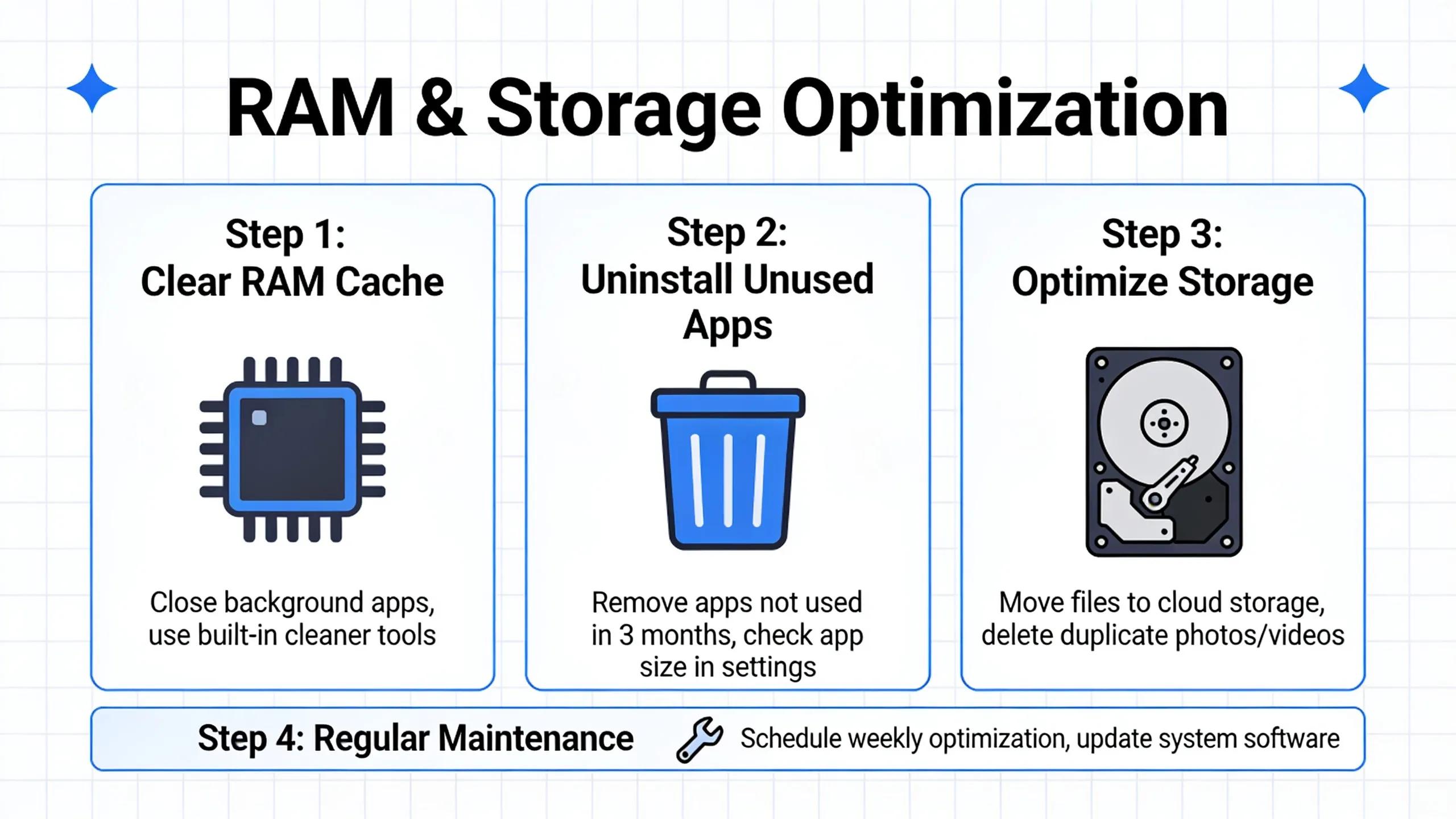
DDR5 is the standard now for AMD AM5 and Intel LGA1851 gaming platforms — but faster memory isn't automatically better memory.
Use Two DIMMs When Possible
For gaming systems, two matched memory modules usually beat filling all four DIMM slots.
For example:
32GB: 2x16GB 64GB: 2x32GB 96GB: 2x48GB
This keeps dual-channel operation intact while easing the electrical load on the CPU's memory controller.
Four-DIMM configurations can absolutely work, especially when you need the extra capacity, but maximum stable memory frequency tends to drop as the configuration gets more demanding.
AMD's published Ryzen 9000 specifications make this clear. Ryzen 9000 processors officially support DDR5-5600 with common two-DIMM configurations, while AMD specifies notably lower speeds for fully populated four-DIMM configurations on certain memory layouts.
AMD Ryzen 9000 Memory
For Ryzen 9000 gaming systems, DDR5-6000 with tight timings like CL30 remains the go-to performance target in 2026.
It delivers a strong mix of bandwidth, latency, availability, and stability across most AM5 systems.
That said, DDR5-6000 EXPO operation is still memory overclocking, not a universal guarantee. Always check the motherboard's memory QVL and BIOS support when rock-solid stability matters more than chasing the last few percentage points of performance.
Intel Core Ultra Memory
Intel Core Ultra 200S Plus pushes officially supported DDR5 speeds even higher.
Intel specifies up to DDR5-7200 for current 200S Plus processors with supported one-DIMM-per-channel memory configurations, while Intel's 200S Boost profile can hit even higher memory targets under defined conditions.
That doesn't mean every gaming PC needs blazing-fast DDR5.
Memory-intensive applications and CPU-limited gaming can benefit from extra bandwidth and lower latency, but those gains shrink fast once the GPU becomes the system's real bottleneck.
Capacity should come first.
For a current gaming machine:
32GB is a strong baseline for new performance-oriented builds.
64GB makes sense for heavy multitasking, large mod packs, streaming, content creation, development, and other memory-intensive workloads.
Go bigger only because an application demands it — not because unused RAM somehow makes games faster.
PCIe Gen 4 vs. Gen 5 NVMe SSDs
PCIe 4.0 NVMe drives are still highly capable gaming storage.
High-performance Gen 4 drives can hit roughly 7,000 MB/s or more in sequential reads, while current PCIe 5.0 drives have pushed sequential performance close to 15,000 MB/s.
Case in point: Samsung rates its PCIe 5.0 9100 PRO at up to 14,800 MB/s sequential read speeds.
That's massive bandwidth — but it doesn't mean games suddenly load twice as fast.
Game loading also hinges on CPU decompression, software behavior, asset structure, random access performance, and the game's own storage implementation.
For most gaming PCs, a quality Gen 4 NVMe drive remains the smarter value.
Gen 5 earns its price tag for builders who:
- Frequently transfer huge files
- Work with high-resolution media
- Use storage-heavy creation applications
- Perform professional workloads
- Want maximum platform performance
- Need the latest high-bandwidth storage technology
Cooling matters too. High-performance Gen 5 drives can run hot, so use the motherboard's M.2 heatsink or a dedicated SSD cooling solution when it's recommended.
5. PSU Wattage & Case Clearances
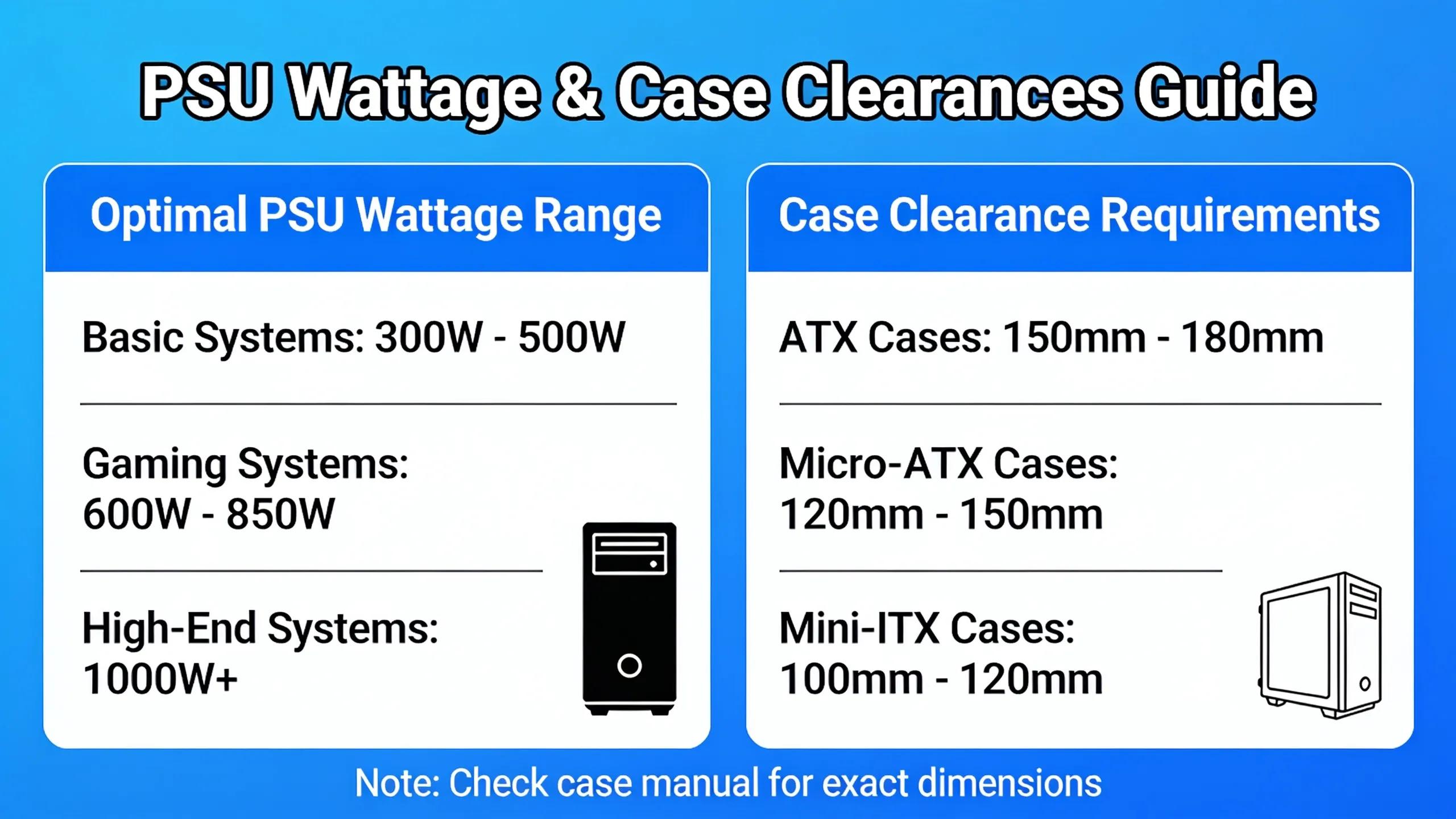
Power supplies and cases are where seemingly compatible component lists slam into real-world problems.
Do Not Size a PSU From GPU Wattage Alone
Size your PSU for the whole system, not just the graphics card:
GPU consumption + CPU consumption + motherboard + storage + fans + pumps + USB devices + transient demand + reasonable operating headroom
Modern graphics cards can swing their power demand in an instant.
ATX 3.x power supply specifications were engineered with exactly these short-duration power spikes in mind. Intel's ATX guidance defines transient power requirements that can temporarily exceed the PSU's continuous rated output under specified conditions.
For modern high-end systems, an appropriately sized ATX 3.x PSU with native modern GPU power connectivity beats an older design chosen purely because its wattage number looks big enough.
Follow GPU-Specific Recommendations
Power requirements swing wildly between graphics cards.
As examples, AMD lists the Radeon RX 9070 XT at 304 watts typical board power with a 750-watt minimum PSU recommendation.
At the extreme end, NVIDIA lists the GeForce RTX 5090 Founders Edition at 575 watts total graphics power and specifies 1,000 watts of required system power for its reference configuration.
The takeaway is simple: there's no universal "gaming PC PSU wattage."
Check the exact graphics card model, processor, power limits, and manufacturer recommendations before you buy.
And leave real headroom. Running a PSU near its max continuous output rarely works out for acoustics, efficiency, future upgrades, or transient handling.
Modern GPU Power Connectors
Higher-power graphics cards may use the newer 12V-2x6 connector defined for PCIe add-in cards.
When running one of these GPUs:
- Prefer the PSU's native cable when available.
- Fully insert the connector.
- Avoid severe bends immediately next to the plug.
- Follow both GPU and PSU manufacturer instructions.
- Do not assume modular PSU cables are interchangeable between PSU models.
A modular connector that physically fits another power supply doesn't guarantee the cable pinout is compatible — don't gamble on it.
GPU Clearance Requires More Than Length
Before you order a graphics card, check:
- Maximum GPU length
- GPU height
- Slot thickness
- Side-panel clearance
- Front radiator interference
- Bottom fan clearance
- Vertical GPU mount restrictions
- Power connector clearance
Large enthusiast GPUs can eat up three, four, or even more effective expansion slots depending on the manufacturer's cooler.
Cable clearance matters too. NVIDIA's RTX 5090 Founders Edition installation guidance, for example, calls for additional space beyond the card itself to route power cabling.
CPU Cooler Compatibility
For air coolers, verify:
- Maximum case cooler height
- RAM clearance
- Motherboard heatsink interference
- Socket support
For liquid coolers, verify:
- Radiator length
- Radiator thickness
- Fan thickness
- Top or front mounting support
- Motherboard/RAM clearance
- GPU interference
A case that "supports a 360mm radiator" doesn't guarantee every 360mm radiator and fan combination will fit alongside every motherboard and GPU.
Always check physical dimensions together, not in isolation.
6. Configuration Assurance: Verify Compatibility Before You Build
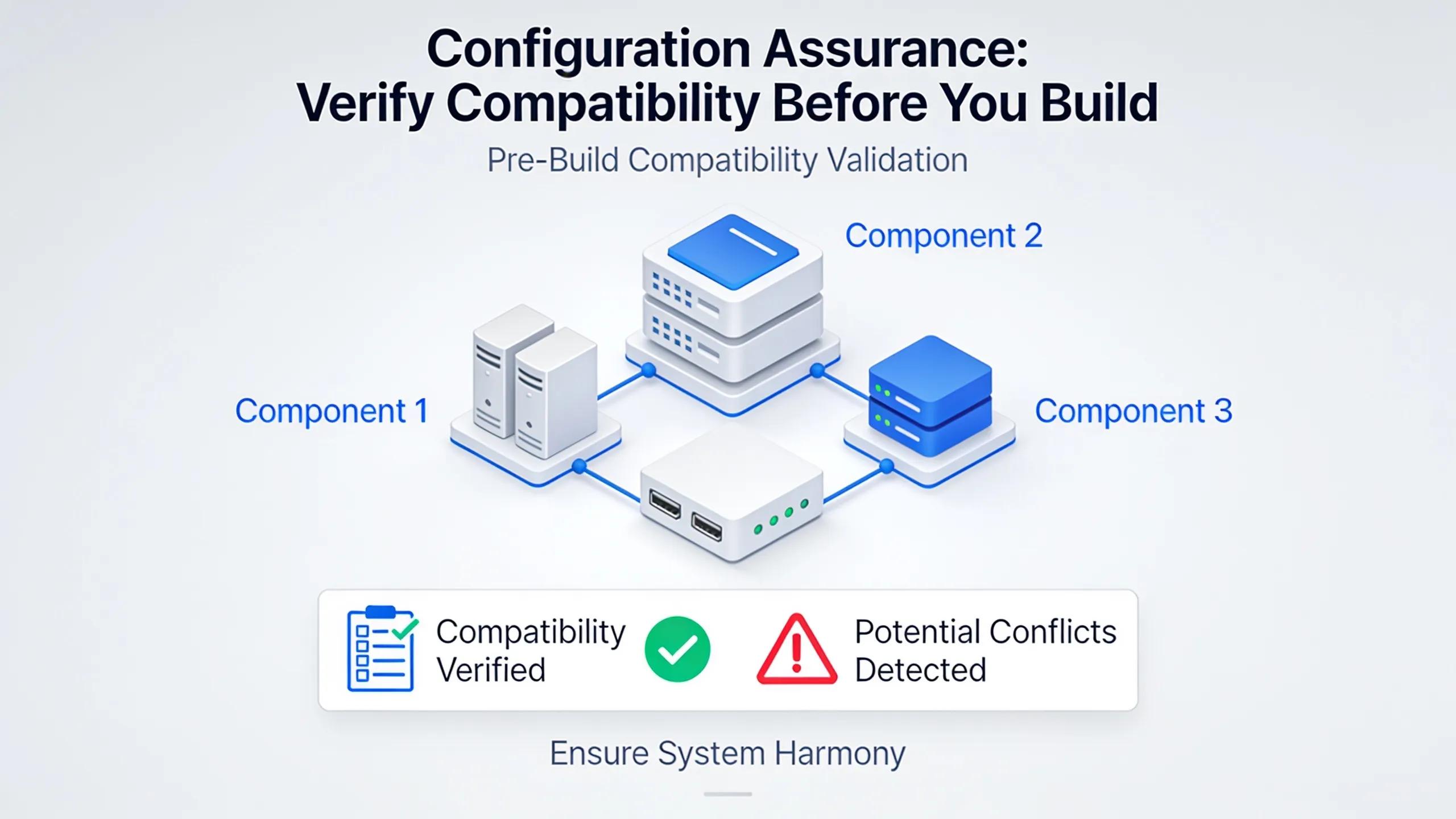
A component can be perfectly electrically compatible and still be a poor configuration choice.
That's why the final stage of PC component selection demands a complete configuration review.
Before you buy, verify:
CPU
- Correct motherboard socket
- Supported BIOS version
- Appropriate cooling capacity
Motherboard
- Correct chipset
- Enough M.2 slots
- Required USB connectivity
- Wi-Fi/Ethernet requirements
- Adequate expansion lanes
- Suitable VRM for the processor
Memory
- DDR5 support
- Correct capacity
- Matched memory kit
- QVL compatibility when possible
- EXPO or XMP support
- Appropriate DIMM configuration
GPU
- Suitable performance for target resolution
- Available PCIe slot
- Case length and thickness clearance
- Appropriate PSU capacity
- Correct power connector
Storage
- Correct M.2 format
- PCIe generation supported by the desired socket
- No problematic lane sharing
- Adequate cooling for high-performance Gen 5 drives
Power Supply
- Sufficient continuous wattage
- Appropriate transient capability
- Correct GPU connectors
- Enough CPU EPS connectors
- Quality platform from a reputable manufacturer
Case
- Motherboard form-factor support
- GPU clearance
- Cooler or radiator clearance
- Adequate airflow
- Required drive support
Custom Configuration Can Remove the Guesswork
For enthusiasts, chasing down every variable is part of the fun.
For everyone else, it turns into a surprisingly complicated spreadsheet fast.
The XOTIC PC PC Builder puts that guesswork to rest. Instead of treating every component as an isolated pick, this professionally managed configurator accounts for motherboard compatibility, memory, storage, graphics, cooling, power, and physical installation as one complete system.
That's a game-changer when you're configuring higher-end hardware where small details make or break the build — oversized graphics cards, multiple NVMe drives, high-capacity DDR5 kits, large radiators, or high-power CPUs and GPUs.
XOTIC PC's PC Builder lets you start from a validated platform and customize CPU, graphics, memory, storage, cooling, and other performance options — then every finished system is assembled and tested before it ships to you.
The Best Gaming PC Is a Balanced Gaming PC
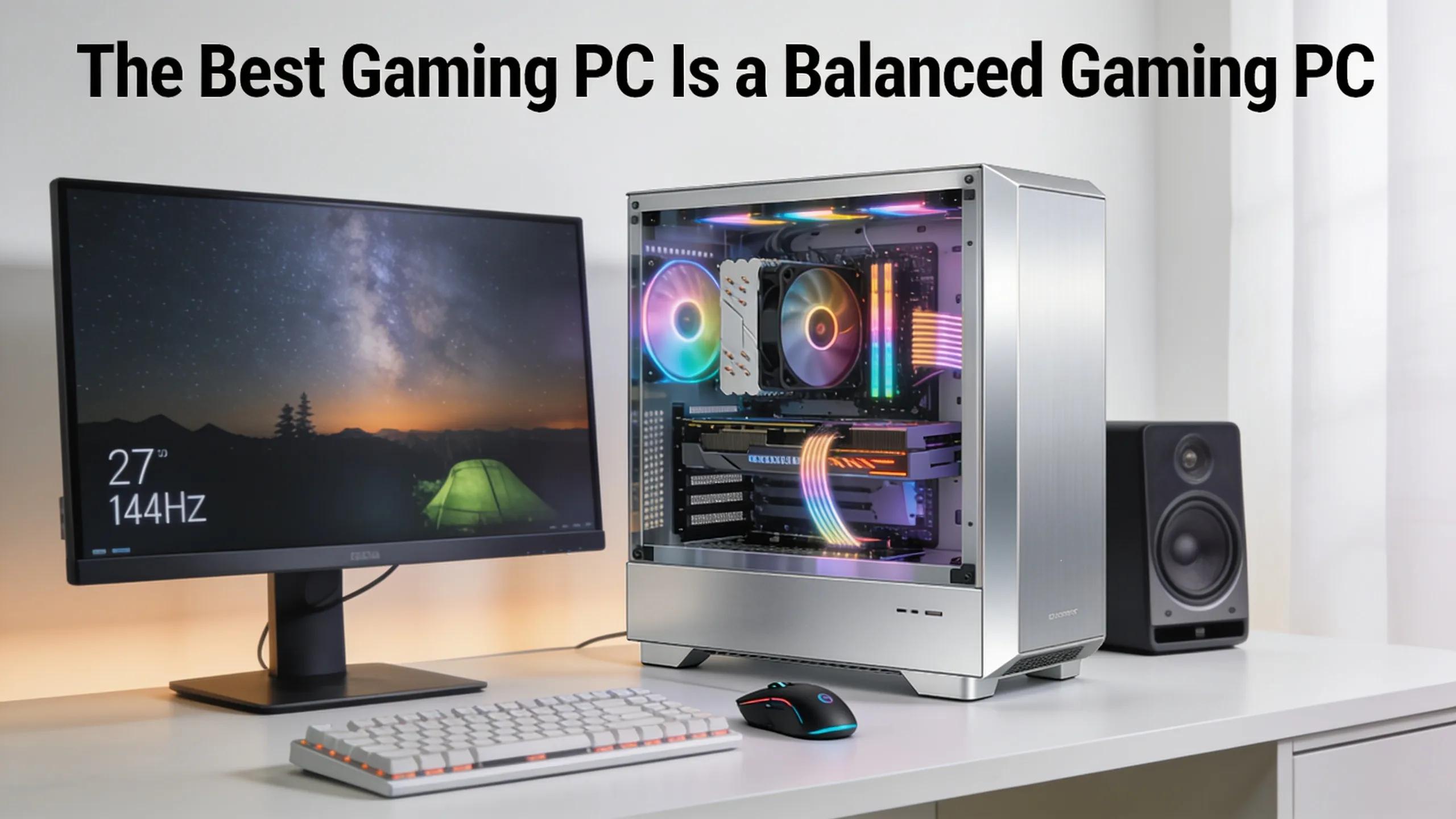
The best hardware configuration isn't necessarily the one packing the priciest processor, the fastest memory kit, the highest-wattage power supply, and the newest SSD.
It's the configuration where every component drives toward the same performance goal.
For a gaming system, start with your monitor resolution, target frame rate, and the games you actually play. Choose a GPU that can deliver that experience. Pair it with a processor fast enough to keep up. Pick a motherboard based on the connectivity and expansion you truly need. Lock in enough DDR5 capacity before chasing extreme memory frequencies. Use NVMe storage that fits your workload, then make sure the power supply, cooling, and case can comfortably back it all up.
Do that, and you get a system that's faster where it counts, easier to cool, easier to upgrade, and a far better use of your budget.
In 2026, smart PC building isn't about maxing out every spec on the sheet.
It's about making every spec work together.
Frequently Asked Questions
Do I need to match my CPU and GPU generation for compatibility?
No. PCIe is designed to be backward and forward compatible, so a newer GPU works in an older PCIe slot and vice versa — the two simply negotiate the fastest speed both support. What matters more is whether the GPU slot gets full CPU-connected lanes and whether adding NVMe drives drops that slot from x16 to x8.
How much RAM does a gaming PC actually need in 2026?
32GB is a strong baseline for most performance-oriented gaming builds, while 64GB makes sense for heavy multitasking, large mod packs, streaming, or content creation. Stick with two matched DIMMs rather than four — dual-channel configurations are easier to run at higher stable speeds.
Should I choose a PCIe Gen 4 or Gen 5 NVMe SSD for gaming?
A quality PCIe Gen 4 NVMe SSD remains excellent value for most gaming PCs, since game load times depend on more than raw sequential speed — CPU decompression, asset structure, and the game's own storage implementation all play a role. Gen 5 earns the upgrade if you frequently move huge files, work with high-resolution media, or want maximum platform performance.
How do I size a power supply for a modern gaming GPU?
Don't size a PSU on GPU wattage alone — factor in CPU, motherboard, storage, fans, and other components, then build in headroom for transient power spikes. Always check the graphics card manufacturer's specific PSU wattage recommendation and connector requirements, since these vary significantly between GPU models.
Is a more expensive motherboard always a better choice?
Not necessarily. Chipset tier should match what your build actually needs — a well-built B-series board (like B850 on AM5 or B860 on LGA1851) can fully support a single-GPU gaming system with a couple of NVMe drives. Higher-end chipsets like X870E or Z890 only pay off when you need extra expansion, CPU overclocking, or enthusiast-level connectivity.
Can XOTIC PC help me configure a compatible gaming PC build?
Yes. The XOTIC PC Builder lets customers start from a validated platform and customize CPU, graphics, memory, storage, and cooling while accounting for compatibility across the whole system — and every finished system is assembled and tested before it ships.