Resident Evil Requiem PC System Requirements: Complete Guide from Minimum to High-End Specs

As gaming technology advances, understanding the system requirements for new titles like Resident Evil Requiem becomes essential for players. This guide provides a comprehensive overview of the necessary specifications to run the game smoothly, from minimum to high-end setups. Players often face challenges when trying to determine if their current hardware can handle demanding games, leading to frustration and potential upgrades. By outlining the requirements and offering insights into optimal configurations, this article aims to help gamers make informed decisions about their gaming rigs. We will explore the minimum and recommended system requirements, discuss CPU and GPU options, and highlight the best custom builds available from "XOTIC PC" for an enhanced gaming experience.
What Are the Minimum System Requirements for Resident Evil Requiem?
To run Resident Evil Requiem, players need to meet specific minimum system requirements. These requirements ensure that the game can function adequately, albeit at lower settings. The minimum specifications typically include a compatible CPU, GPU, RAM, and storage space. Meeting these requirements is crucial for a playable experience, as falling short can lead to performance issues such as lag and low frame rates.
For those looking to meet these minimum specifications, "XOTIC PC" offers a range of customizable gaming PCs that can be tailored to fit these needs. Their systems are designed to provide a solid foundation for gaming, ensuring that players can enjoy Resident Evil Requiem without significant performance hiccups.
Which CPU and GPU Models Meet the Minimum Requirements?

Identifying the right CPU and GPU models is essential for meeting the minimum requirements of Resident Evil Requiem. Popular configurations typically include higher performance CPUs like Intel Core i5 or AMD Ryzen 5, paired with GPUs such as NVIDIA GeForce GTX 1060 or better. These components are well-regarded for their ability to handle modern gaming demands while providing a satisfactory experience.
Recommended CPU Models
- Intel Core i5: Known for its strong performance in gaming and multitasking.
- AMD Ryzen 5: Offers excellent performance, ideal for gaming and content creation.
Recommended GPU Models
- NVIDIA GeForce GTX 1060: Provides solid performance for 1080p gaming.
- NVIDIA GeForce GTX 1660: A step up, suitable for higher resolutions and settings.
What Are the Recommended Specs for Smooth Resident Evil Requiem Gameplay?
For an optimal gaming experience, exceeding the minimum specifications is advisable. Recommended specs typically include a more powerful CPU and GPU, along with increased RAM and storage capacity. These enhancements ensure smoother gameplay, higher frame rates, and better overall graphics quality.
The recommended amount of RAM for optimal performance is 16 GB, while the recommended storage is 512 GB of SSD. This configuration allows for faster load times and improved performance during gameplay.
| Component | Recommended Specification |
|---|---|
| CPU | Intel Core i7 or AMD Ryzen 7 |
| GPU | NVIDIA GeForce RTX 3060 or higher |
| RAM | 16 GB |
| Storage | 512 GB SSD |
How Much RAM and Storage Are Needed for Optimal Performance?
RAM and storage play critical roles in gaming performance. Sufficient RAM allows for smooth multitasking and quick access to game data, while adequate storage ensures that games load quickly and run without interruptions. For Resident Evil Requiem, having at least 16 GB of RAM and 512 GB of SSD storage is recommended to achieve optimal performance.
What GPU and CPU Upgrades Enhance Gameplay Quality?
Upgrading your CPU and GPU can significantly enhance gameplay quality, allowing for higher settings and better frame rates. Recommended upgrades include the NVIDIA GeForce RTX 5080 GPU for superior graphics performance and the AMD Ryzen 9 9800X3D or Intel® Core™ Ultra 9 285K for better processing power. Ensuring you have at least 32 GB of RAM will also support optimal multitasking and performance.
Understanding the power consumption and performance variations across these critical components is essential for making informed upgrade decisions.
Gaming PC Component Power Consumption & Performance
Large performance-normalized variations in nameplate power ratings for gaming computer components available on today’s market indicate significant potential for energy savings: central processing units vary by 4.3-fold, graphics processing units 5.8-fold, power supply units 1.3-fold, motherboards 5.0-fold, and random access memory (RAM) 139.2-fold. Measured performance of displays varies by 11.5-fold. However, underlying the importance of empirical data, we find that measured peak power requirements are considerably lower than nameplate for most components tested, and by about 50 % for complete systems.
Taming the energy use of gaming computers, E Mills, 2016
Recommended GPU Upgrades
- NVIDIA GeForce RTX 5080 or Higher: Offers cutting-edge graphics capabilities for ultra settings.
- AMD Radeon RX 7900 XT or Higher: A strong competitor in the high-end GPU market.
Recommended CPU Upgrades
- AMD Ryzen™ 7 9700X or Higher: Known for its exceptional gaming performance.
- Intel® Core™ Ultra 7 265K or Higher: Provides top-tier processing power for demanding applications.
Which High-End PC Builds Deliver Ultra Settings for Resident Evil Requiem?
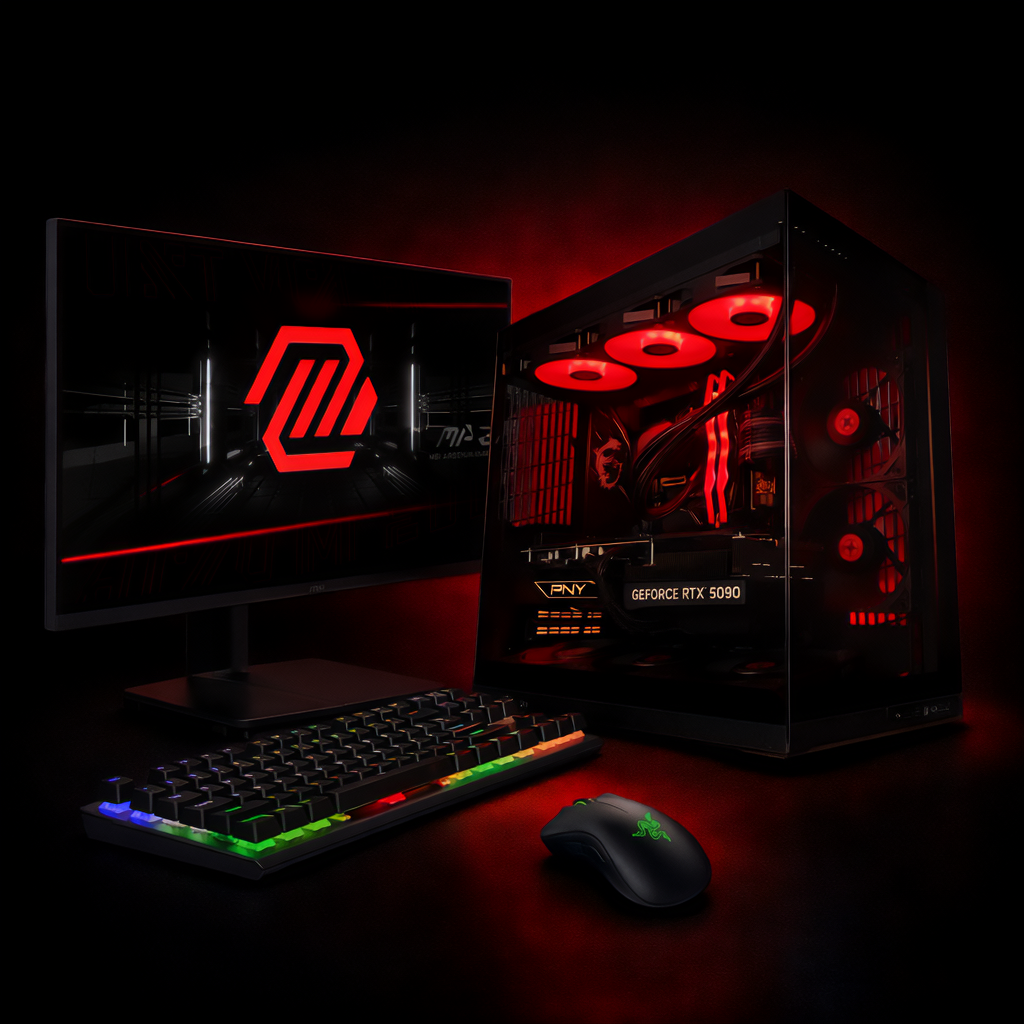
For gamers seeking the ultimate experience in Resident Evil Requiem, high-end PC builds are available that can handle ultra settings with ease. These builds typically feature the latest CPUs and GPUs, along with ample RAM and fast storage solutions.
- Ultra Ray Tracing 4K Gaming PCGPU: NVIDIA® GeForce RTX™ 5090 32GB GDDR7 CPU: AMD Ryzen™ 9 9950X3D 4.3 - 5.7GHz (16 Cores) RAM: 64GB DDR5 6000MHz Storage: 2x 2TB NVME SSD Cooling: TRYX PANORAMA ARGB AIO Cooling with Fractal Aspect RGB Fans OS: Windows 11 Home
- High FPS 4K Gaming PCGPU: NVIDIA® GeForce RTX™ 5090 32GB GDDR7 CPU: AMD Ryzen™ 7 9800X3D 4.7 - 5.2GHz (8 Cores) RAM: 32GB DDR5 6000MHz RGB Storage: 2TB NVME SSD GEN 4 Cooling: 360mm AIO Water Cooling OS: Windows 11 Home
- High FPS 4K Gaming PC + Monitor — Game Ready BundleGPU: NVIDIA® GeForce RTX™ 5090 32GB GDDR7 CPU: AMD Ryzen™ 7 9800X3D 4.7 - 5.2GHz (8 Cores) RAM: 32GB DDR5 6000MHz RGB Storage: 2TB NVME SSD GEN 4 Cooling: 360mm AIO Water Cooling OS: Windows 11 Home
What Customization Options Does XOTIC PC Offer for Ultra Performance?
"XOTIC PC" provides a variety of customization options for achieving ultra performance in their products. These options include aesthetic modifications like UV Printing, Wraps & Skins, Custom Painting, and Laser Etching. Performance upgrades such as RAM & Storage Upgrades, Overclocking & Tuning, and Thermal Enhancements are also available. Additionally, extended warranty options can provide peace of mind for gamers investing in high-performance gaming systems.
How Do Ray Tracing and SSD Storage Impact Game Experience?
Ray tracing and SSD storage significantly enhance the gaming experience. Ray tracing provides realistic lighting and shadow effects, creating a more immersive environment. SSD storage, on the other hand, reduces load times and allows for seamless transitions between game scenes, contributing to a smoother overall experience.
Further research delves into the specific impacts of ray tracing on gaming performance and hardware demands.
Ray Tracing's Impact on Gaming Performance & Hardware
This paper investigates how ray tracing has impacted the gaming environment, particularly in terms of visual fidelity and gameplay. Topics covered include global illumination for lifelike visuals, adaptive algorithms for game engine performance, and the hardware demands necessary to support this technology. Notably, this investigation incorporates real-time testing across a diverse array of games such as Hogwarts Legacy, Dragon’s Dogma 2, Alone in the Dark, and Callisto Protocol to monitor highlighting how ray tracing influences gameplay, results show that it improves graphics but also affects gameplay fluidity as we experienced 20 to 30 FPS drop, GPU temperature increased by around 10 °C, and GPU power consumption increased by 10 to 15 W. Test results also help in identifying minimum hardware requirements required to enjoy ray tracing.
Ray Tracing: Impact on the Gaming Environment, S Bhatia, 2025
How Can You Optimize Your PC for Resident Evil Requiem Performance?
Optimizing your PC for Resident Evil Requiem involves several strategies, including updating drivers, adjusting graphics settings, and ensuring adequate cooling. Regular maintenance, such as cleaning dust from components and monitoring temperatures, can also help maintain performance.
This approach aligns with broader studies on optimizing PC components to achieve maximum gaming performance.
Optimizing PC Hardware for Peak Gaming Performance
This chapter reviews existing literature on PC hardware and delves into optimizing PC components to get the best performance. It also discusses how users often toggle and change certain settings they believe to be optimal.
Optimization of PC Components for Maximum Performance, 2024
What Are the Best Practices for System and Graphics Settings?
To achieve the best performance in Resident Evil Requiem, consider the following best practices for system and graphics settings:
- Update Drivers Regularly: Ensure that your GPU drivers are up to date for optimal performance.
- Adjust Graphics Settings: Experiment with different settings to find the best balance between performance and visual quality.
- Monitor System Performance: Use tools to track FPS and system temperatures during gameplay.
How to Monitor and Improve FPS and Latency During Gameplay?
Monitoring FPS and latency is crucial for a smooth gaming experience. Tools like MSI Afterburner or Fraps can help track performance metrics. To improve FPS and reduce latency, consider the following techniques:
- Lower Graphics Settings: Reducing settings can lead to higher frame rates.
- Close Background Applications: Freeing up system resources can enhance performance.
- Upgrade Hardware: Investing in better components can provide significant performance improvements.