

Air Cooling vs Liquid Cooling: Which Wins?
By XOTIC PC Editorial Team · Updated 2026-08-26
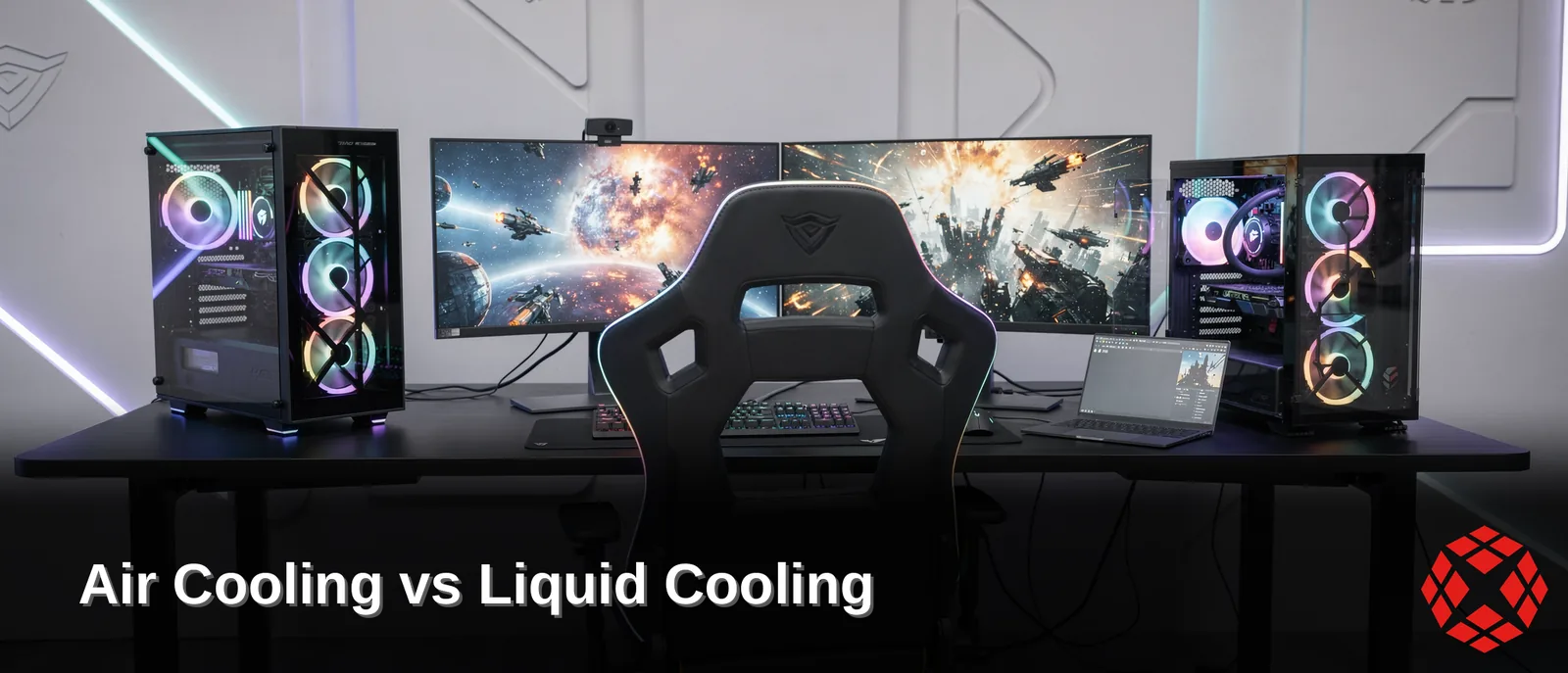
Air cooling and liquid cooling tackle heat differently: air relies on fans and heatsinks for a simple, budget-friendly setup. Liquid cooling uses a closed-loop pump circulating coolant for superior thermal transfer. Gamers chasing overclocks and sustained high performance gain the edge with liquid. Casual builds thrive on efficient, reliable air cooling instead.
Key Takeaways
Air cooling uses fans to dissipate heat and costs significantly less than liquid cooling systems.
Liquid cooling delivers superior thermal performance, making it the ideal choice for overclocking enthusiasts.
Air cooling systems are simpler to install and maintain compared to liquid cooling alternatives.
Liquid cooling reduces noise levels while maintaining optimal performance during intensive gaming sessions.
Air Cooling Vs. Liquid Cooling: Which Wins?
No single champion exists in the air cooling vs liquid cooling debate — the winner depends on the build's goals. Budget-conscious gamers gravitate toward fans. Performance chasers reach for coolant loops instead.
Among pc cooling methods, air cooling stands out as the more affordable and simpler option. Fans pull heat away from the CPU and push it out of the case. No pumps, no tubing, no fuss required. Setup takes minutes, and the parts cost less upfront.
Liquid cooling pc builds trade that simplicity for muscle. Closed-loop coolant systems deliver stronger thermal performance than fans alone, especially under heavy workloads. Gamers and creators seeking high performance benefit from extra thermal headroom.
Is An AIO Or Air Cooler Better For Gaming?
The aio vs air cooler question comes down to workload, plain and simple. Air coolers handle mainstream gaming and everyday tasks without breaking a sweat. AIOs earn their keep once overclocking enters the picture or top performance becomes the priority.
Mid-range builders following this **pc cooling guide** get one guarantee either way. XOTIC PC assembles, wires, tunes, and tests every system in-house before it ships. Fans or coolant loop, performance gets validated before the build ever leaves the shop.
What Happens Inside Air Vs Liquid Builds?
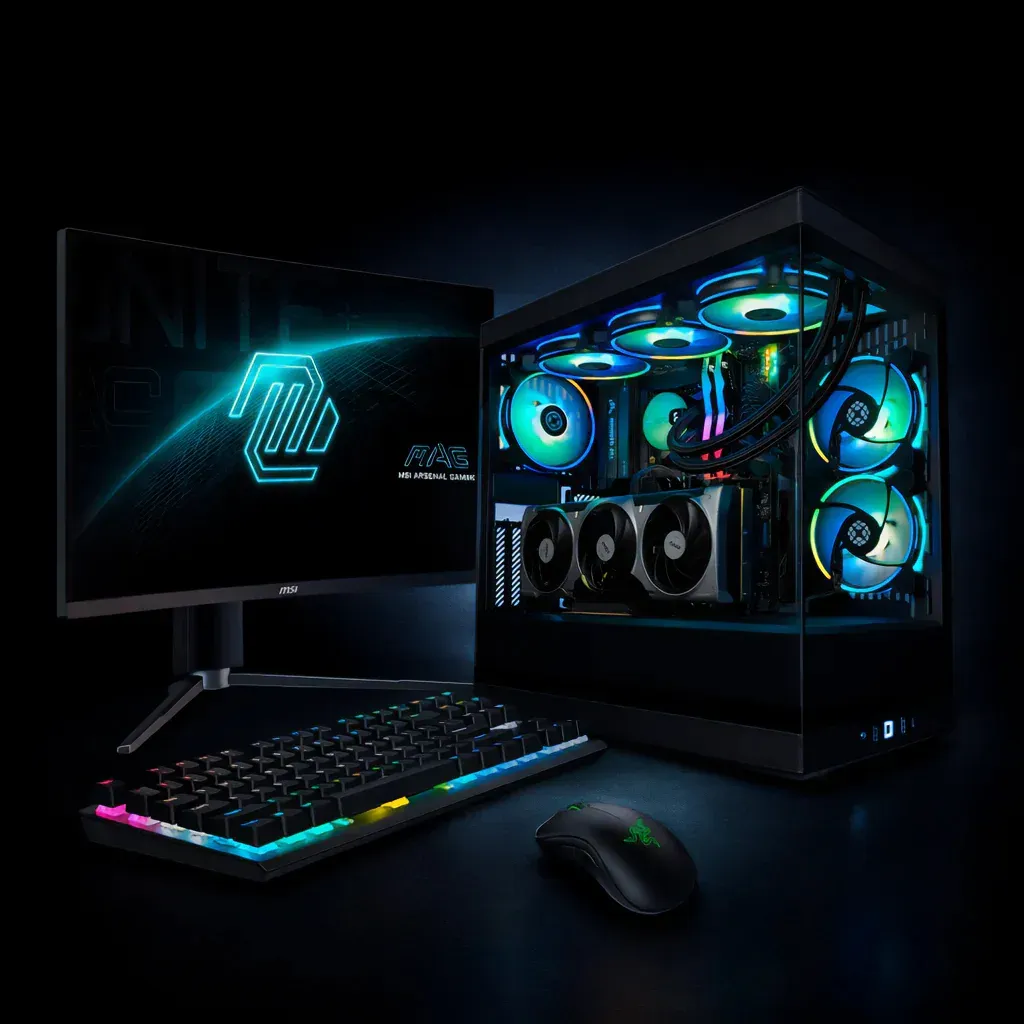
Heat travels two completely different paths depending on the setup. Air towers dump heat straight into the case, while closed-loop liquid cooling pc systems push that same heat out through the rear exhaust port. That single difference changes airflow, case temps, and even component lifespan over time.
Space matters too. Radiators and tubing eat up noticeably more interior real estate than a compact air tower ever will. Tight micro-ATX builds feel that difference fast, and cable routing gets trickier once a loop enters the picture.
Does liquid cooling really run cooler than air?
Thermal performance depends on the build, not just the cooling type. A well-mounted aio vs air cooler comparison often favors liquid for sustained heat dump. That heat exits the case instead of lingering inside.
Which setup fits a first-time gaming build?
New builders weighing pc cooling methods should factor in case size before anything else. Smaller cases favor air. Roomier towers give liquid loops the breathing room they need.
Buyers who want the decision made for them can skip the guesswork entirely. XOTIC PC ships pre-built, pre-tested, ready-to-ship systems within one business day. Gamers chasing a specific look can also add wraps, etching, hydro-dipping, paint, or lighting to match their loop to the build.
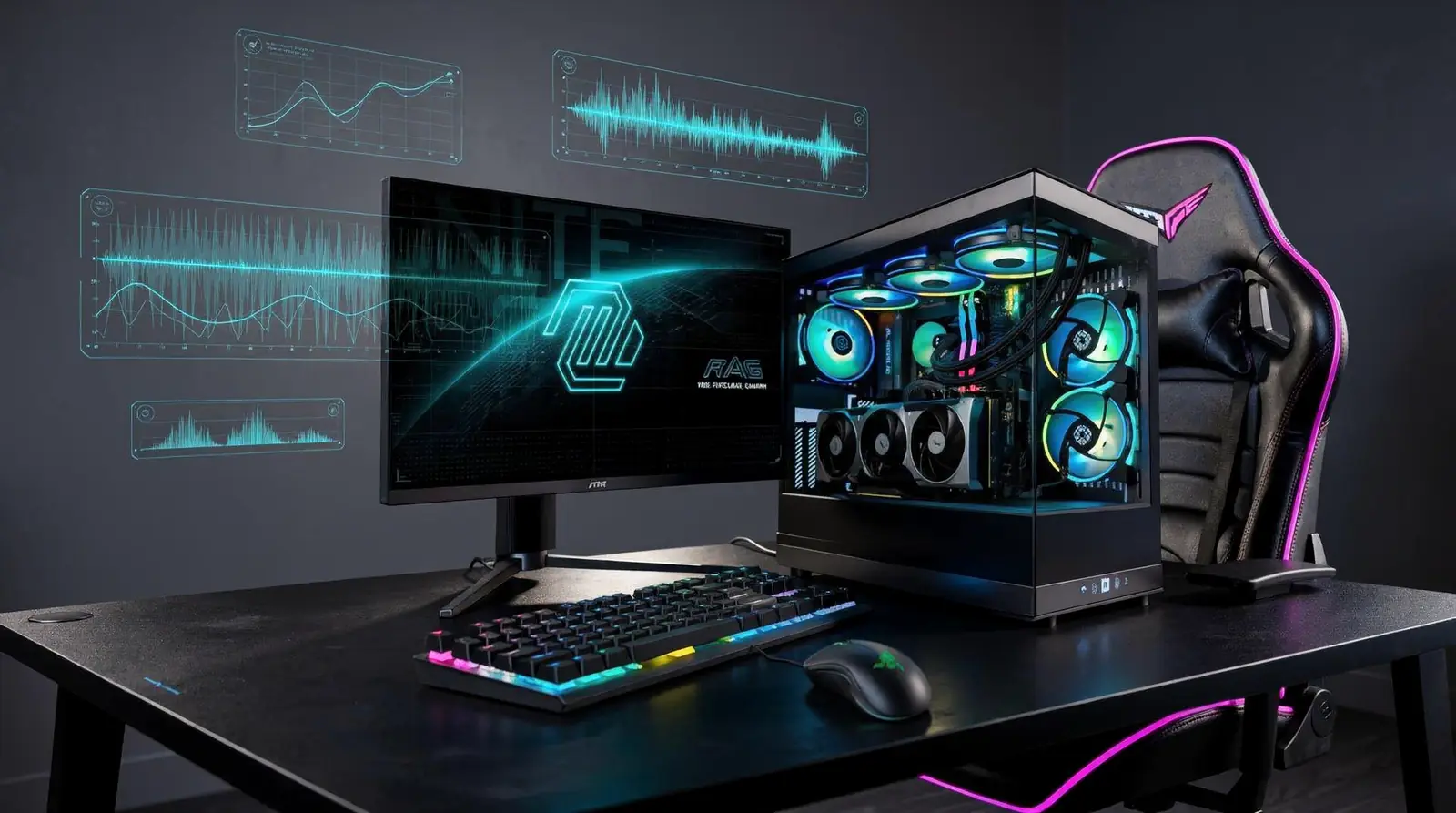
Why Trust XOTIC PC For Your Cooling Build?
Verified testing backs every cooling decision XOTIC PC makes. Skeptical shoppers weighing air cooling vs liquid cooling deserve proof, not promises, and that's exactly what stands behind each build.
Does XOTIC PC test every cooling configuration before shipping?
Every system runs through OCCT stress testing, confirming CPU, GPU, memory, and power stability. This validation happens regardless of which pc cooling methods land in the final build — air tower or closed-loop liquid. Buyers get a system proven under load, not just assembled and boxed.
Coverage matters just as much as testing. Desktop builds include a lifetime parts. Labor warranty, keeping cooling components protected long after typical one- or two-year windows expire elsewhere.
Can gamers trust XOTIC PC's cooling recommendations?
Thousands already have. A 4.8-out-of-5 rating across more than 11,000 verified reviews reflects real experience with this pc cooling guide advice, not marketing copy.
That trust extends beyond the first purchase, too:
Trade-in program: upgrade from air to a liquid cooling pc later without eating the full cost twice.
Flexible financing: spread a premium cooling setup, including any aio vs air cooler upgrade, across manageable payments.
Lifetime warranty: desktop cooling components stay protected well past standard coverage windows.
Skip the guesswork. XOTIC PC builds validated systems and stands behind them, long after checkout.
FAQ
Is air cooling or liquid cooling cheaper?
Air cooling costs significantly less than liquid cooling, relying on simple fans and heatsinks instead of pumps and tubing. This makes it the more budget-friendly choice for casual gaming builds.
Which cooling method works best for overclocking?
Liquid cooling delivers superior thermal performance under heavy workloads, giving overclocking enthusiasts the extra thermal headroom needed for sustained high performance during intensive gaming sessions. ###
Conclusion
In closing, both air and liquid cooling deliver serious performance—your choice hinges on your build's demands, your space constraints, and your maintenance tolerance. Air cooling keeps things simple and reliable; liquid cooling unleashes maximum thermal potential for extreme overclocking and compact builds. Whatever path you choose, XOTIC PC's expert team in Lincoln assembles and validates every system to perfection, ensuring your cooling solution performs flawlessly from day one. Dominate your workload. Crush your frame rates. Build your advantage now.