

AIO vs Custom Loop Cooling: Thermal Performance
By XOTIC PC Editorial Team · Updated 2026-08-25
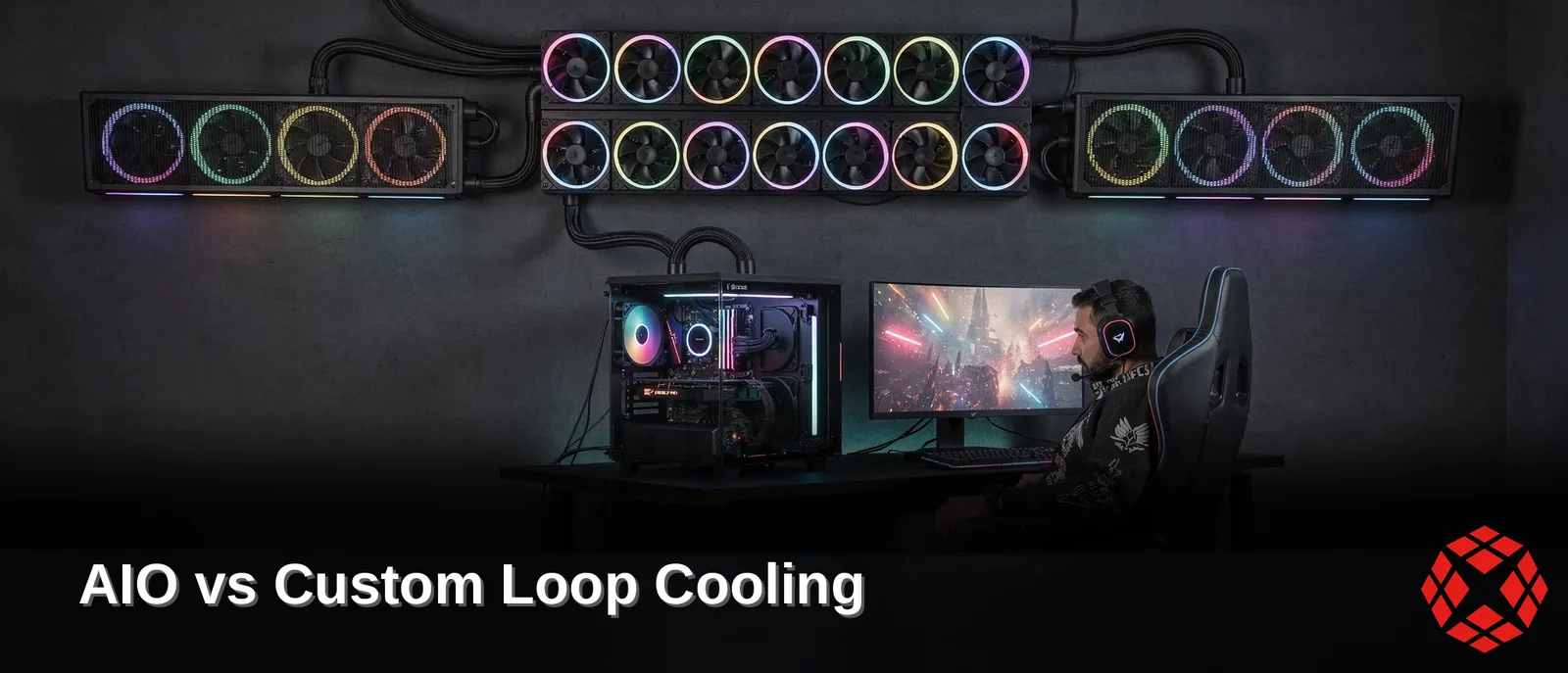
Custom loop liquid cooling can provide superior thermal headroom for high-wattage CPUs, but performance varies based on specific configurations. A 280mm AIO performs well, but a 360mm unit generally offers better cooling, especially under sustained overclocked loads. Custom loops pull ahead even further here, giving enthusiast builders the lower temps and quieter operation extreme performance demands.
Key Takeaways
360mm AIOs match custom loops for 250-300W CPU cooling performance in thermal benchmarks
Single 120mm AIOs deliver equivalent cooling to small air coolers under 120mm height
Dual-tower air coolers outperform 240mm AIOs in thermal performance testing results
240mm AIOs provide similar cooling capacity to standard 140-155mm single-tower air coolers
How Much Colder Is A Custom Loop?
Temperature gaps between top-tier liquid cooling pc setups stay smaller than most builders expect. Radiator size drives the numbers more than the loop type does. A 280mm AIO and a 360mm unit deliver nearly identical results once radiator thickness matches. AIOs almost universally ship with slim rads. Match the cooling surface area and fan count. custom loop cooling produces performance nearly identical to a premium closed-loop unit.
Does A Custom Loop Really Beat An AIO?
Yes, but the margin stays thin. Reviewing AIO vs custom loop temperatures side-by-side shows a custom build edging ahead by only a handful of degrees, not a dramatic drop. The advantage often comes from build quality, which can include stronger pumps, larger coolant capacity, premium fans, and tighter tuning control.
Which Setup Wins At Maximum Radiator Size?
Custom loops claim the top spot once radiator space gets pushed to its limit. Custom liquid loop benchmarks consistently show the ceiling belongs to custom builds. Fittings, tubing, and radiator configurations scale beyond what any pre-built AIO offers.
Setup |
Ceiling Performance |
|---|---|
240mm AIO |
Matches single-tower air |
280mm/360mm AIO |
Roughly equal to each other |
Custom loop (maxed) |
Highest thermal ceiling |
Every XOTIC PC build with a liquid setup gets quality-checked for stability, thermals, and reliability before it ships. A critical step when comparing an AIO cooler vs custom loop for a sustained high-wattage CPU.
Which Cooling Path Fits Your Build?
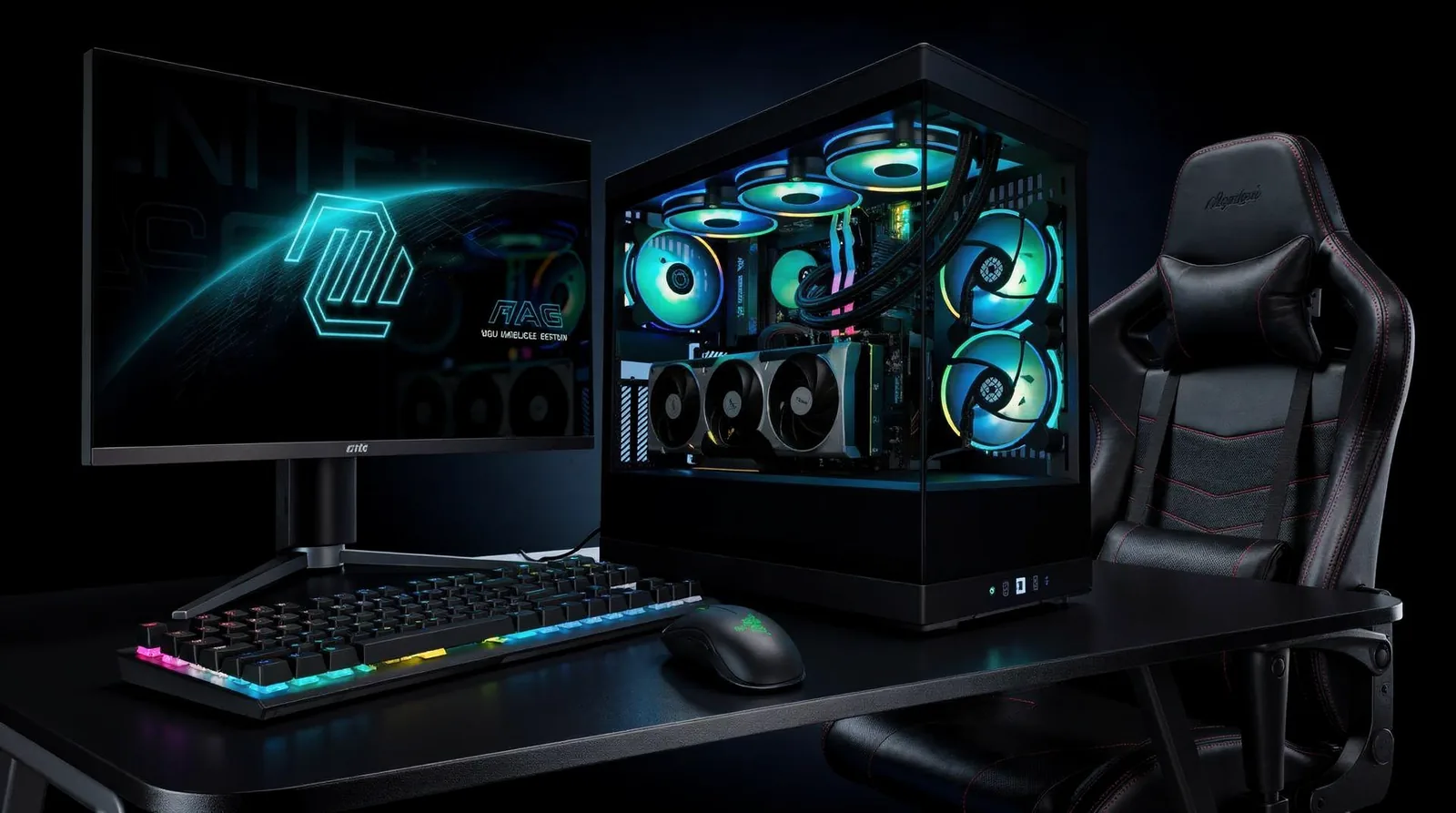
Modern CPUs decide the cooling question fast. Ryzen 9000 and Intel 14th Gen chips push serious wattage, turning cooler selection into a necessity rather than an afterthought for any serious build.
Builders chasing simplicity gravitate toward an all-in-one radiator setup. Builders demanding custom tubing routes, expandable loops, or maximum thermal ceiling lean toward custom loop cooling. The right call in the aio cooler vs custom loop debate depends entirely on goals, not hype.
AIO or Custom Loop — Which Wins for Enthusiast Builds?
Enthusiasts weighing AIO vs custom loop temperatures should match cooling investment to ambition. A closed-loop cooler delivers strong value and near-zero maintenance for straightforward builds. A full liquid cooling PC setup rewards builders who want headroom for future GPU swaps, denser radiators, or aggressive overclocks.
Priority |
Best Fit |
|---|---|
Lower cost, plug-and-play |
AIO |
Custom routing, expansion, max headroom |
Custom loop |
XOTIC PC's custom PC builder starts every configuration from a proven baseline, then opens up CPU, GPU, memory, storage, and cooling for full customization. Desktop builds support upgrades to the latest graphics cards and high-performance processors, giving thermal headroom room to grow. Laptop builds ship only after thermal optimization and stability validation confirm they're ready to game. Custom liquid loop benchmarks matter less than matching the cooler to the mission — choose accordingly.
How Does XOTIC PC Validate Thermal Performance?
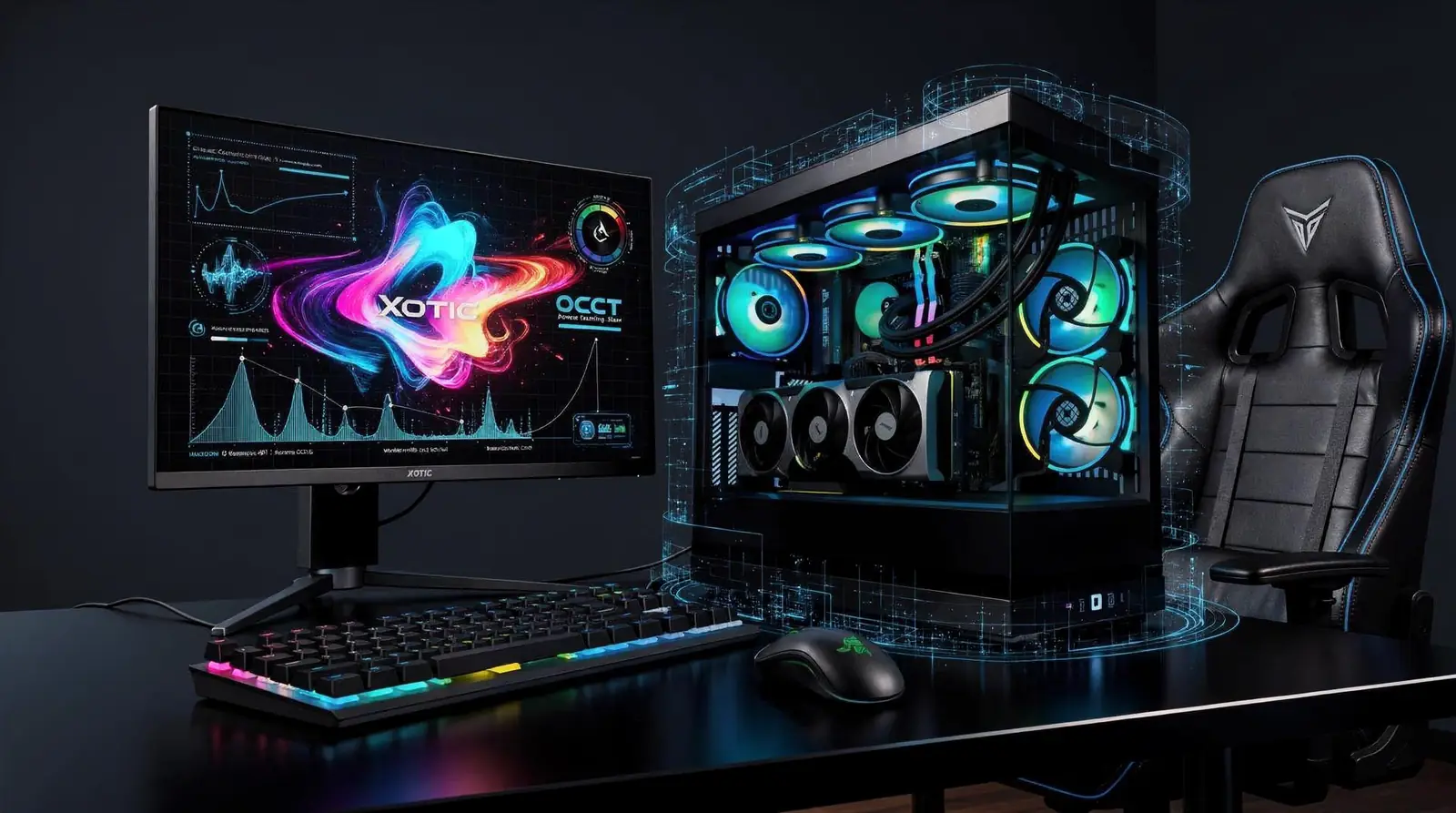
OCCT stress testing pushes every XOTIC PC system through sustained CPU, GPU, memory, and power-delivery loads before any build ships. Skipping this step risks silent throttling under sustained gaming sessions or render jobs — exactly when peak output matters most. XOTIC PC eliminates that risk with a validation process built for builders who demand headroom, not guesswork.
Burn-in cycles and full QA inspection follow the stress runs, catching thermal instability that a quick benchmark never reveals. For enthusiasts weighing an aio cooler vs custom loop setup, that distinction carries real weight. A system that passes burn-in arrives ready to hold clocks under sustained load, whether the platform runs custom loop cooling or a high-end AIO.
Does XOTIC PC Test Both AIO and Custom Loop Configurations?
Yes. Every liquid cooling pc configuration, AIO or custom loop, runs through the same stress-and-burn-in pipeline before approval. Consistency matters more than marketing claims when comparing AIO vs custom loop temperatures under real workloads.
What Backs That Performance Once the System Ships?
XOTIC PC backs desktop builds with a lifetime parts and labor warranty. Every unit gets assembled, wired, tuned, tested, and approved in-house in Lincoln, Nebraska.
OCCT stress testing across CPU, GPU, memory, power
Burn-in and QA inspection before shipment
Lifetime parts and labor warranty on desktops
In-house assembly and validation in Lincoln, Nebraska
4.8/5 rating across 11,000+ verified reviews
That track record is why serious overclockers trust the build before it even arrives.
FAQ
How much colder is a custom loop than an AIO?
Custom loops edge ahead by only a handful of degrees rather than a dramatic drop. Once radiator size and fan count match, performance stays nearly identical to a premium 360mm AIO.
Does radiator size matter more than cooling type?
Yes, radiator size drives thermal performance more than loop type. A 280mm AIO and 360mm AIO deliver nearly identical results once radiator thickness and cooling surface area match.
Should I choose an AIO or custom loop for my build?
Choose an AIO for simplicity, plug-and-play use, and lower cost with near-zero maintenance. Choose a custom loop for expandable routing and maximum thermal headroom for future GPU swaps and overclocks.
In closing, both AIO and custom loop cooling deliver serious thermal performance—the choice hinges on your priorities. AIOs dominate convenience and reliability; custom loops unleash maximum cooling potential for extreme builds. Whatever path you choose, demand excellence in assembly and validation. That's where XOTIC PC steps in—our Lincoln-based team hand-tests every system, ensuring your cooling solution performs flawlessly from day one. Build smart. Cool harder. Dominate.