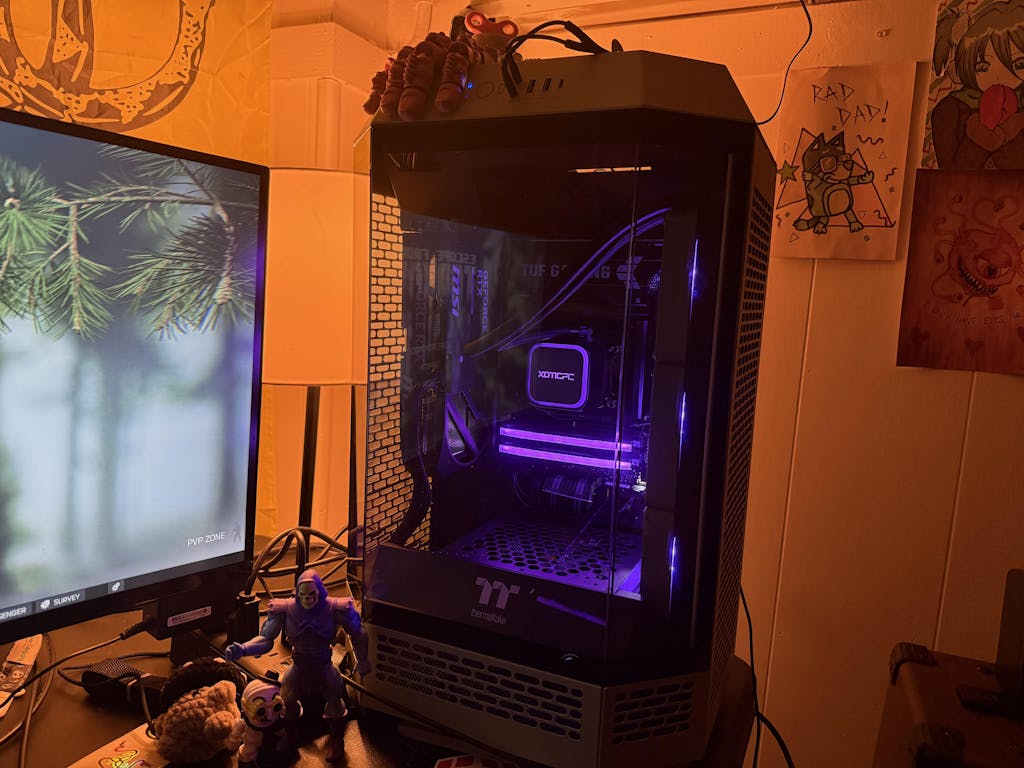
Budget vs High-End Gaming PC Builds Explained
In the ever-evolving world of gaming, the choice between budget and high-end gaming PCs can significantly impact your gaming experience. Understanding the differences between these two categories is crucial for gamers looking to optimize their performance while managing costs. This article will delve into the defining characteristics of budget and high-end gaming PCs, exploring their components, performance metrics, and customization options. By the end, you'll have a clearer picture of which build suits your gaming needs and budget.
What Defines Budget Gaming PC Components in 2026?

Budget gaming PCs are characterized by their cost-effective components that still deliver satisfactory performance for casual gaming. In 2026, key components include a GPU that typically represents 30-40% of the budget, a CPU accounting for 15-20%, and memory (RAM) usually taking up 8-12%. Storage options also fall within the 8-12% range, allowing gamers to balance performance and affordability. These specifications ensure that budget builds can handle popular games at reasonable settings without breaking the bank.
Beyond initial cost, the long-term operational expenses and environmental impact of these components, particularly their energy consumption, are also significant considerations.
Gaming PC Energy Efficiency & Component Power
Gaming is the most energy-intensive use of personal computers, and the high-performance “racecar” systems built expressly for gaming are the fastest growing type of gaming platform. Large performance-normalized variations in nameplate power ratings for gaming computer components available on today’s market indicate significant potential for energy savings: central processing units vary by 4.3-fold, graphics processing units 5.8-fold, power supply units 1.3-fold, motherboards 5.0-fold, and random access memory (RAM) 139.2-fold.
Taming the energy use of gaming computers, E Mills, 2016
Key Components and Their Budget Allocation
Understanding the allocation of your budget is essential for maximizing performance. The GPU is the heart of any gaming PC, and investing wisely here can yield the best results. The CPU, while slightly less critical, still plays a significant role in overall performance, especially in CPU-intensive games. RAM and storage, though often overlooked, are vital for smooth gameplay and quick load times.
Performance Expectations for Budget Builds
While budget gaming PCs may not match the performance of high-end counterparts, they can still provide a satisfying gaming experience. Gamers can expect to play most titles at medium settings with decent frame rates, making them ideal for those who prioritize casual gaming over competitive play.
Which CPUs and GPUs Offer the Best Value for Budget Builds?
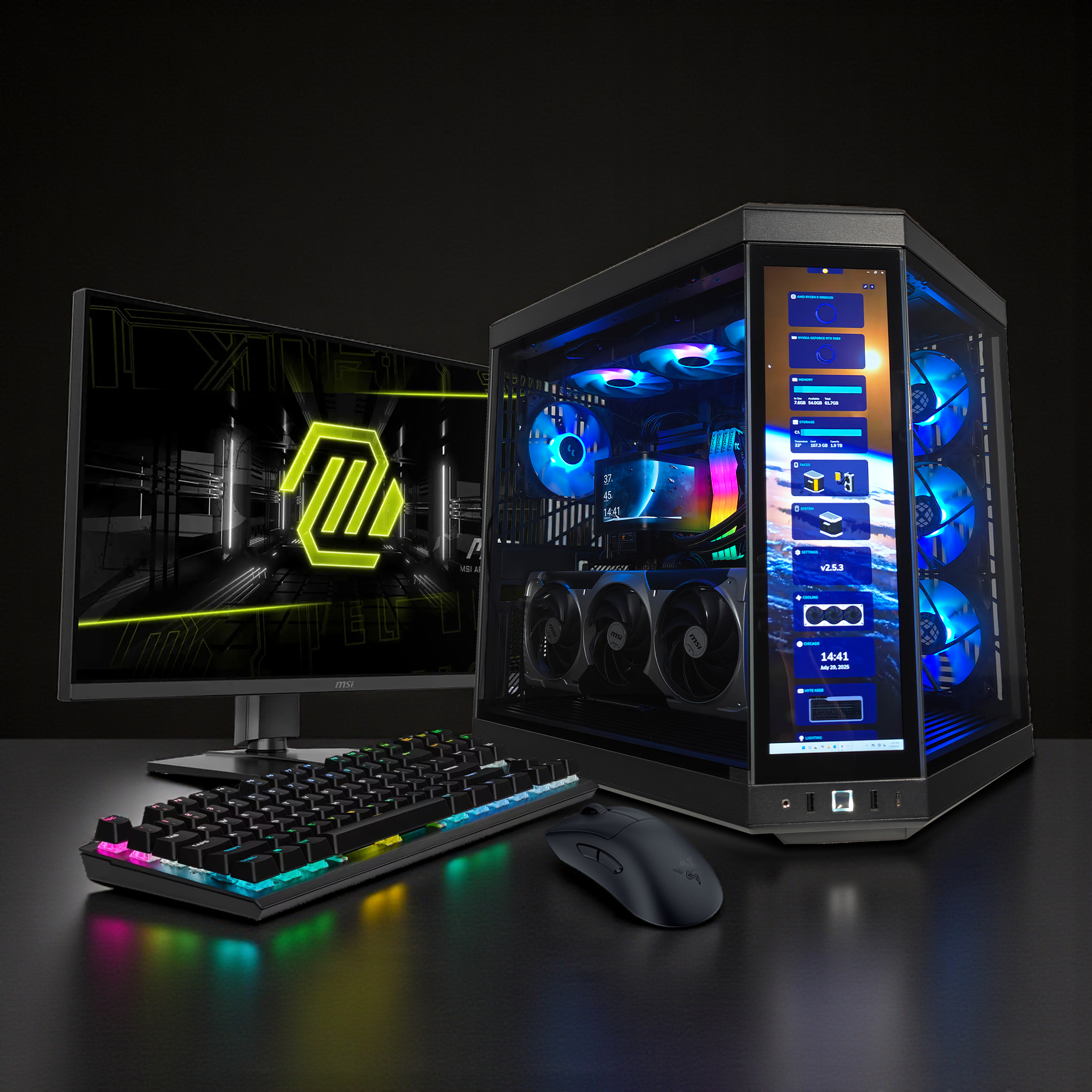
When building a budget gaming PC, selecting the right CPU and GPU is crucial for achieving the best performance-to-cost ratio. Some recommended CPUs for budget builds include the AMD Ryzen 5 5600G and Intel Core i5-12400, both offering excellent performance without a hefty price tag. For GPUs, options like the NVIDIA GeForce GTX 1660 Super and AMD Radeon RX 6500 XT provide solid performance for 1080p gaming at an affordable price. To learn more about how to choose a gaming PC, check out this guide.
Recommended CPUs and GPUs
- AMD Ryzen 5 5600G: A powerful APU that combines CPU and GPU capabilities, ideal for budget builds.
- Intel Core i5-12400: Offers great performance for gaming and multitasking at a reasonable price.
- NVIDIA GeForce GTX 1660 Super: A reliable GPU for 1080p gaming, balancing performance and cost.
- AMD Radeon RX 6500 XT: Provides good performance for budget-conscious gamers looking for 1080p capabilities.
Price Ranges for Budget Components
The price range for budget CPUs typically falls between $150 to $250, while budget GPUs can range from $150 to $250. These price points allow gamers to build a capable system without overspending.
How Does Cooling and RAM Affect Budget Gaming PC Performance?
Cooling and RAM are often overlooked aspects of budget gaming PCs, yet they play a significant role in overall performance. Efficient cooling solutions prevent thermal throttling, ensuring that components operate at optimal temperatures during intense gaming sessions. Additionally, having sufficient RAM—ideally 16GB—can significantly enhance multitasking capabilities and game performance.
Importance of Efficient Cooling
Effective cooling solutions, such as budget-friendly air coolers or all-in-one liquid coolers, can help maintain system stability and longevity. Proper airflow within the case is also essential to prevent overheating, especially during long gaming sessions.
Recommended RAM Specifications
For budget gaming PCs, 16GB of RAM is generally recommended to ensure smooth performance across various games and applications. This amount allows for better multitasking and reduces the likelihood of performance dips during gameplay.
What Are the Key High-End Gaming PC Specs for Optimal Performance?
High-end gaming PCs are designed for gamers who demand the best performance and are willing to invest in premium components. Key specifications include top-tier GPUs like the NVIDIA GeForce RTX 3080 or AMD Radeon RX 6800 XT, high-performance CPUs such as the Intel Core i9-12900K or AMD Ryzen 9 5900X, and at least 32GB of RAM for optimal multitasking and gaming performance.
Recommended CPU and GPU Models
- Intel Core i9-14900K: A powerhouse CPU that excels in gaming and productivity tasks.
- AMD Ryzen 9 9900X: Offers exceptional multi-core performance, ideal for gaming and content creation.
- NVIDIA GeForce RTX 5080: Provides outstanding performance for 4K gaming and ray tracing.
- AMD Radeon RX 9800 XT: Competes closely with NVIDIA's offerings, delivering excellent performance at high resolutions.
Memory and Storage Requirements
For high-end builds, 32GB of RAM is recommended to handle demanding games and applications. Additionally, utilizing NVMe SSDs for storage can significantly reduce load times and improve overall system responsiveness.
Which High-End CPUs and GPUs Lead 2026 Gaming Performance?
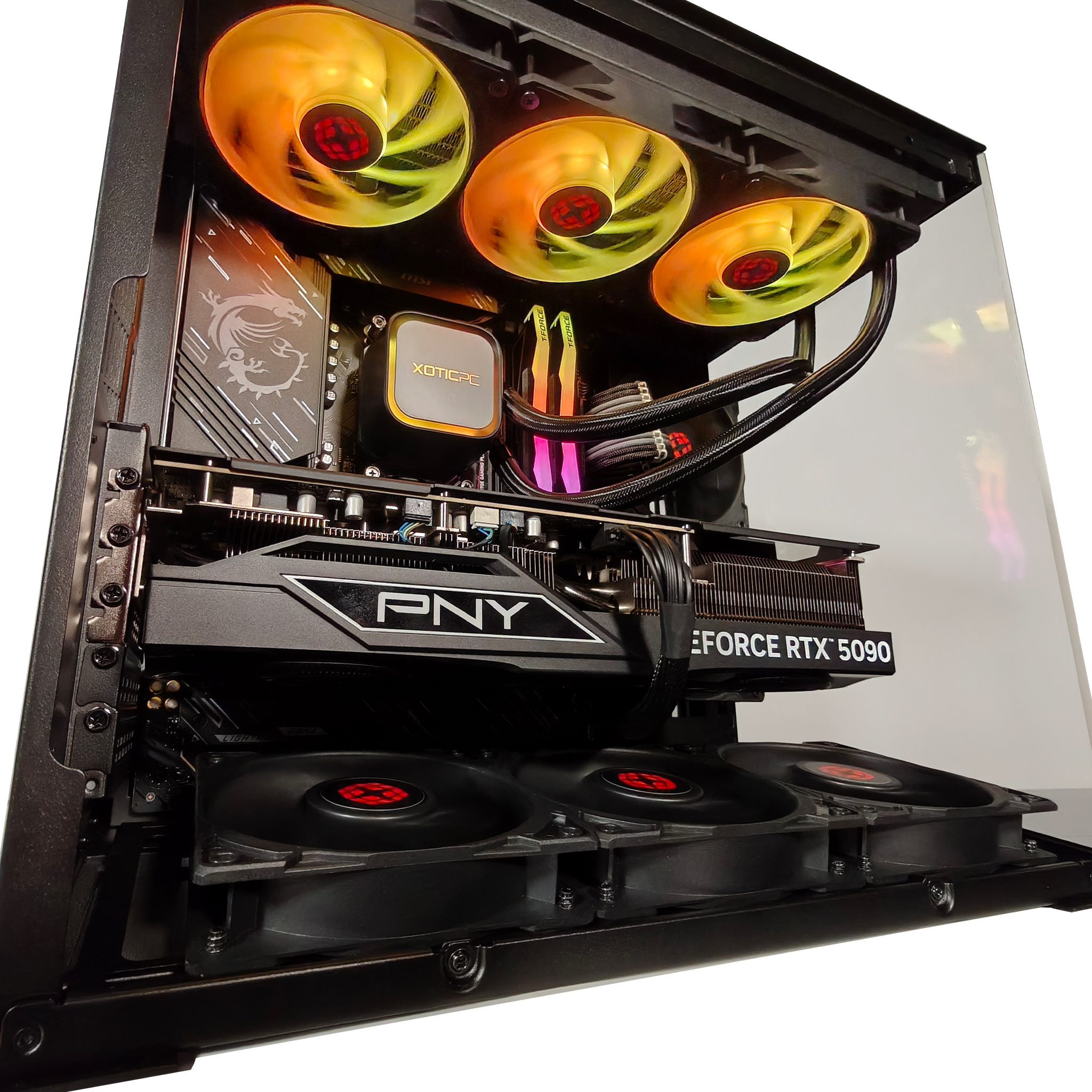
As of 2026, the leading CPUs and GPUs for high-end gaming include the Intel Core i9-12900K and AMD Ryzen 9 5900X for CPUs, while the NVIDIA GeForce RTX 3080 and AMD Radeon RX 6800 XT dominate the GPU market. These components provide unparalleled performance, allowing gamers to experience the latest titles at maximum settings.
Understanding the market dynamics of key players like Nvidia further illuminates the competitive landscape of high-end GPU development.
Nvidia's Role in PC Gaming GPUs
Nvidia is a semiconductor company focusing on high-performance computer graphics technology. The company designs graphics processing units (GPUs), which are used in a variety of fields such as data centers, artificial intelligence (AI), and gaming. This paper seeks to examine Nvidia’s position within the PC gaming industry. First, PESTEL and Porter’s Five Forces analyses are used to detail the overall PC gaming industry. The next section examines how Nvidia competes through its strategy, resources, and competitive advantages. Finally, future challenges and recommendations to position the company are explored.
Nvidia Corporation: PC Gaming Industry Strategic Audit, 2023
Leading CPU Models
- Intel Core i9-14900K: Known for its high clock speeds and exceptional gaming performance.
- AMD Ryzen 9 9900X: Offers a balanced approach to gaming and productivity with its multi-core capabilities.
Leading GPU Models
- NVIDIA GeForce RTX 5080: Renowned for its ray tracing capabilities and high frame rates in demanding games.
- AMD Radeon RX 9800 XT: Competes effectively with NVIDIA's offerings, providing excellent performance for high-resolution gaming.
How Do Advanced Cooling Solutions and Storage Options Enhance High-End Builds?
Advanced cooling solutions and high-speed storage options are critical for maximizing the performance of high-end gaming PCs. Liquid cooling systems can maintain optimal temperatures even under heavy loads, while NVMe SSDs provide lightning-fast data transfer speeds, reducing load times and enhancing overall system responsiveness.
Benefits of Advanced Cooling Solutions
Liquid cooling systems, while more expensive, offer superior thermal management compared to traditional air coolers. This is particularly beneficial for overclocking enthusiasts who push their components to the limit.
Importance of NVMe SSDs
NVMe SSDs significantly outperform traditional SATA SSDs, providing faster load times and improved system responsiveness. This is especially important for gamers who want to minimize waiting times and maximize their gaming experience.
How to Compare Gaming PC Performance Between Budget and High-End Builds?
Comparing gaming PC performance between budget and high-end builds involves analyzing core components, storage options, and cooling solutions. Budget builds typically offer satisfactory performance for casual gaming, while high-end builds excel in demanding scenarios, providing higher frame rates and better graphics quality.
Core Components Comparison
- Budget Builds: Generally equipped with mid-range CPUs and GPUs, suitable for 1080p gaming.
- High-End Builds: Feature top-tier components capable of 4K gaming and high refresh rates.
Storage Options Comparison
- Budget Builds: Often utilize traditional HDDs or entry-level SSDs, which can limit performance.
- High-End Builds: Leverage NVMe SSDs for rapid data access and improved load times.
What Benchmarks and Metrics Should You Consider?
When evaluating gaming PCs, several benchmarks and metrics are essential for understanding performance. Frame rates, load times, and thermal performance are critical indicators of a system's capabilities.
Performance Checks
- Frame Rates: Measure how many frames per second (FPS) a system can produce in various games.
- Load Times: Assess how quickly games load, which can significantly impact the gaming experience.
- Thermal Performance: Monitor temperatures under load to ensure components remain within safe operating limits.
How Does Customization Impact Gaming PC Performance and Cost?
Customization plays a vital role in tailoring gaming PCs to individual preferences and performance needs. By selecting specific components, gamers can optimize their systems for performance, aesthetics, and budget.
Benefits of Customization
Customizing a gaming PC allows for the selection of components that best fit the user's gaming style and preferences. This can lead to enhanced performance and a more enjoyable gaming experience.
Cost Implications
While customization can lead to higher initial costs, it often results in better long-term value as users can upgrade individual components over time rather than replacing the entire system.
What Are the Best Custom Gaming PC Build Strategies for 2026?
Building a custom gaming PC in 2026 requires strategic planning to balance performance, aesthetics, and budget. Key strategies include defining performance targets, allocating budgets wisely, and considering future-proofing options.
Defining Performance Targets
Before starting a build, it's essential to determine the desired gaming performance level, whether it's 1080p, 1440p, or 4K gaming. This will guide component selection and budget allocation.
Budget Allocation Strategies
Allocating the budget effectively involves prioritizing key components like the GPU and CPU while ensuring sufficient funds for RAM and storage. This balanced approach helps achieve optimal performance without overspending.
How to Balance Cost and Performance When Customizing Your PC?
Balancing cost and performance is crucial when customizing a gaming PC. Gamers should consider their specific needs and gaming habits to make informed decisions about component selection.
Understanding Use Cases
Identifying how the PC will be used—whether for casual gaming, competitive play, or content creation—can help guide component choices and budget allocation.
Consulting Experts
For those unsure about their build, consulting with experts or utilizing online resources can provide valuable insights into the best components for specific needs.
What Upgrade Paths Should Gamers Consider for Future-Proofing?
Future-proofing a gaming PC involves planning for upgrades that can extend the system's lifespan and performance. Gamers should consider lifetime upgrade policies, trade-in programs, and custom upgrade options.
Lifetime Upgrade Policies
Many manufacturers offer lifetime upgrade policies, allowing users to upgrade components as technology advances without needing to purchase a new system.
Trade-In Programs
Trade-in programs can provide financial incentives for upgrading components, making it easier to keep up with the latest technology.
Custom Upgrade Options
Custom upgrade options allow gamers to select specific components that align with their performance needs, ensuring their system remains competitive in the ever-evolving gaming landscape.