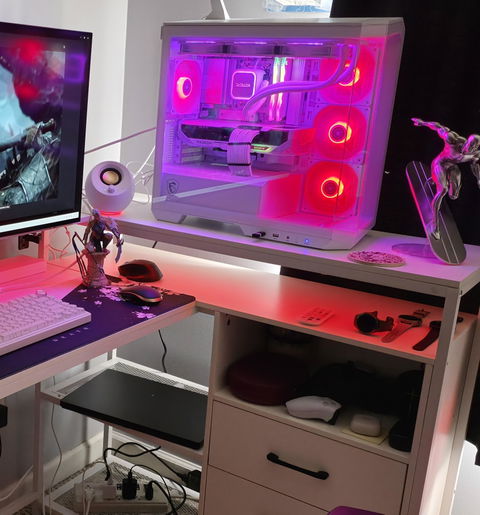
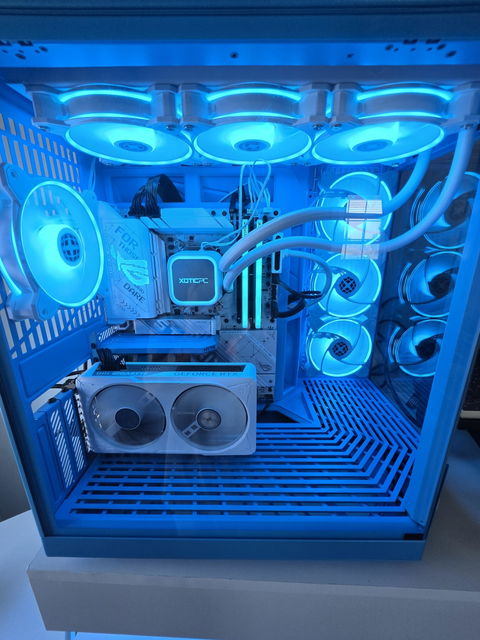
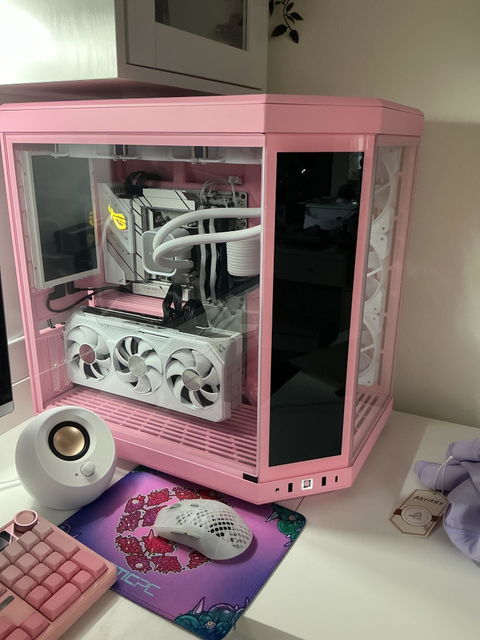
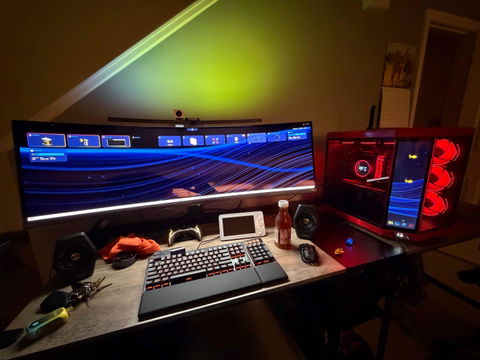
Golf Simulator PCs

Golf Simulator PCs

Built for smooth swing capture, crisp visuals, and reliable sim nights

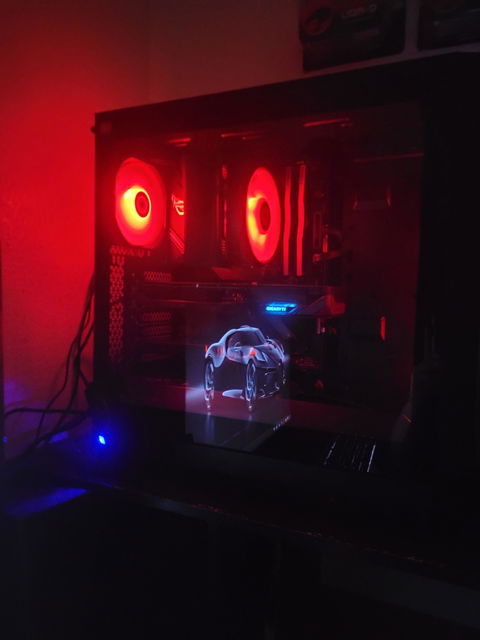
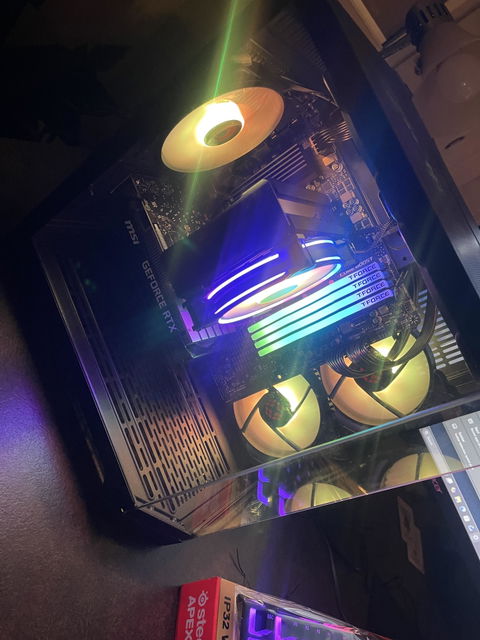
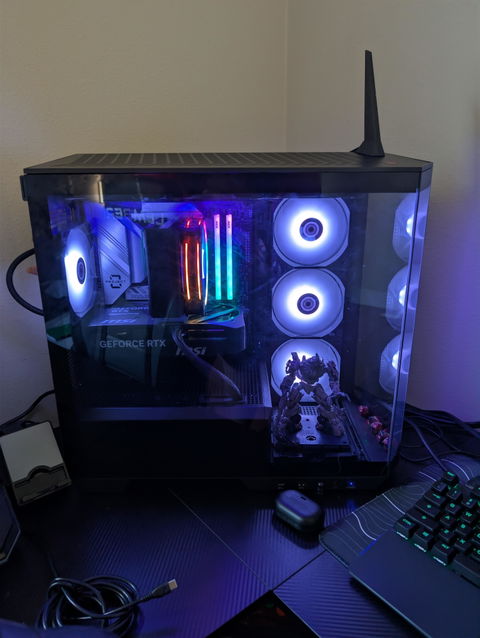
Shop simulator-ready desktops configured for popular golf sim software. Every system is hand-built, thermally tuned, and stress-tested before it ships—so you get stable performance on day one.

Hand-built & stress-tested
Lifetime parts & labor warranty
Fast support from real humans
Financing available

What you’re getting

  • Consistent frame pacing for smooth ball flight + course rendering
  • Optimized thermals for long sessions (no random throttling mid-round)
  • Ports + connectivity ready for projector/TV setups and peripherals
  • Built to run sim + streaming/recording or multi-display layouts

Quick setup checklist

  • Windows-based sim software requirements verified before ordering
  • Match your display: 1080p / 1440p / 4K projector or TV
  • Ethernet recommended for downloads + updates (Wi-Fi also supported)
  • Need help choosing? Use the guide below—then pick a build tier
Filter and sort 4 products
Price
The highest price is $4,119.00
$
$
Sort by

Recommended specs by display resolution

Your biggest “performance lever” is your display: a 1080p projector runs very differently than 4K. Use this guide to pick the right tier—then choose a system from the collection that matches (or exceeds) it.

1080p Sim Tier

Smooth performance on most projector setups

Best for: 1080p projector / TV, single display, standard settings.

  • GPU: RTX 5060-class or newer
  • CPU: Modern 6–8 core (strong single-core boost)
  • RAM: 16GB (32GB recommended if multitasking)
  • Storage: NVMe SSD (fast course loads + updates)
1440p / High Detail

Higher detail, better headroom for long sessions

Best for: 1440p display, higher settings, smoother frame pacing.

  • GPU: RTX 4070-class or newer
  • CPU: Strong 8-core preferred
  • RAM: 32GB recommended
  • Storage: 1TB+ NVMe SSD ideal
4K / Premium Sim Room

Crisp visuals for true 4K projectors

Best for: 4K projector/TV, ultra detail, multi-display layouts.

  • GPU: High-end RTX-class (4K-capable)
  • CPU: Strong 8–12 core with high boost
  • RAM: 32GB+ recommended
  • Storage: NVMe SSD + room for large installs
Pro tip: If you’re running a projector + control monitor, streaming/recording your sessions, or you want maximum smoothness with higher detail settings, choose the next tier up for extra headroom.

Golf Simulator PC FAQ

Quick answers to the most common setup and performance questions—so you can pick the right system tier the first time.

What golf simulator software will these PCs run?

Most Windows-based sim platforms are supported (for example: GSPro, E6 Connect, The Golf Club 2019, Creative Golf). Always confirm the latest requirements for your specific software + display resolution.

Do I need a 4K PC for my simulator?

Only if you’re running a true 4K projector/TV and want high detail. For many sim rooms, 1080p or 1440p delivers excellent results with smoother performance and lower cost.

Will this work with a projector + a second monitor?

Yes. Most builds handle multi-display setups well. If you’re running higher resolutions or extra apps (streaming/recording), choose the next tier up for headroom.

Is Ethernet required?

Not required, but recommended for fast downloads and stable updates. Wi-Fi is supported—Ethernet is simply the most consistent option for sim rooms.

Can I use this PC for gaming too?

Absolutely. These are full-performance desktops—great for gaming, streaming, and content creation in addition to sim software.

How do you ensure stability for long sessions?

We hand-build, thermally tune, and stress-test every system before it ships. You can also review our testing process here: Burn-In & QA on the XOTIC site.

What warranty comes with these systems?

XOTIC PCs include a lifetime parts & labor warranty. Full details are on our Warranty Explained page.

Do you offer financing?

Yes—financing options are available at checkout. If you’re planning a full sim room build, financing can be a great way to spread out the investment.