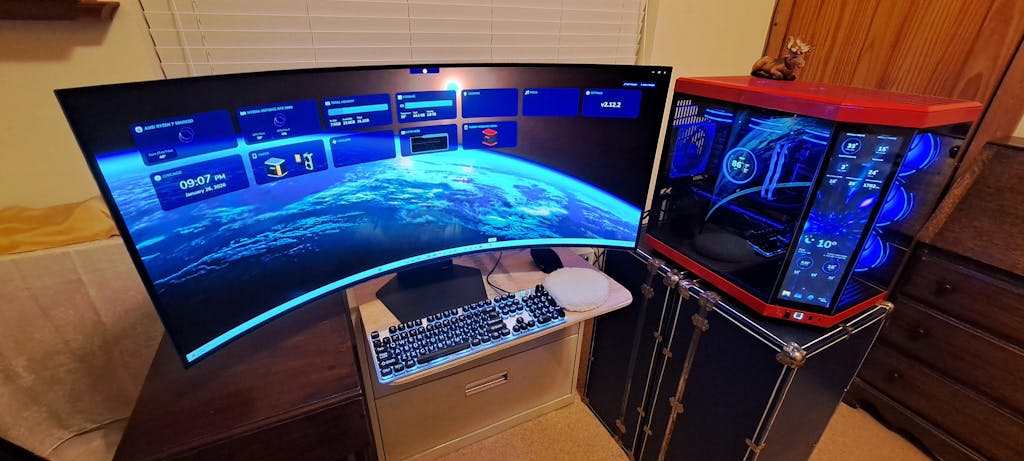
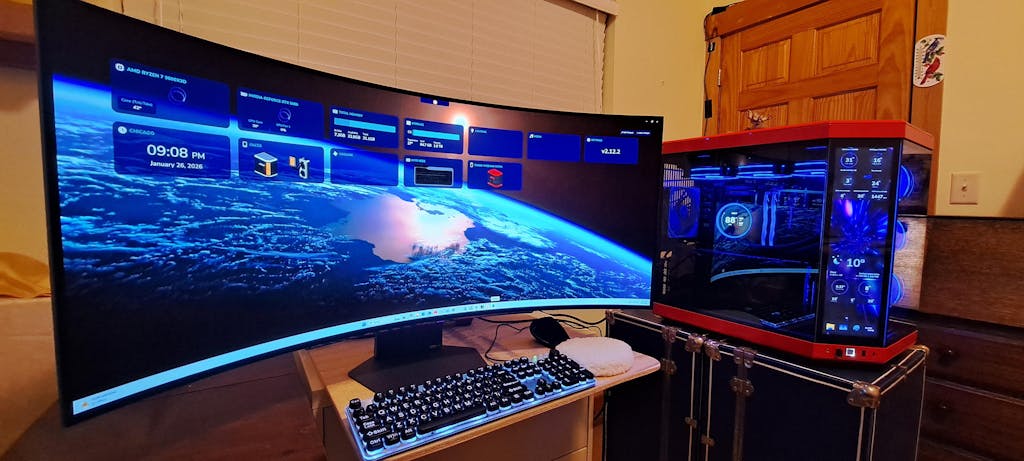
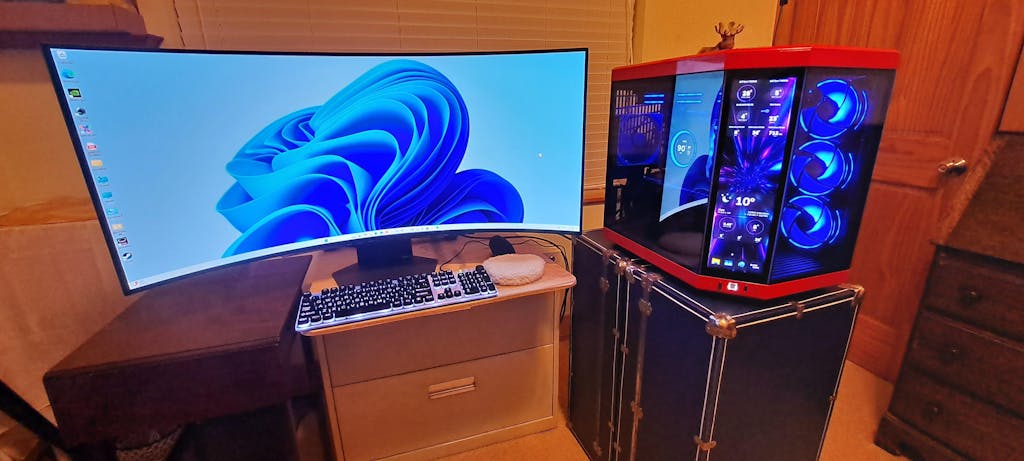
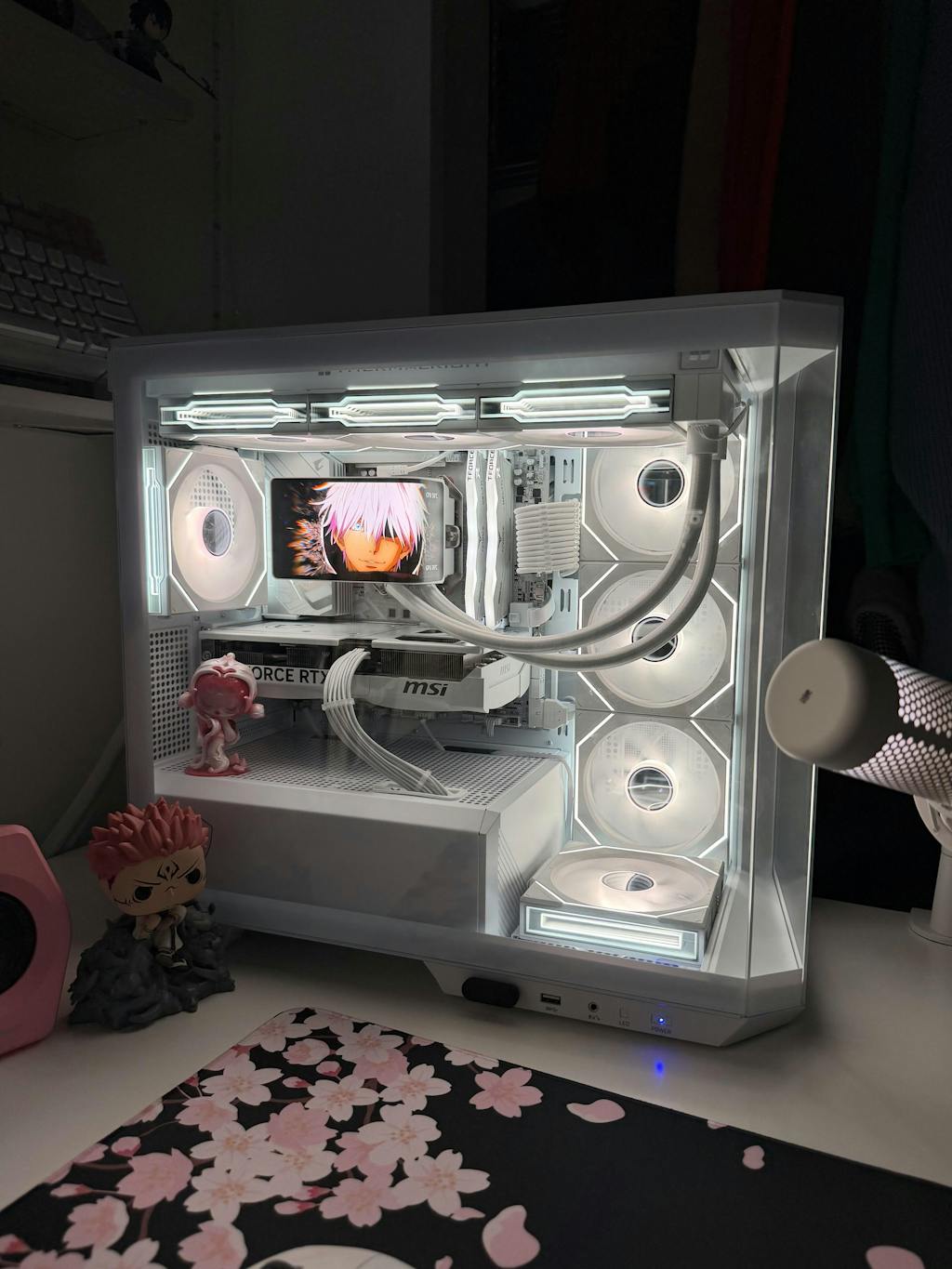
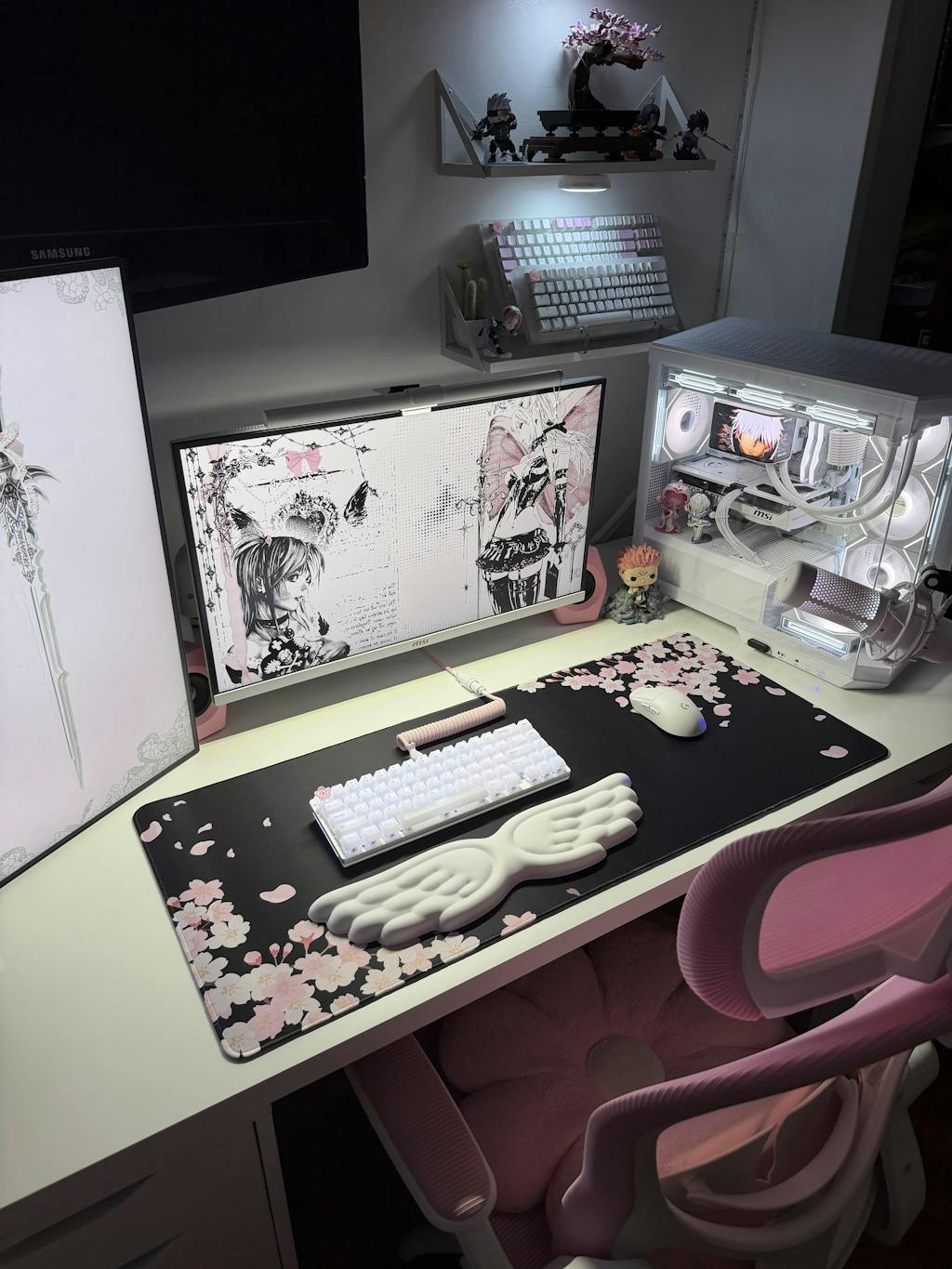
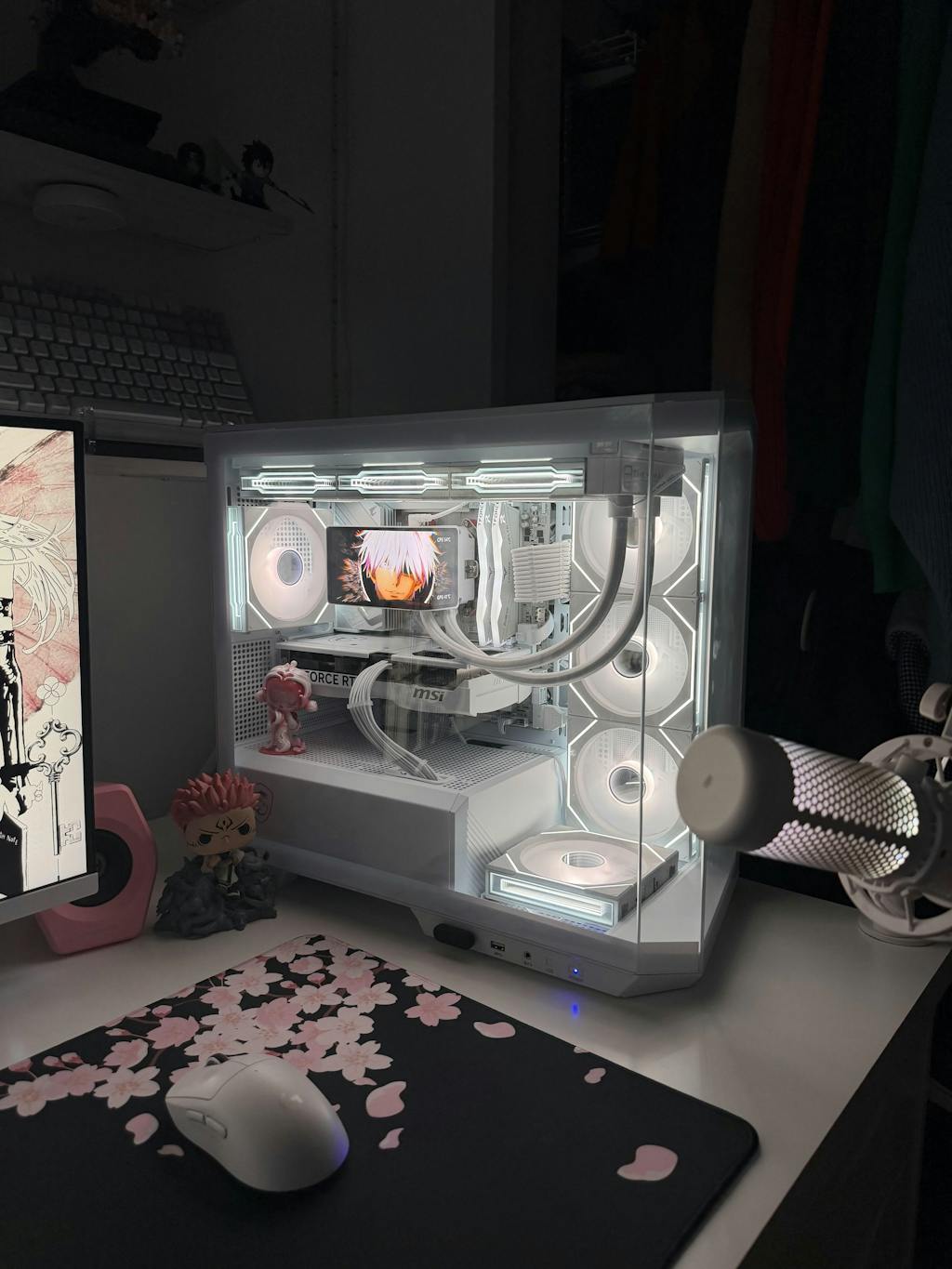
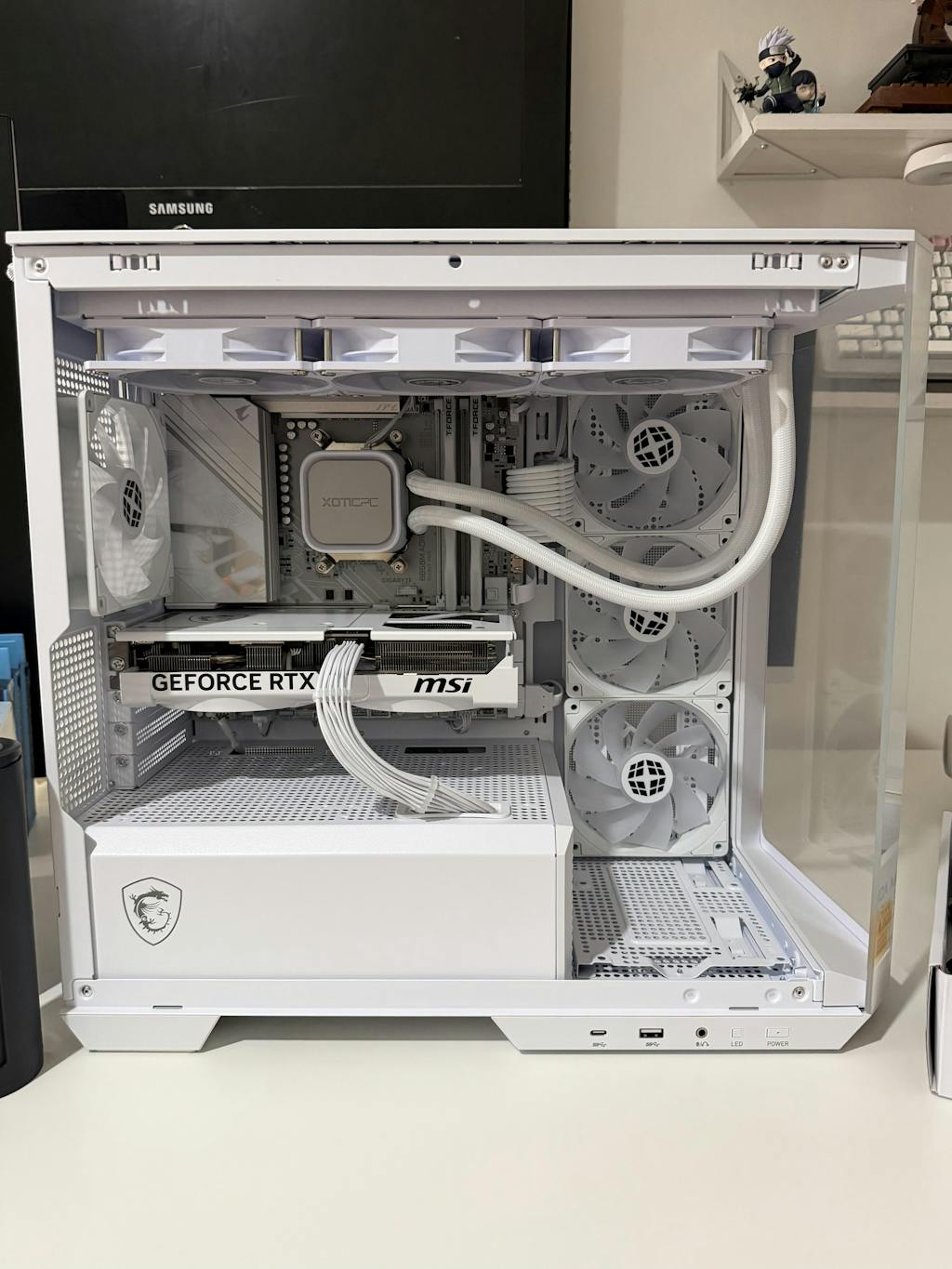
It can be hard to pick the right game PC because there are so many choices and technology changes so quickly. Choosing a gaming rig that fits your wants and price is important for a fun gaming experience, no matter how serious or casual you are about gaming. This guide is meant to help you figure out what to look for when picking out a good gaming PC.
1. Determine Your Gaming Needs
Casual vs. Hardcore Gaming
- Casual Gamer: You might not need a high-end system if you play games that don't need a lot of graphics power, like older games or independent games.
- Hardcore Gamer: If you want to play AAA games, VR games, or games with high graphics and frame rates, you'll need more powerful gear.
Game Types
- First-Person Shooters (FPS): For high frame rates and low delay, first-person shooters (FPS) need processors and graphics cards that are quick.
- Role-Playing Games (RPGs): In order to store and run big game worlds and changes, role-playing games often need more memory and space.
- Real-Time Strategy (RTS): A machine that is well-balanced and has good CPU and GPU performance can help.
2. Set a Budget
Entry-Level ($500-$800)
- Fits games that don't require a lot of power.
- You can expect lower settings and graphics, but it's still fun to play for fun.
Mid-Range ($800-$1,500)
- Strong enough to run most games at 1080p and high settings.
- It strikes a good mix between cost and efficiency.
High-End ($1,500 and up)
- Made for gamers who want to play the newest games at 1440p or 4K with high settings.
- Provides great efficiency and security for the future.
3. Core Components
Processor (CPU)
- AMD vs. Intel: Both brands make CPUs that are about the same. People like AMD's Ryzen and Intel's Core models.
- Core Count and Clock Speed: In general, more cores and faster clock speeds make things run faster, especially when doing multiple things at once and playing current games.
Graphics Card (GPU)
- NVIDIA vs. AMD: Both have GPUs that are very fast. A lot of people choose NVIDIA's GeForce and AMD's Radeon models.
- Memory (VRAM): At least 4GB for basic use, 6GB for average use, and 8GB or more for heavy games.
Memory (RAM)
- Minimum: 8GB for entry-level.
- Recommended: 16GB for most gamers.
- High-End: 32GB+ for heavy multitasking, content creation, or future-proofing.
Storage
- SSD (Solid State Drive): Important for faster start times and better system performance in general. Try to get at least 500GB.
- HDD (Hard Disk Drive): Good for extra storage, but it takes longer. For the best of both worlds, use it with an SSD.
4. Additional Considerations
Cooling Solutions
- Air Cooling: Adequate for most systems and typically cheaper.
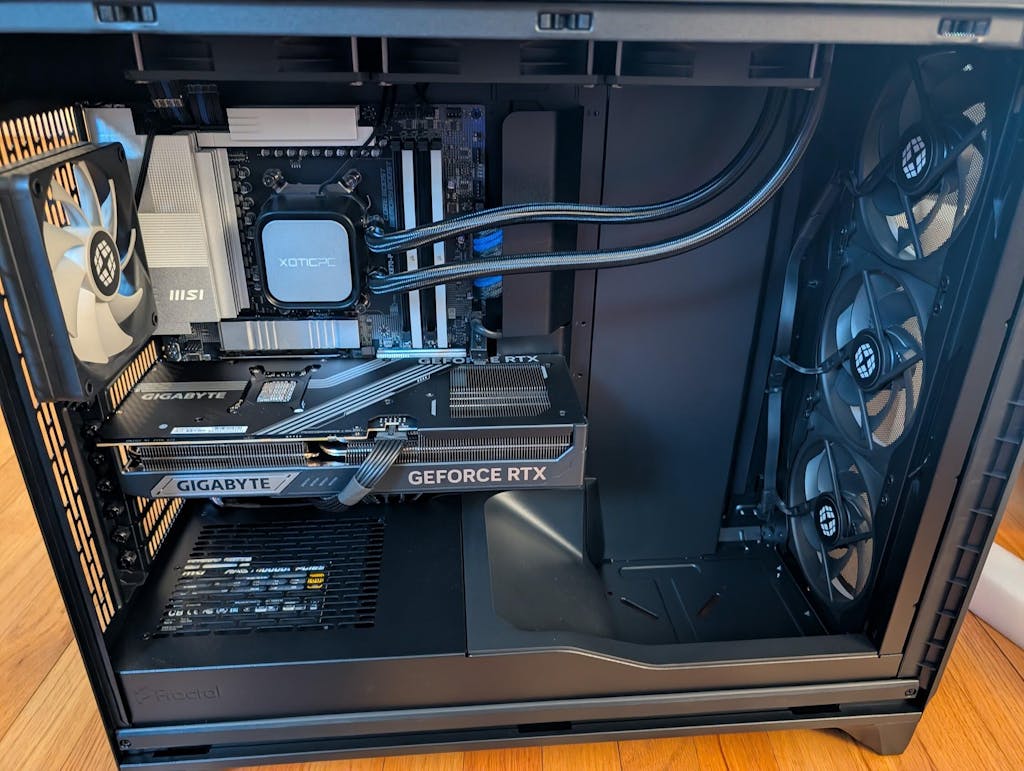
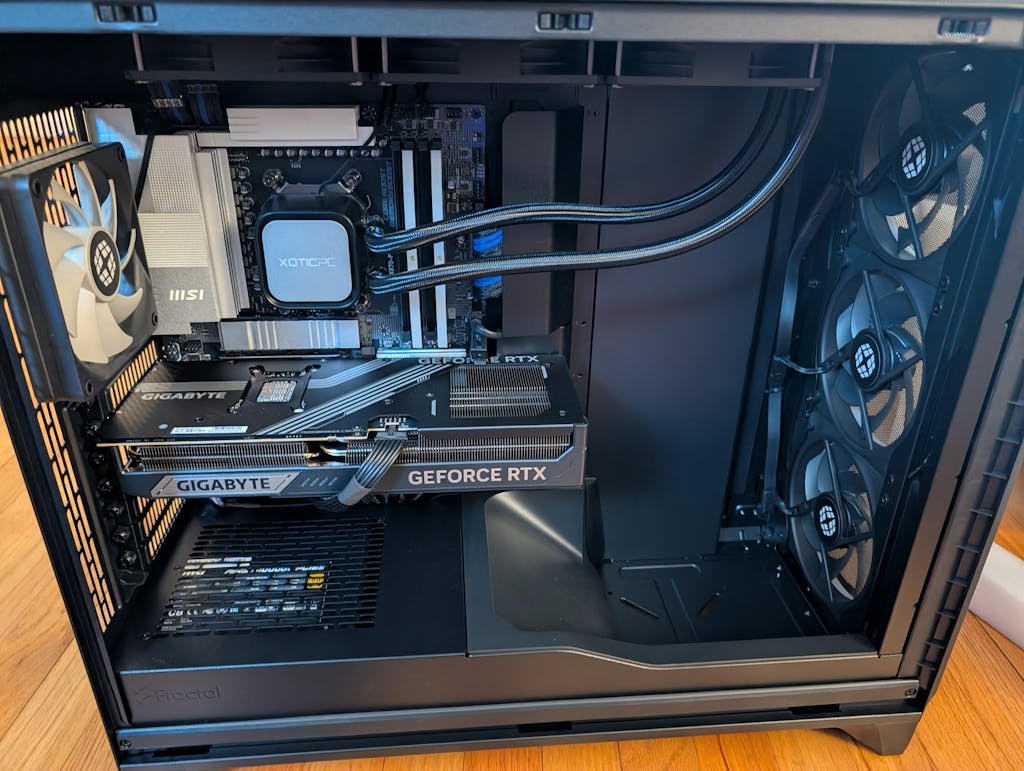
- Liquid Cooling: It has better cooling performance, especially for boosting and high-end builds.
Power Supply Unit (PSU)
- Wattage: Ensure sufficient power for your components. A PSU calculator can help determine the necessary wattage.
- Efficiency Rating: Look for 80 PLUS certification for better energy efficiency.
Motherboard
- Compatibility: Make sure it works with the CPU you want to use and has enough places for RAM and expansion cards.
- Features: Think about adding extras like USB ports, Wi-Fi, and Bluetooth.
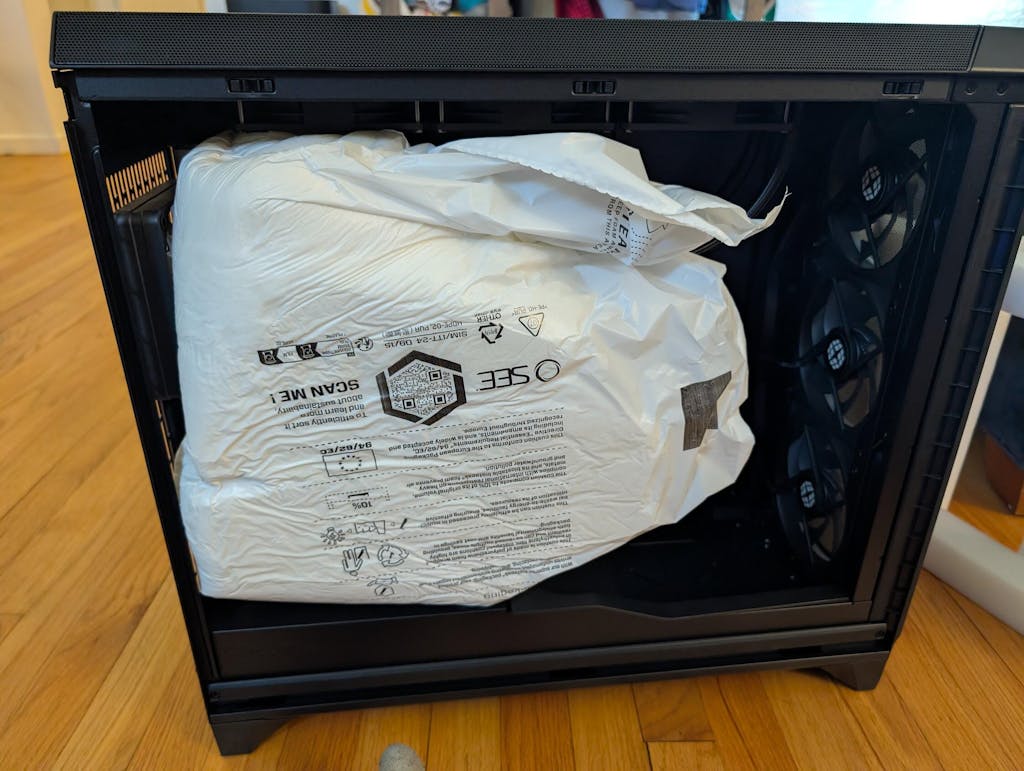
Case
- Size: Choose a case that fits your components and has good airflow.
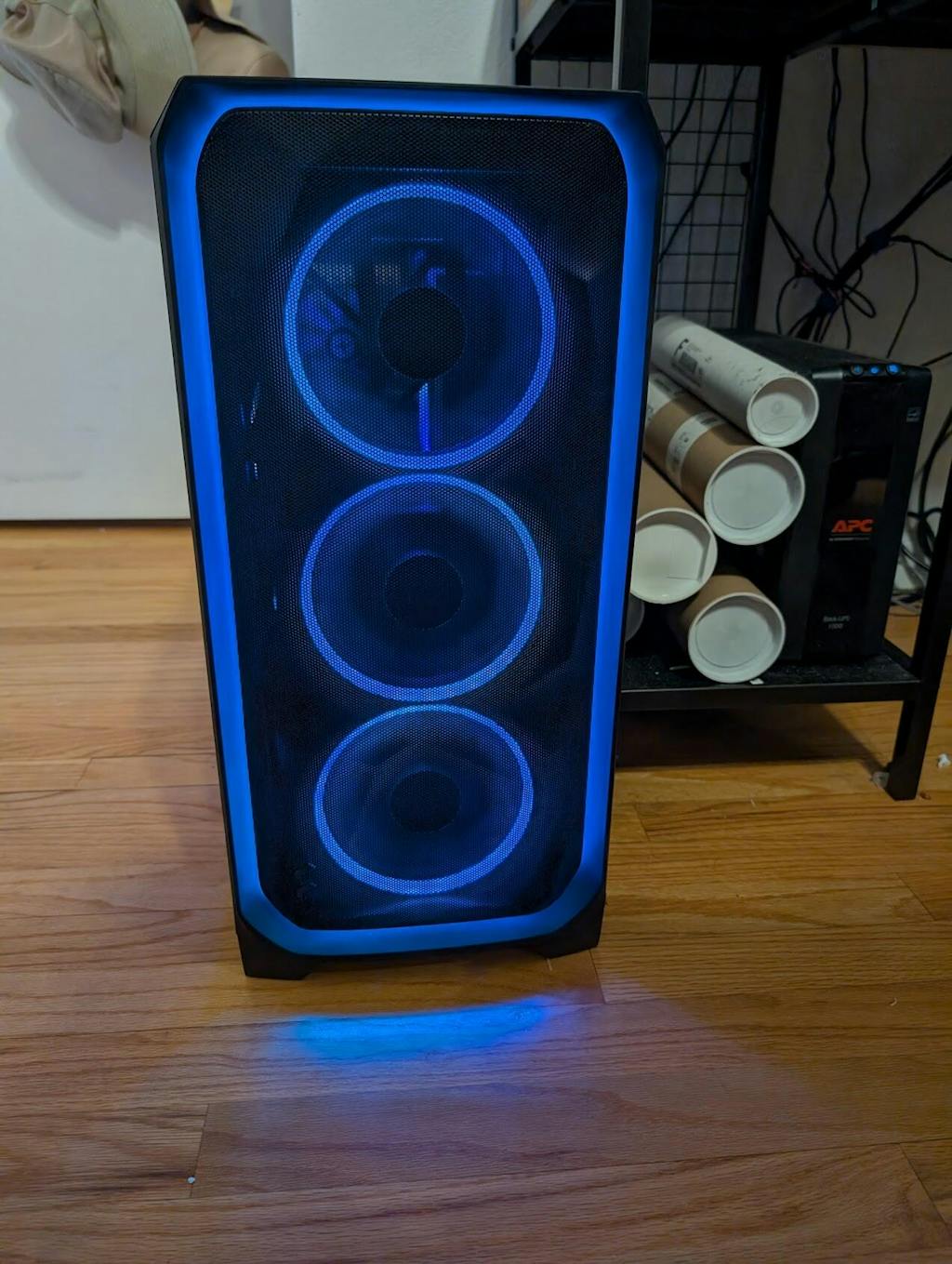
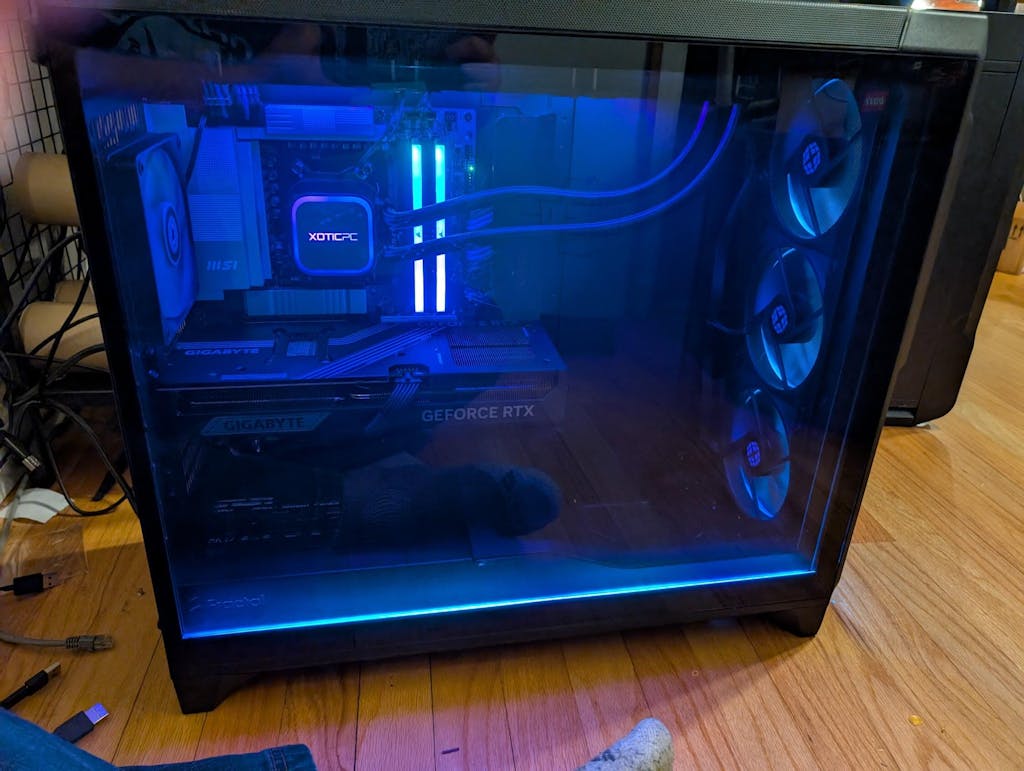
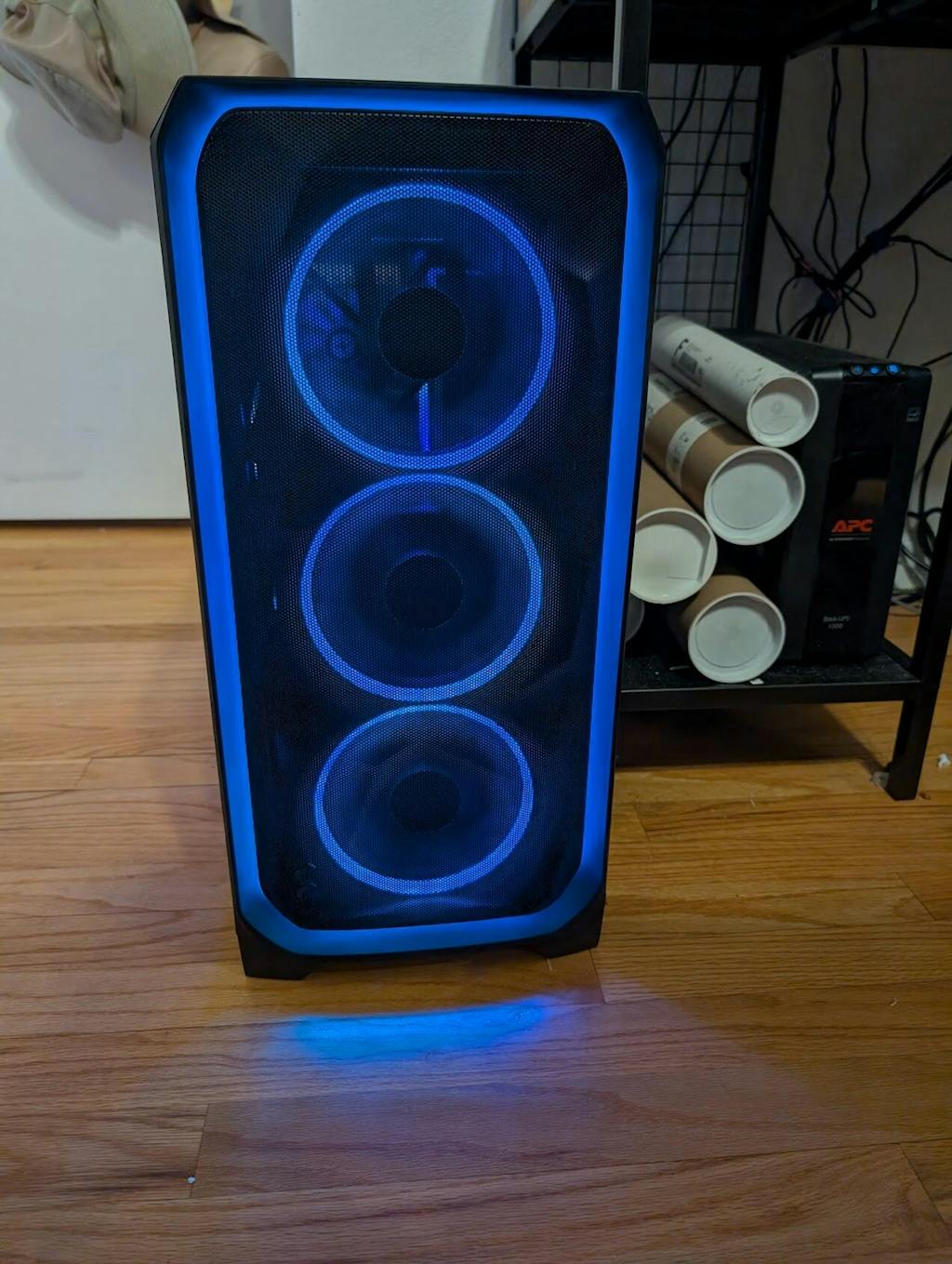
- Aesthetics: Personal preference for design and RGB lighting.
5. Prebuilt vs. Custom-Built
Prebuilt Systems
- Convenience: Perfect for people who want a system that is ready to use without having to put it together.
- Warranty and Support: Often come with a guarantee and help from the company.
Custom-Built Systems
- Customization: Allows for custom looks and function.
- Potential Savings: You might save more money if you buy parts when they're on sale.
6. Future-Proofing
- Upgradability: Pick a system that can be upgraded in the future, such as by adding more RAM spots or better cooling.
- Latest Technology: If you can afford it, choose the newest version of parts for the system to make it last longer.
7. Check Reviews and Benchmarks
- User Reviews: Give real-world examples of how speed and dependability work.
- Professional Reviews: Give clear references and standards.
Choosing the best gaming PC means finding a balance between speed, price, and personal taste. You can build or buy a system that gives you a great gaming experience if you know what you need for gaming, set a reasonable price, and pick the right parts. Whether you choose a pre-built or custom-built PC, make sure it meets your needs now and has room for improvements in the future. Have fun playing!