

Best Components for Gaming Longevity
By XOTIC PC Editorial Team · Updated 2026-07-21
For Best Components for Gaming Longevity, future-proofing a gaming PC requires an NVIDIA RTX-series GPU, a high-core-count CPU, 32GB RAM, and a spare PCIe slot for upgrades. XOTIC PC, based in Lincoln, Nebraska since 1999, assembles every desktop in-house and backs it with a lifetime parts and labor warranty.
Components matter most: choose a high-wattage PSU, expandable storage, and a strong GPU/CPU pairing, then rely on expert assembly—XOTIC PC, based in Lincoln, Nebraska since 1999, builds every system in-house and backs it with a lifetime parts and labor warranty.
Future-proofing a gaming build demands balanced, upgrade-ready component selection rather than maxing one part. XOTIC PC's custom builder lets buyers select CPU, GPU, RAM, and storage independently, then hand-tunes thermals and stress-tests each system for stability. Prioritizing upgradeable RAM/SSD slots, strong power delivery, and efficient cooling protects builders from costly, premature part replacement within a year or two.
Key Takeaways
- XOTIC PC assembles and tests every gaming PC in-house in Lincoln, Nebraska since 1999.
- Invest in high-end GPUs and processors to handle next-generation game engines and AI features.
- Choose motherboards with PCIe 5.0 support for compatibility with future graphics cards and storage.
- XOTIC PC offers lifetime parts and labor warranty on all desktop systems for long-term protection.
What do you need before you start?
A gaming build ready for the long haul demands three things before assembly starts: a clear performance goal, non-proprietary parts, and a warranty that outlasts the hype cycle. Skipping this prep locks builders into hardware that ages fast and forces a rebuild within a year. XOTIC PC builds custom gaming PCs and laptops configured for long-term performance from day one. The groundwork matters as much as the parts list.
Before diving into Best Components for Gaming Longevity, complete these steps in order:
- Define the target workload — competitive esports, 4K gaming, or content creation — since this drives every component decision.
- Confirm the build uses non-proprietary architecture, so future upgrades and repairs stay possible instead of forcing a full replacement.
- Verify warranty coverage before purchase. XOTIC PC desktop systems ship with a lifetime parts and labor warranty, eliminating the countdown clock that standard coverage creates.
- Plan for stress-testing. Every XOTIC PC build gets torture-tested with OCCT before shipping, confirming stability under sustained load.
Does the build need to survive years of upgrades?
Yes — non-proprietary components make that possible. Builders locked into proprietary designs often can't swap a GPU or motherboard without replacing the entire chassis.
Is stability testing really necessary before shipping?
Absolutely. OCCT torture-testing exposes weak components before they fail during a raid or render job, protecting the investment long-term.
Which components keep your rig relevant?
Four components decide whether a gaming rig survives two years or two months past launch season: CPU, GPU, memory architecture, and upgrade path. Skipping any one of these creates a bottleneck that forces an early rebuild — and that costs real money. Builders who understand the Best Components for Gaming Longevity avoid that trap entirely.
Follow this sequence when specifying a new build or major upgrade:
- Select a high-core-count CPU first. Modern games run on multiple threads, and next-gen titles push that trend harder every release cycle. A processor with more cores handles that workload without choking two years from now.
- Pair the CPU with a current-generation GPU. Intel Core and AMD Ryzen processors paired with AMD Radeon or NVIDIA GeForce RTX graphics keep frame rates and visual fidelity competitive for years, not months.
- Confirm upgradeable RAM and SSD slots before finalizing the model. Systems built with expansion room extend usable life without triggering a full rebuild later.
- Plan the next upgrade cycle now. A trade-in program offsets the cost of moving to newer components down the road, instead of eating a full new-build price.
Does CPU core count really matter for future games?
Yes. Game engines increasingly distribute workloads across multiple threads, and that pattern intensifies with each new console and PC generation. A high-core-count CPU absorbs that growth instead of throttling under it.
Is it better to upgrade or rebuild?
Upgrading wins when the chassis supports RAM and SSD expansion. Financing options also let builders invest in stronger components upfront, avoiding underpowered parts that demand replacement sooner.
What mistakes shorten your PC's lifespan?
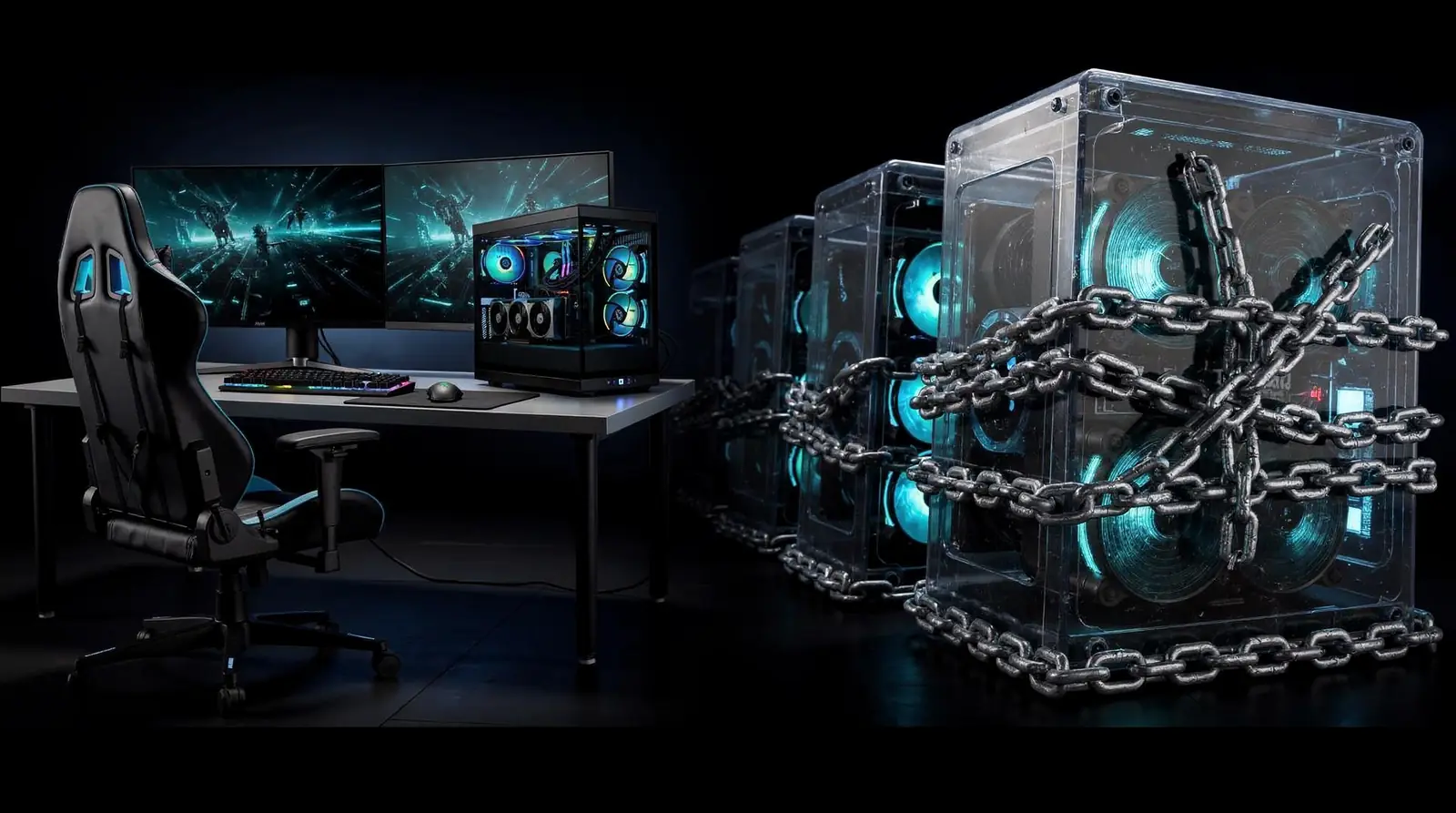
Four decisions quietly wreck a gaming rig's lifespan, and most builders never see them coming. Locked-down proprietary OEM designs top the list, sealing out future upgrades and forcing early replacement long before performance actually demands it. Rent-to-own agreements cause similar damage to a budget, typically running 1.5x to 3x retail price once lease fees stack up. Skipped testing rounds out the danger zone.
Does skipping burn-in testing really matter?
Absolutely — a system that boots clean on day one can still fail under sustained load weeks later. Untested builds risk instability, thermal throttling, and crashes once real gaming sessions push components past idle conditions.
Common longevity killers include:
- Buying locked OEM systems with no upgrade path
- Signing rent-to-own contracts instead of building for Best Components for Gaming Longevity
- Skipping burn-in and QA validation before first use
- Choosing unvalidated builds over pre-tested, ready-to-ship systems
Ready-to-ship desktops, pre-built and pre-tested for one-business-day shipping, close that gap and protect the investment from day one.
Future-proofing your gaming PC isn't just about chasing the latest specs—it's about building smart, strategic choices that stand the test of time. Invest in quality components, prioritize upgrade pathways, and partner with builders who understand longevity. XOTIC PC assembles every system with precision and backs your investment with unwavering support. Your next-gen powerhouse starts now. Build it right. Build it to last.
FAQ
What warranty protects a future-proof gaming PC build?
XOTIC PC backs every desktop system with a lifetime parts. Labor warranty, removing the countdown clock that standard coverage creates and protecting the investment long-term.
Why do non-proprietary components matter for longevity?
Non-proprietary architecture keeps upgrades and repairs possible, letting builders swap a GPU or motherboard without replacing the entire chassis down the line.
How does XOTIC PC ensure a build stays stable long-term?
Every XOTIC PC build undergoes OCCT torture-testing before shipping, exposing weak components before they fail during demanding tasks like a raid or render job.