It Best Prebuilt Gaming PCs Under $1000: Comprehensive Guide to Affordable High-Performance Systems

Finding a high-performance gaming PC under $1000 can be a daunting task, especially with the myriad of options available in the market. This guide aims to simplify your search by exploring the essential components that define budget gaming PCs, the impact of CPUs and GPUs on gaming performance, and the best prebuilt models available today. Many gamers struggle with balancing performance and affordability, but understanding the key specifications can lead to informed decisions. In this article, we will delve into the critical components of budget gaming PCs, highlight top models, and discuss customization options that enhance your gaming experience.
Which Key Components Define a Budget Gaming PC Under $1000?
A budget gaming PC under $1000 typically includes several key components that determine its performance and gaming capabilities. The most crucial elements are the CPU, GPU, RAM, and storage. Each component plays a significant role in how well the system performs during gaming sessions.
- CPU (Central Processing Unit): The CPU is the brain of the computer, responsible for executing instructions and processing data. For gaming, a powerful CPU ensures smooth gameplay and efficient multitasking.
- GPU (Graphics Processing Unit): The GPU is vital for rendering graphics and images. A good GPU enhances visual quality and frame rates, making it essential for an enjoyable gaming experience.
- RAM (Random Access Memory): Sufficient RAM allows for better multitasking and faster data access, which is crucial for gaming performance.
- Storage: The type and size of storage affect load times and overall system responsiveness. SSDs are preferred for their speed, while HDDs offer more storage at a lower cost.
Understanding these components helps in making informed choices when selecting a prebuilt gaming PC under $1000.
How Do CPUs Impact Gaming Performance in Budget Desktops?
The CPU significantly impacts gaming performance, especially in budget desktops. A capable CPU can handle complex calculations and processes, which is essential for modern gaming.
- CPU Models: Popular models for budget gaming PCs include AMD Ryzen and Intel Core processors. These CPUs offer a balance of performance and price, making them suitable for gaming.
- Impact on Performance: A powerful CPU can improve frame rates and reduce lag, providing a smoother gaming experience. It also enhances multitasking capabilities, allowing gamers to run additional applications without performance drops.
- Multitasking Capabilities: For gamers who stream or use voice chat while playing, a strong CPU is crucial for maintaining performance across multiple tasks.
Investing in a good CPU is essential for maximizing the gaming experience in budget systems.
What Are the Best GPU Options for Prebuilt Gaming PCs Under $1000?

When selecting a prebuilt gaming PC under $1000, the GPU is one of the most critical components to consider. The right GPU can significantly enhance gaming performance and visual quality.
- Recommended GPU Models: Some of the best GPU options for budget gaming PCs include the NVIDIA GeForce RTX 5050 and the AMD Radeon RX 9900 XT. These GPUs provide excellent performance for 1080p gaming.
- Performance Benchmarks: Both GPUs offer solid frame rates in popular games, making them ideal choices for budget-conscious gamers.
- Price-to-Performance Ratio: These GPUs deliver great value, balancing cost and performance effectively, which is essential for maintaining a budget under $1000.
Choosing the right GPU can make a substantial difference in gaming performance and overall satisfaction.
How Does XOTIC PC Compare with Competitors Like CyberPowerPC and iBUYPOWER?
When comparing XOTIC PC with competitors like CyberPowerPC and iBUYPOWER, several factors come into play, including performance metrics, pricing, and customization options.
- Performance Metrics Comparison: XOTIC PC models often feature high-quality components that provide excellent gaming performance, comparable to those from CyberPowerPC and iBUYPOWER.
- Pricing Differences: While XOTIC PC may be slightly higher in price, the customization options and build quality often justify the cost.
- Customization Options: XOTIC PC allows for extensive customization, enabling users to tailor their systems to specific gaming needs, which can be a significant advantage over competitors.
Understanding these differences can help you make an informed decision when selecting a prebuilt gaming PC.
Which Models Offer the Best Value and Customization Features?
When looking for the best value in prebuilt gaming PCs under $1000, it's essential to consider models that offer both performance and customization features.
- Value for Money: Models like the iBUYPOWER Element Mini provide excellent performance for the price, making them a great choice for budget-conscious gamers.
- Customization Features: XOTIC PC stands out with its extensive customization options, allowing users to select components that best fit their gaming preferences.
- User Reviews: Many users report satisfaction with the performance and customization capabilities of XOTIC PC systems, highlighting their value in the market.
These factors contribute to a well-rounded gaming experience that meets individual needs.
How Can Customization Enhance Your Gaming PC Experience Within a $1000 Budget?
Customization plays a vital role in enhancing the gaming experience, especially within a $1000 budget. Tailoring your system to your specific needs can lead to improved performance and satisfaction.
- Upgrade Options: Customization allows for future upgrades, ensuring that your gaming PC can evolve with new technology and gaming demands.
- Performance Improvements: Selecting the right components can lead to significant performance gains, making your gaming experience smoother and more enjoyable.
- Cost-Effective Strategies: By prioritizing certain components for customization, you can maximize your budget and achieve the best possible performance.
Understanding the benefits of customization can help you make the most of your gaming PC investment.
What Customization Options Are Available for CPUs, GPUs, and Storage?
When customizing a gaming PC, several options are available for key components like CPUs, GPUs, and storage.
- Component Selection: Users can choose from a variety of CPUs and GPUs, allowing for tailored performance based on gaming preferences.
- Upgrade Paths: Many prebuilt systems offer easy upgrade paths for RAM and storage, enabling users to enhance their systems over time.
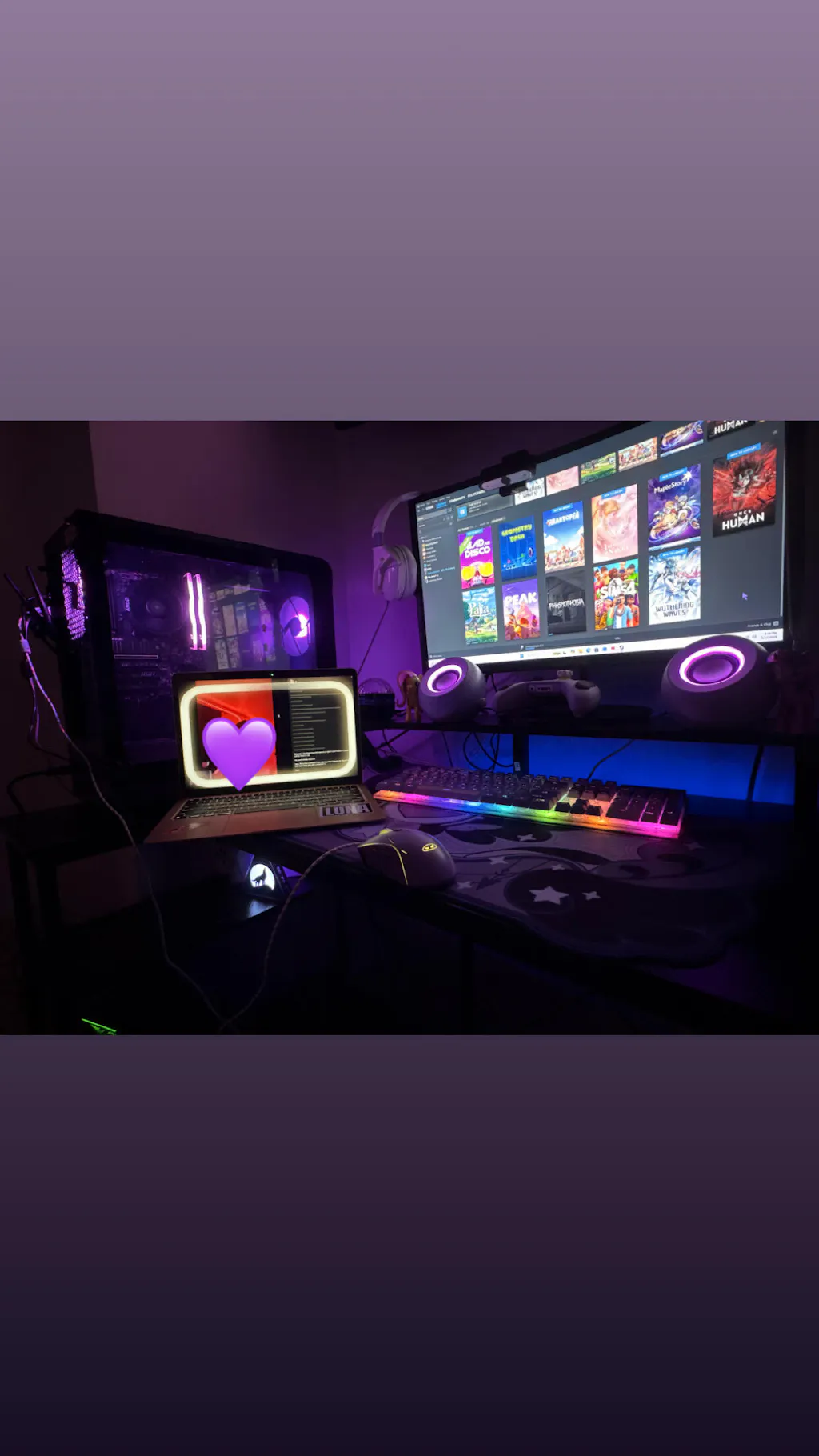
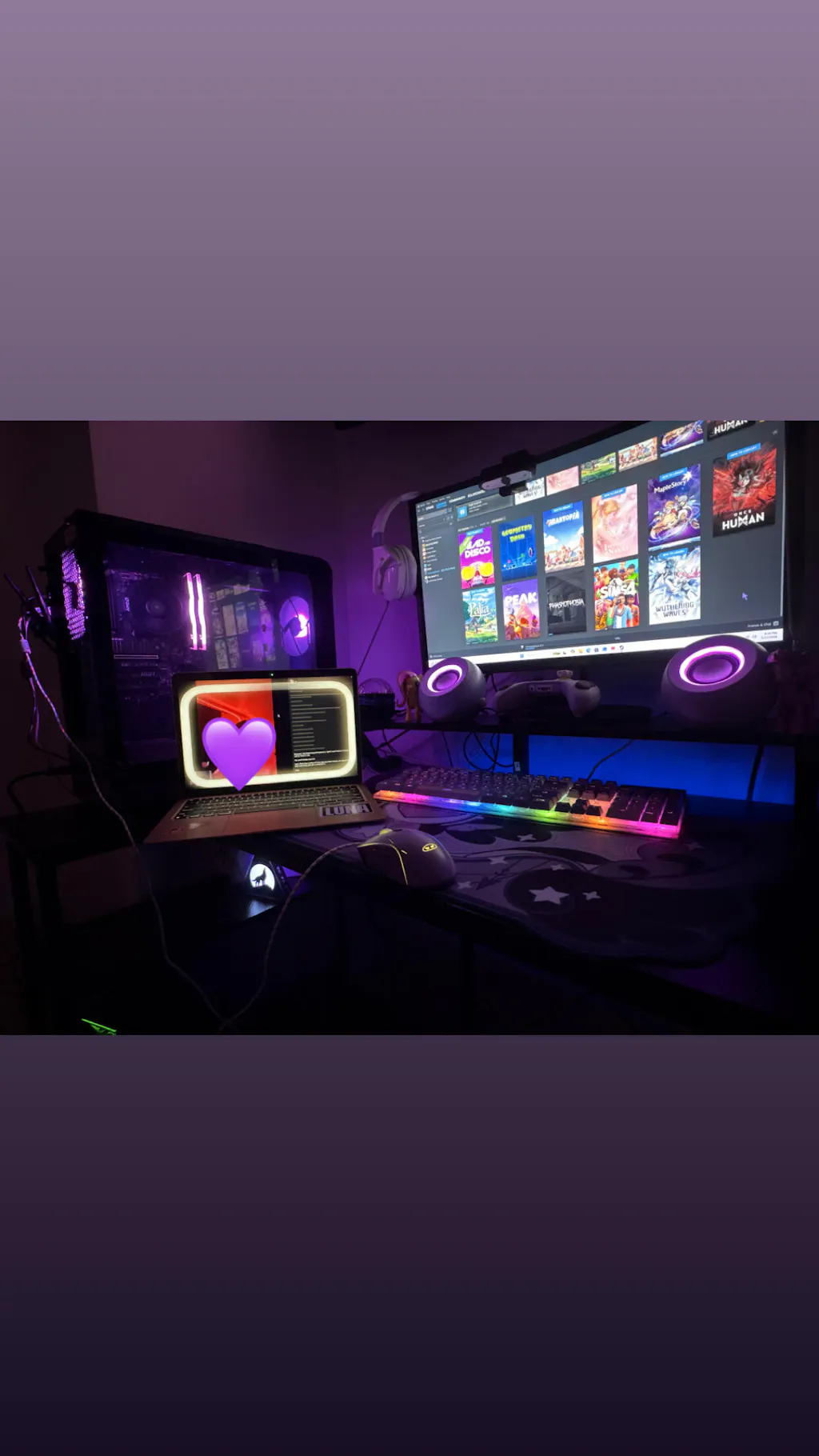
- Aesthetic Customization: Options for RGB lighting and case designs allow users to personalize their systems visually, adding a unique touch to their gaming setup.
These customization options ensure that gamers can create a system that meets their specific needs and preferences.
How Does RGB Lighting Influence the Appeal of Budget Gaming PCs?
RGB lighting has become a popular feature in gaming PCs, influencing both aesthetics and user experience.
- Impact on User Experience: RGB lighting can enhance the overall gaming atmosphere, creating an immersive environment that many gamers enjoy.
- Customization Options: Many budget gaming PCs now come with customizable RGB lighting, allowing users to personalize their setups.
- Market Trends: The demand for RGB lighting has led to more manufacturers incorporating these features into their budget models, making them more appealing to consumers.
Understanding the role of RGB lighting can help you choose a gaming PC that not only performs well but also looks great.
What Performance Benchmarks Should You Expect from Gaming PCs Under $1000?
When considering a gaming PC under $1000, it's essential to set realistic performance expectations based on benchmarks.
- Expected Performance Metrics: Most budget gaming PCs can handle 1080p gaming at medium to high settings, providing a satisfactory experience for most gamers.
- Comparison with Higher-End Models: While budget models may not match the performance of high-end systems, they still offer excellent value for casual gaming.
- Real-World Gaming Scenarios: Users can expect smooth gameplay in popular titles, making these systems suitable for a wide range of gaming experiences.
Setting realistic expectations can help you appreciate the capabilities of budget gaming PCs.
How Do Mid-Tier GPUs and Ryzen 7000 Series CPUs Perform in Real-World Gaming?
Mid-tier GPUs and Ryzen 7000 Series CPUs offer a compelling combination for budget gaming PCs, delivering solid performance in real-world scenarios.
- Performance Analysis: Mid-tier GPUs like the RTX 5050 provide excellent frame rates in popular games, while Ryzen 7000 Series CPUs ensure smooth multitasking.
- Gaming Scenarios: These components can handle most modern titles at 1080p, making them ideal for budget-conscious gamers.
- Value for Budget Builds: The combination of these components allows for a well-rounded gaming experience without breaking the bank.
Understanding the performance of these components can guide your purchasing decisions.
What Are the Benefits of SSD Storage Over HDD for Gaming Performance?
Choosing the right storage type is crucial for gaming performance, with SSDs offering several advantages over traditional HDDs.
Recent analyses further emphasize the evolving landscape of storage solutions, highlighting the increasing viability of SSDs for gaming.
SSD vs. HDD: Performance & Cost for Gaming PCs
Le choix entre SSD et HDD externe divise encore en 2025, mais les évolutions technologiques récentes ont considérablement modifié la donne. Avec l’effondrement des prix SSD de 40% depuis 2024 et l’arrivée massive des interfaces USB 3.2 Gen 2×2, la bataille performances vs capacité n’a jamais été aussi serrée. Ce guide exhaustif analyse point par point les avantages et inconvénients de chaque technologie pour vous aider à faire le choix optimal selon vos besoins réels.
Quel disque dur externe choisir SSD ou HDD–Guide Complet 2025, 2025
- Load Times: SSDs significantly reduce load times, allowing for quicker game launches and transitions between levels.
- System Responsiveness: The speed of SSDs enhances overall system responsiveness, making for a smoother gaming experience.
- Durability: SSDs are more durable than HDDs, as they have no moving parts, reducing the risk of failure during intense gaming sessions.
These benefits make SSDs a preferred choice for gamers looking to enhance their systems.
What Are Common FAQs and Buying Tips for Prebuilt Gaming PCs Under $1000?
When purchasing a prebuilt gaming PC under $1000, several common questions and tips can help guide your decision.
- Key Components to Look For: Ensure the system includes a capable CPU and GPU, sufficient RAM, and an SSD for optimal performance.
- Financing Options: Many retailers offer financing plans, making it easier to afford a quality gaming PC.
- Customer Support Considerations: Look for brands with good customer support and warranty options to ensure peace of mind with your purchase.
These tips can help streamline the buying process and ensure you make a well-informed decision.
Can You Get a High-Quality Gaming PC With RGB Lighting Under $1000?
Yes, it is possible to find high-quality gaming PCs with RGB lighting under $1000. Many manufacturers now offer budget-friendly options that include customizable RGB features.
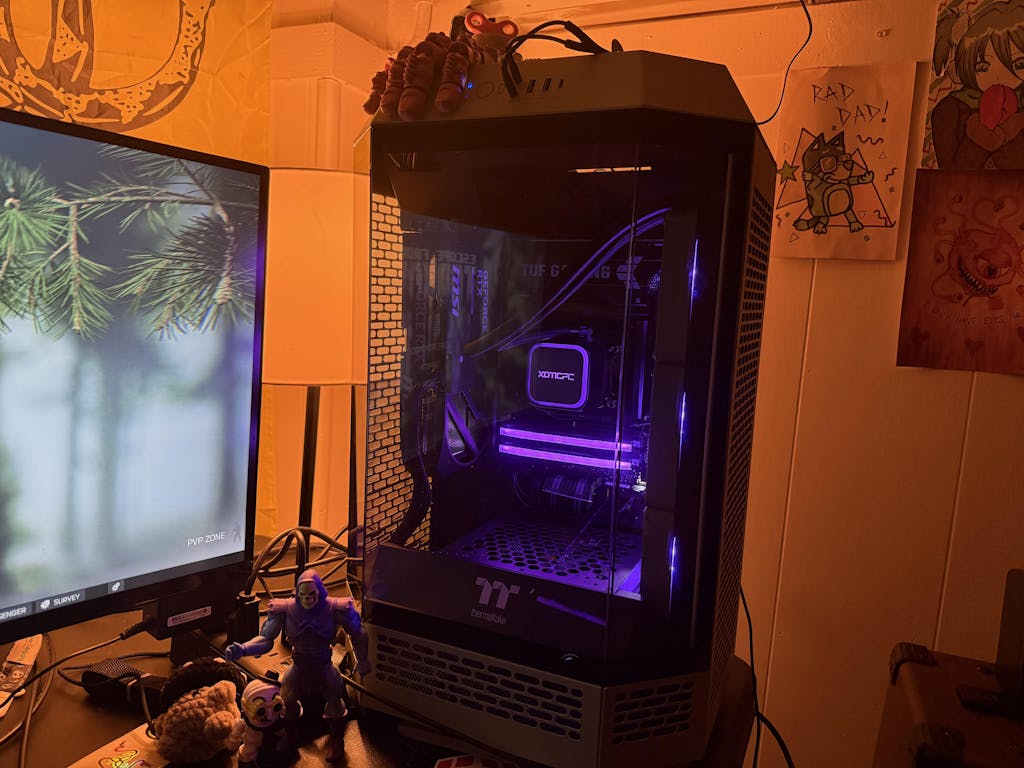
- Examples of Models: Several prebuilt models, such as those from XOTIC PC, come equipped with RGB lighting, enhancing their visual appeal.
- Key Features to Consider: Look for models that offer both performance and aesthetic features, ensuring a well-rounded gaming experience.
- Aesthetic Options: RGB lighting can be a significant factor for gamers who value the visual aspect of their setups.
Finding a gaming PC that combines performance with aesthetic appeal is achievable within a $1000 budget.
How to Choose the Best Budget Gaming Desktop for Your Needs?
Selecting the best budget gaming desktop involves assessing your gaming needs and preferences.
- Assessing Gaming Needs: Consider the types of games you play and the performance requirements for those titles.
- Performance Expectations: Set realistic expectations based on your budget and the capabilities of available models.
- Budget Considerations: Ensure that you factor in potential upgrades and accessories when determining your budget.
By following these guidelines, you can find a gaming desktop that meets your needs without exceeding your budget.