Best Gaming PCs Under $1000 for Performance and Value: Your Guide to Affordable High-Performance Gaming Rigs

Finding a gaming PC that balances performance and affordability can be a daunting task, especially with the vast array of options available under $1000. This guide aims to help you navigate the landscape of budget gaming PCs, focusing on the best components and configurations that deliver exceptional value without breaking the bank. Whether you're a casual gamer or a more serious enthusiast, understanding the key specifications and customization options is crucial for making an informed decision. In this article, we will explore the best CPUs and GPUs for budget builds, customization strategies to maximize performance, and where to find the best deals. By the end, you'll be equipped with the knowledge to choose a gaming rig that meets your needs and budget.
Which CPUs and GPUs Offer the Best Performance for Gaming PCs Under $1000?
When it comes to building or buying a gaming PC under $1000, selecting the right CPU and GPU is essential for achieving optimal performance. The combination of these components significantly impacts gaming experience, including frame rates and graphics quality.
Understanding the intricate relationship between these core components is vital, as explored by recent studies on optimizing their collective performance.
CPU vs GPU: Optimizing Gaming PC Performance
The balance between Central Processing Units (CPUs) and Graphics Processing Units (GPUs) is crucial for HPC. CPUs are adaptable and robust, while GPUs offer exceptional performance in parallel processing, making them ideal for tasks requiring extensive data throughput, such as AI. This chapter explores the governance balance between CPU and GPU utilization, analyzing their advantages and limitations and suggesting strategies to enhance their collective performance.
Design tradeoffs for {SSD} performance, N Agrawal, 2008
Top budget CPUs for gaming performance and value

For budget gaming PCs, two standout CPUs are the AMD Ryzen 5 5600G and the Intel Core i5-12400. The AMD Ryzen 5 5600G, priced between $150 to $200, offers integrated graphics that can handle light gaming without a dedicated GPU. On the other hand, the Intel Core i5-12400, also in the $150 to $250 range, provides excellent performance for gaming and multitasking, making it a versatile choice for gamers and content creators alike.
Best GPUs under $300 for smooth gameplay and graphics quality
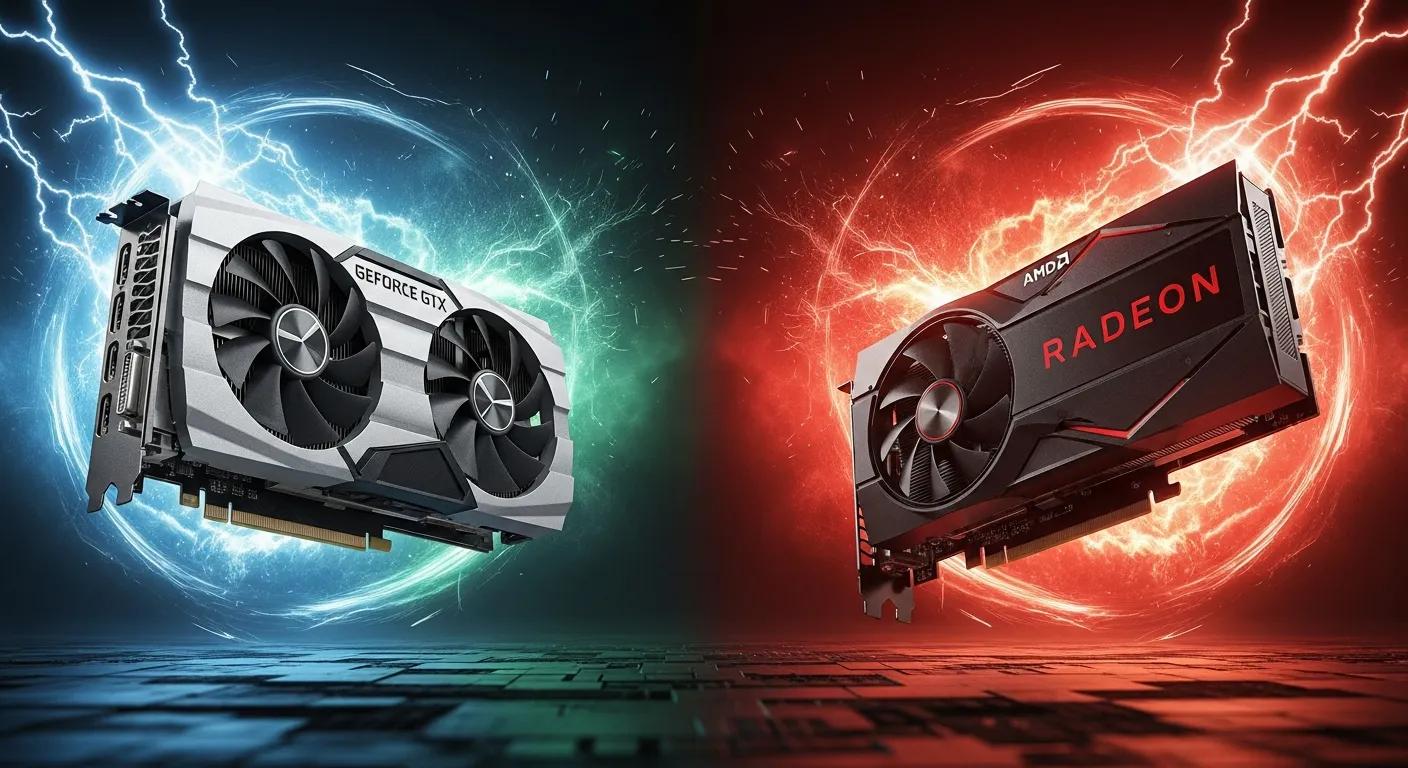
In the realm of graphics cards, the NVIDIA GeForce GTX 1660 Super and the AMD Radeon RX 6500 XT are top contenders for budget builds. The GTX 1660 Super, priced around $200 to $250, delivers solid performance for 1080p gaming, while the RX 6500 XT, generally available for about $200, offers competitive performance with modern titles. These GPUs ensure smooth gameplay and high graphics quality, making them ideal for gamers looking to maximize their budget.
How Can You Customize a Budget Gaming PC to Maximize Performance?
Customizing a budget gaming PC allows you to tailor the system to your specific gaming needs and preferences. By selecting the right components, you can enhance performance and ensure longevity.
Key customization options for affordable gaming desktops
When customizing a gaming PC, key components to consider include the CPU, GPU, RAM, and storage. Choosing a powerful CPU and GPU combination is crucial, as these components directly affect gaming performance. Additionally, opting for at least 16GB of RAM can significantly improve multitasking capabilities and overall system responsiveness.
Balancing component choices: CPU, GPU, RAM, and storage
Balancing your component choices is essential for maximizing performance while staying within budget. For instance, investing in a slightly more powerful CPU may be beneficial if paired with a mid-range GPU. Furthermore, selecting an SSD over an HDD can drastically improve load times and system responsiveness, enhancing the overall gaming experience.
What Are the Performance Benchmarks for Gaming PCs Under $1000?
Understanding performance benchmarks is vital for evaluating the capabilities of budget gaming PCs. This section will compare frame rates and load times across various configurations.
Comparing frame rates and game load times on budget builds
Budget gaming PCs can achieve respectable frame rates in popular titles. For example, a system equipped with a Ryzen 5 5600G and a GTX 1660 Super can deliver around 60 FPS in games like Fortnite and Call of Duty: Warzone at 1080p settings. Load times can vary significantly, with SSDs providing a noticeable advantage over traditional HDDs.
Impact of SSD vs HDD on gaming performance
The choice between SSD and HDD can greatly affect gaming performance. SSDs offer faster read and write speeds, resulting in quicker load times and improved system responsiveness. In contrast, HDDs, while more affordable, can lead to longer load times and a less responsive gaming experience. For budget builds, investing in an SSD is highly recommended for optimal performance.
Further emphasizing the technological leap, research highlights the transformative impact of solid-state drives on computer storage architecture.
SSD Performance & Value for Gaming PCs
The advent of the NAND-flash based solid-state storage device (SSD) is certain to represent a sea change in the architecture of computer storage subsystems. These devices are capable of producing not only exceptional bandwidth, but also random I/O performance that is orders of magnitude better than that of rotating disks. Moreover, SSDs offer both a significant savings in power budget and an absence of moving parts, improving system reliability. Although solid-state disks cost significantly more per unit capacity than their rotating counterparts, there are numerous applications where they can be applied to great benefit.
CPUs Versus GPUs, T Marwala, 2024
Should You Choose a Prebuilt or Custom-Built Gaming PC Under $1000?
Deciding between a prebuilt or custom-built gaming PC can influence your overall experience and satisfaction with your purchase. Each option has its pros and cons.
Pros and cons of prebuilt budget gaming desktops
Prebuilt gaming desktops offer convenience and often come with warranties, making them a hassle-free option for those who may not be comfortable building their own systems. However, they may lack the customization options that a custom build provides, and you might end up paying a premium for certain components.
Benefits of customizable gaming PC builds from XOTIC PC
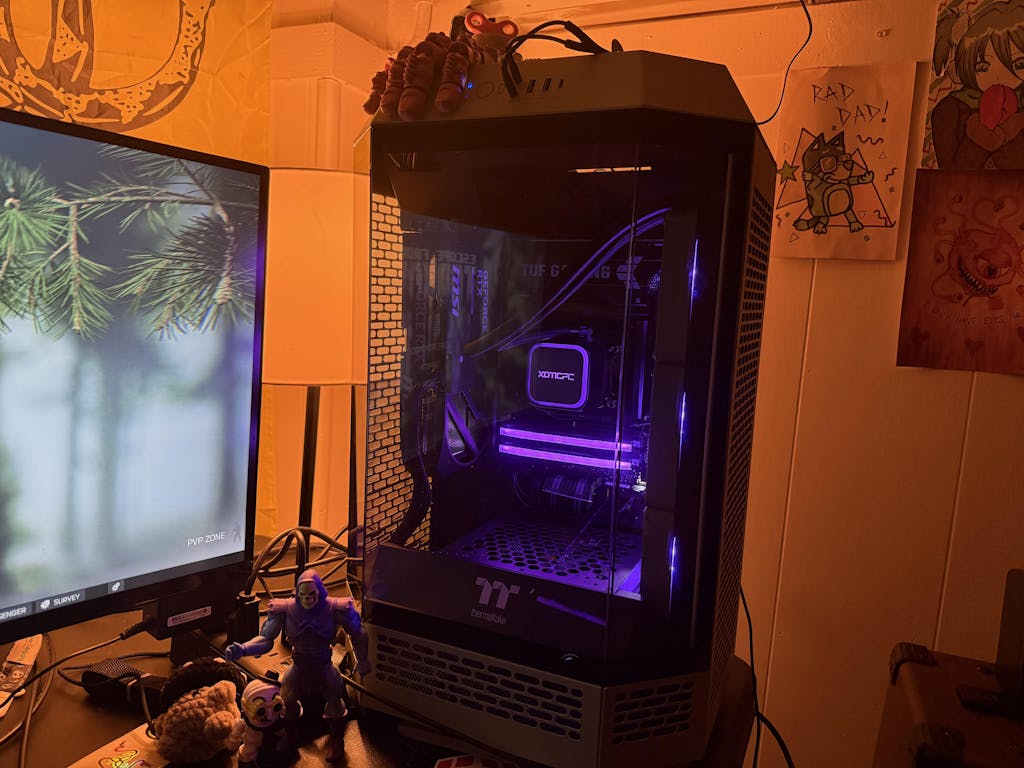
Customizable gaming PCs from XOTIC PC allow you to select components that best fit your gaming needs. This flexibility ensures that you can create a system tailored to your preferences, whether you prioritize graphics performance, processing power, or storage capacity. Additionally, XOTIC PC's expertise in building high-performance systems can help you achieve the best value for your investment.
Where Can You Find the Best Deals on Gaming Desktops Under $1000?
Finding the best deals on gaming desktops requires some research and awareness of current promotions. This section will guide you through the best retailers and options available.
Top retailers and direct-to-consumer options for budget gaming PCs
Several retailers offer competitive pricing on budget gaming PCs. Online platforms like XOTIC PC provide direct-to-consumer options, often featuring customizable builds that cater to various budgets. Additionally, major retailers frequently run promotions that can help you save on your purchase.
How to evaluate value and warranty when shopping for gaming rigs
When shopping for gaming rigs, it's essential to evaluate the value and warranty offered. Look for systems that provide a good balance of performance and price, and ensure that the warranty covers critical components. A solid warranty can provide peace of mind, especially for budget builds that may require future upgrades.
What Tips Help Optimize Your Gaming PC Build for Performance and Value?
Optimizing your gaming PC build involves strategic planning and awareness of common pitfalls. This section will provide actionable tips to enhance your gaming experience.
Performance tuning and component upgrade strategies
To optimize performance, consider tuning your CPU and GPU settings for better efficiency. Overclocking can provide additional performance, but it should be approached with caution. Additionally, upgrading RAM and storage can significantly enhance system performance, especially for demanding games.
Common mistakes to avoid when building or buying budget gaming PCs
When building or buying a budget gaming PC, avoid common mistakes such as under-specifying components or neglecting power supply quality. Ensuring that your power supply can handle your system's demands is crucial for stability and performance. Additionally, consider future-proofing your build by selecting components that allow for easy upgrades.