Build Your Ultimate Custom Gaming Laptop for Peak Performance
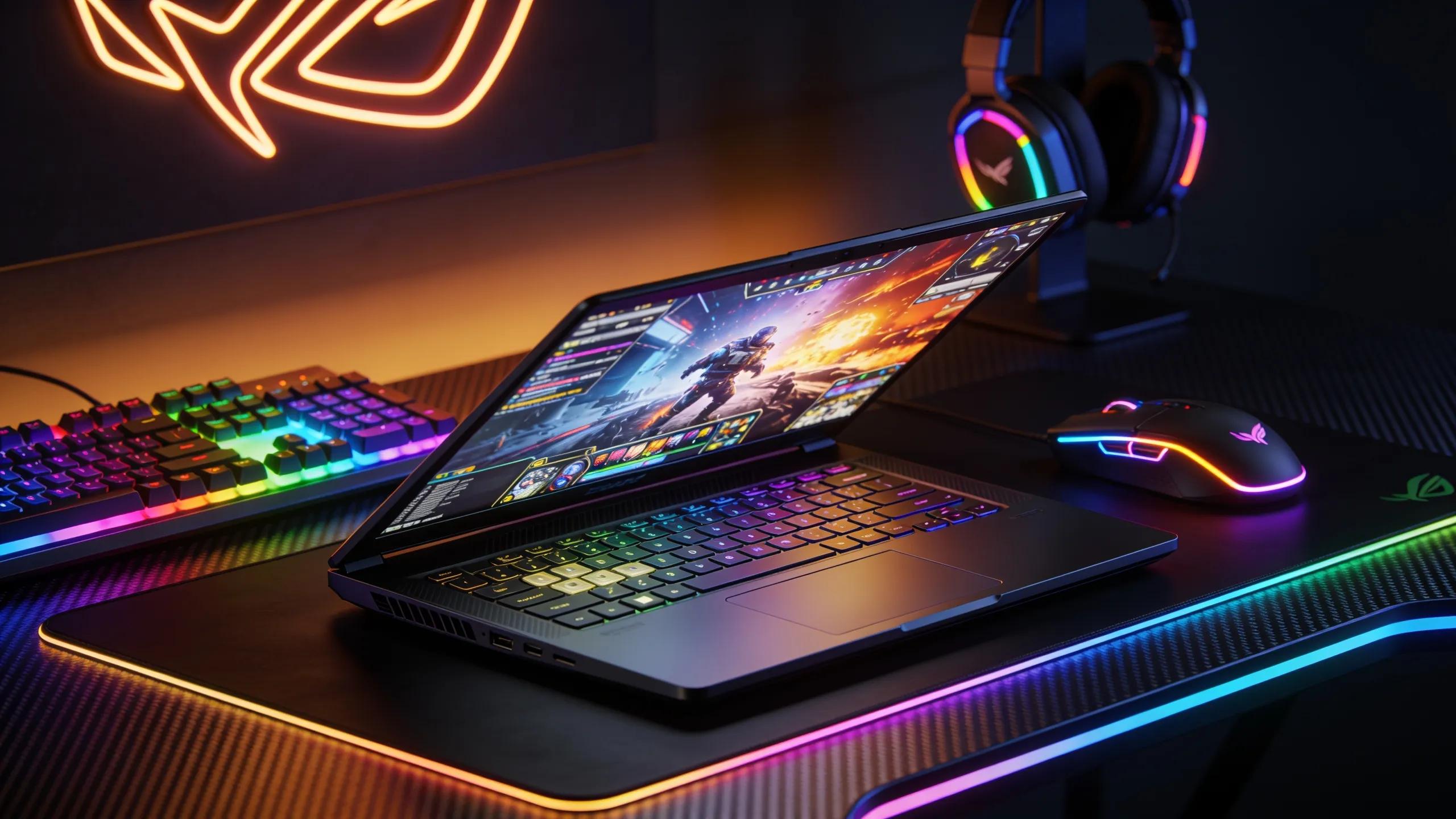
Creating a custom gaming laptop allows gamers and power users to reach unprecedented performance levels tailored to their specific needs. With varied applications in gaming and creative content, knowing how to select the right components can be daunting. This guide will delve deep into essential hardware components, advanced customization options, and cooling solutions that can elevate your gaming laptop's efficiency. Gain insights into configuring your setup for diverse requirements, and discover why XOTIC PC is the premier choice for those aiming for top-tier performance. We will explore the necessary construction elements while ensuring that every gamer walks away with a blueprint for their ideal machine.
Which Hardware Components Drive Gaming Laptop Power?
Understanding the core components that influence gaming laptop performance is fundamental. The performance hinges on the synergy between essential hardware like the CPU and GPU, as well as memory and storage options. A well-balanced configuration is key to achieve seamless gameplay and content creation efficiency, making each component integral to the laptop's overall capability.
For gamers looking to make an informed decision, considering these attributes, including the cooling system and graphics card, is crucial for choosing the right laptop.
Gaming Laptop Selection Criteria: Hardware, Graphics, and Cooling
This study aims to provide recommendations for gaming laptops using the AHP method with criteria for Hardware used, Graphics Card, Design, Cooling System, Reliability, Connectivity, Price, so that it becomes a solution for gamers in choosing the right laptop for gaming.
Decision Support System for Gaming Laptop Selection Using AHP, VP Sabandar, 2023
Which CPU Boosts Speed: Intel vs AMD for Gaming Laptops?
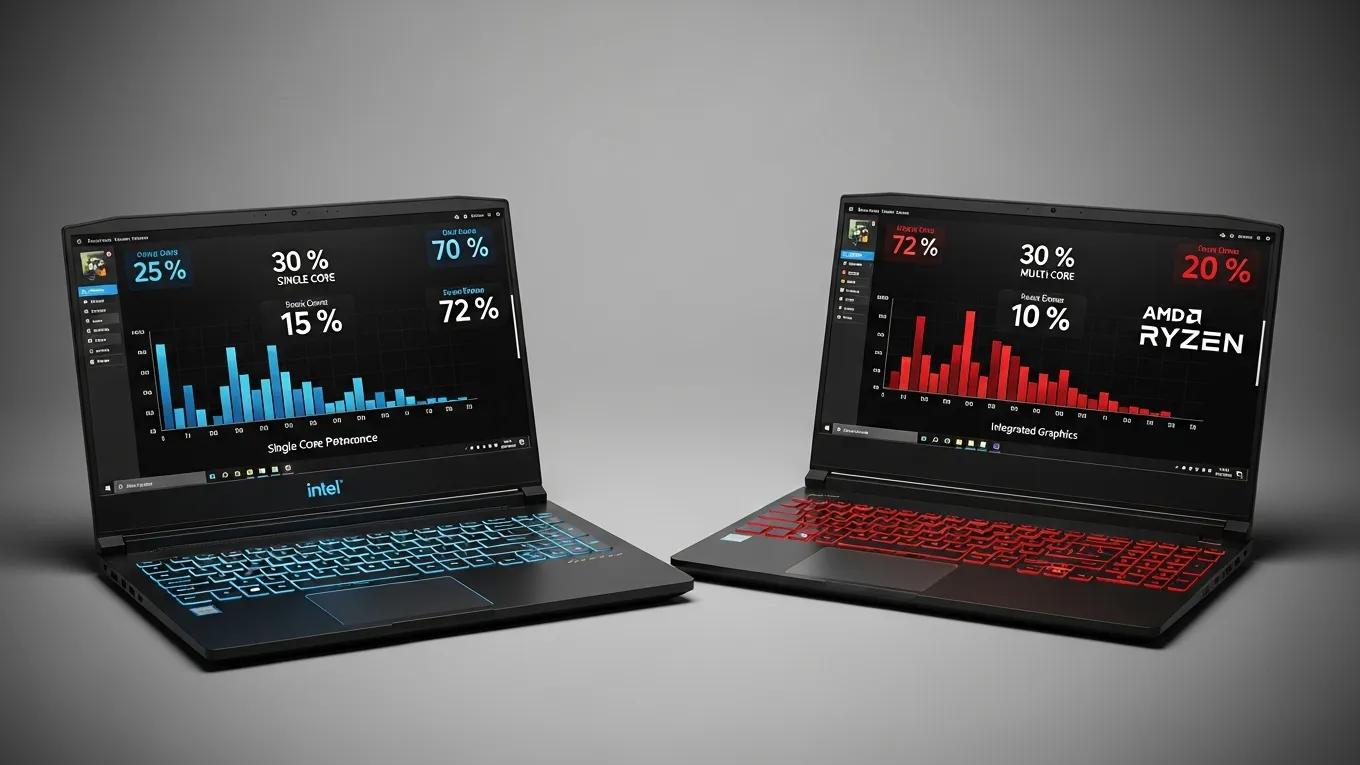
The CPU is the powerhouse of a gaming laptop, influencing overall speed and performance. When comparing Intel and AMD, the performance metrics often highlight differences. For instance, the AMD Ryzen 7 5800X3D commonly outperforms the Intel Core i9-12900K in gaming scenarios, offering higher frames per second by optimizing multi-threaded tasks. Gamers typically favor CPUs with higher clock speeds and core counts, which support demanding gaming applications seamlessly.
What Customization Options Maximize Your Gaming Laptop?
Customization can significantly enhance the performance and adaptability of your gaming laptop. Several options can optimize hardware configurations, including: custom gaming laptops notebooks.
- Upgrading RAM: Increasing RAM can improve multitasking capabilities, allowing for seamless integration of various applications during gameplay.
- Choice of Storage: Implementing SSDs over HDDs minimizes load times, directly affecting game responsiveness and boot-up periods.
- Graphics Card Selection: A robust GPU, such as those offered from NVIDIA, will ensure superior graphics, maintaining high frame rates in visually intensive games.
These enhanced options highlighting the different facets of gaming performance reflect the need for high-quality components.
Which Cooling Systems Keep Your Laptop Running Strong?
Effective cooling systems are crucial in maintaining the peak performance of gaming laptops. They prevent overheating, ensuring that components do not throttle under pressure. Various types of cooling systems exist, including: ultimate series gaming laptops.
- Air Cooling: Utilizes fans to dissipate heat; suitable for less demanding gaming applications.
- Liquid Cooling: Provides superior cooling through liquid, which is more effective for high-performance gaming laptops under heavy loads.
- Hybrid Systems: Combine both air and liquid cooling, delivering optimal results for demanding gaming scenarios.
These methods contribute significantly to maintaining a consistent performance throughout long gaming sessions.
How to Configure for Specific Gaming and Productivity Scenarios?
Balancing gaming with productivity allows users to maximize their machine's versatility. Understanding specific use cases benefits this configuration.
How to Balance Gaming and Workstation Needs in One Laptop?
Creating a laptop that serves both a gaming and workstation purpose involves careful component selection that caters to varied tasks. A solid CPU paired with sufficient RAM (16-32 GB) can facilitate both heavy gaming and productivity applications like video editing or 3D modeling. Additionally, prioritizing a GPU that excels in rendering graphics while offering good performance in productivity applications is essential. Such configurations enable smooth transitions between gaming and work scenarios without performance dips.
Why Choose XOTIC PC for Custom Gaming Laptop Builds?
XOTIC PC specializes in providing customizable high-performance gaming laptops and workstations designed for gamers, creators, and power users. Their products allow for extensive personalization to meet individual gaming and productivity needs.
How Does Direct-to-Consumer Configuring Speed Your Build?
By offering direct-to-consumer services, XOTIC PC ensures a streamlined selection process, allowing customers to configure their laptops to their exact specifications. The immediate integration of chosen components facilitates a quicker build time. Customers benefit from a personalized experience that guarantees satisfaction and performance tailored to their gaming and productivity needs.