Best Custom Gaming Computer: How to Choose and Build Your High-Performance Gaming Rig
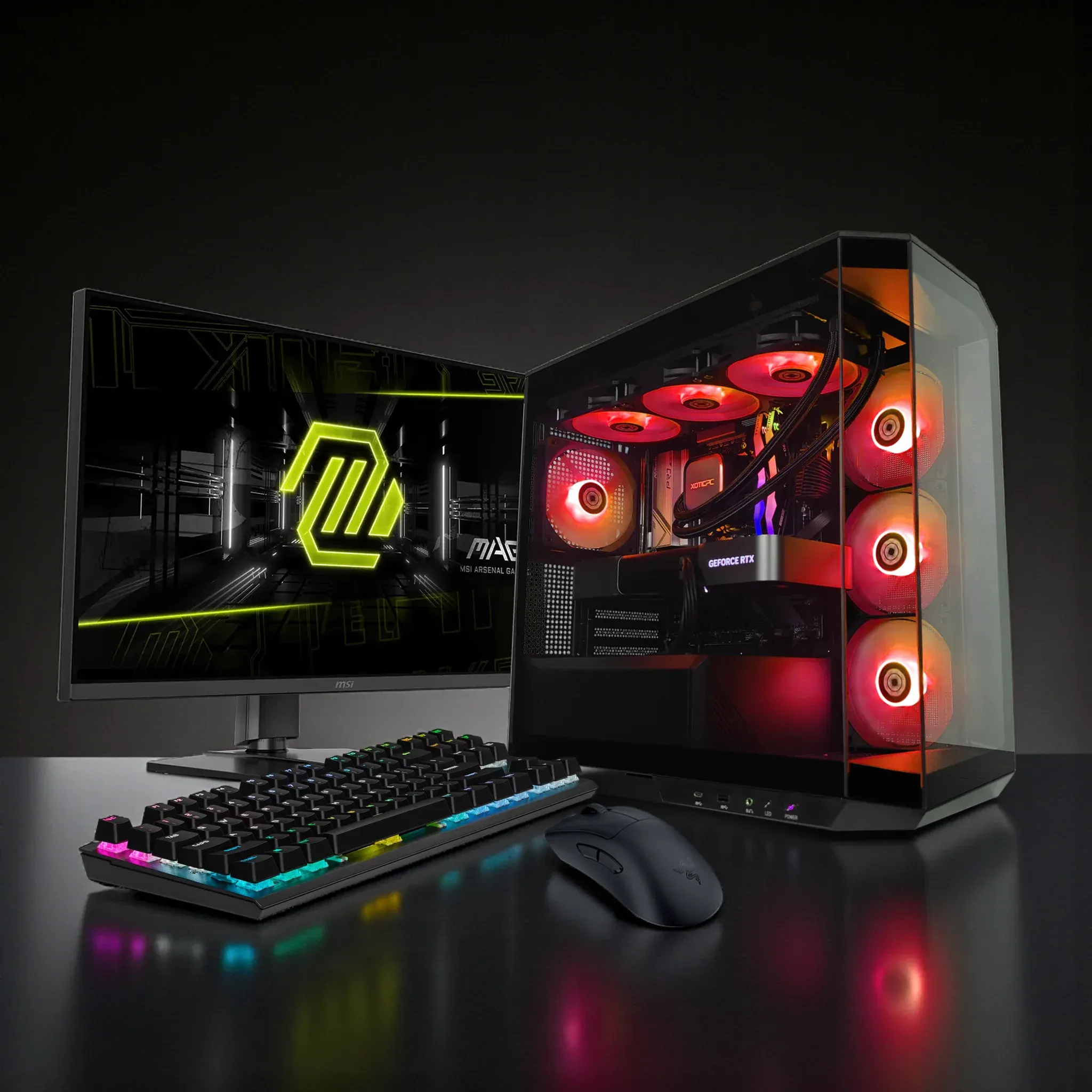
Building a custom gaming computer is a highly technical and rewarding endeavor that allows gamers and professionals alike to tailor their systems for peak performance, reliability, and aesthetics. This comprehensive guide provides expert insights into selecting the right components, understanding compatibility, optimizing cooling and power, and configuring builds across various budgets. Leveraging industry benchmarks, professional recommendations, and best practices, this article empowers you to create a high-performance gaming rig that meets the demanding requirements of modern titles and workstation tasks.
Many gamers face challenges in selecting parts that balance performance, cost, and future-proofing. By mastering the technical specifications and compatibility considerations of CPUs, GPUs, RAM, storage, and motherboards, you can build a system that delivers exceptional frame rates, low latency, and smooth multitasking. This article covers critical components, expert customization tips, performance benchmarks, and trusted resources for custom PC building.
The ability to tailor a PC to individual needs is a core advantage of custom builds, a concept further explored in recent research.
Custom PC Building for Specific User Needs
A custom-built PC is assembled to cater a specific user needs. Internationally, there are many e-stores available for users which offer them to build and order their systems as per their needs. In, 2020, Pakistan observed acovid-19 lockdown and mostly international shipments are cancelled due to the pandemic. This real world situation highlighted the deficiency of local market to fulfill the demands of custom-built PC users.
Nice PC Maker: An Online Interface to build Custom PCs, 2023
What Are the Key Components of a Custom Gaming PC?
A high-performance custom gaming PC is composed of several interdependent components, each with specific technical requirements and compatibility considerations. Understanding these parts and their interactions is essential for building a balanced system that maximizes gaming and workstation performance.
The primary components include the central processing unit (CPU), graphics processing unit (GPU), system memory (RAM), storage devices, motherboard, power supply unit (PSU), and cooling solutions. Each component must be selected based on compatibility standards such as socket type, chipset support, memory speed, and power delivery to ensure stability and optimal performance.
Which CPU and GPU Models Deliver the Best Gaming Performance?
For 2025, expert benchmarks from sources like AnandTech and Tom's Hardware identify the AMD Ryzen™ 9 9950X3D and Intel Core Ultra 9 285K as top-tier CPUs for gaming and multitasking workloads. The AMD Ryzen™ 9 9950X3D features 16 cores and 32 threads with 3D V-Cache technology, delivering up to 15% higher gaming frame rates compared to previous generations. The Intel Core Ultra 9 285K offers 24 cores (8 performance and 16 efficiency cores) with a maximum turbo frequency of 5. GHz, excelling in both gaming and productivity tasks.
On the GPU front, the NVIDIA GeForce RTX 5090 leads the market with its Ada Lovelace architecture, 32GB of GDDR7 memory, and advanced ray tracing capabilities. It achieves over 100 FPS at 4K resolution in demanding AAA titles such as Cyberpunk 2077 and Microsoft Flight Simulator with maximum settings. AMD's Radeon RX 7900 XTX is a competitive alternative, offering excellent rasterization performance and efficient power consumption.
Expert recommendations emphasize pairing high-end CPUs with GPUs that match your target resolution and refresh rate. For 1440p gaming, an RTX 5080 or RX 7800 XT may suffice, while 4K gaming benefits from the RTX 5090 or RX 7900 XTX. Ensuring your motherboard supports PCIe 5.0 and DDR5 memory is critical for future-proofing.
How Much RAM and Storage Do You Need for Gaming and Workstation Use?
Modern AAA games and professional applications demand substantial memory and fast storage. A minimum of 16GB DDR5 RAM running at 5600 MHz or higher is recommended for smooth gaming and multitasking. For content creators and power users, 32GB or 64GB configurations provide headroom for video editing, 3D rendering, and virtual machines.
Storage should prioritize speed and capacity. A 1TB NVMe Gen4 SSD, such as the Samsung 990 Pro or WD Black SN850X, offers rapid load times and system responsiveness. Supplementing this with a 2TB or larger HDD or SATA SSD provides ample space for game libraries and media files. For professional workflows, consider additional NVMe drives configured in RAID 0 or RAID 1 for performance or redundancy.
How to Customize Your Gaming PC for Optimal Performance and Style?
Customization extends beyond component selection to include cooling, power delivery, and aesthetics. Expert builders focus on thermal management, power efficiency, and system stability to maximize performance and longevity.
What Are the Best Cooling Solutions and Power Options for Custom Builds?
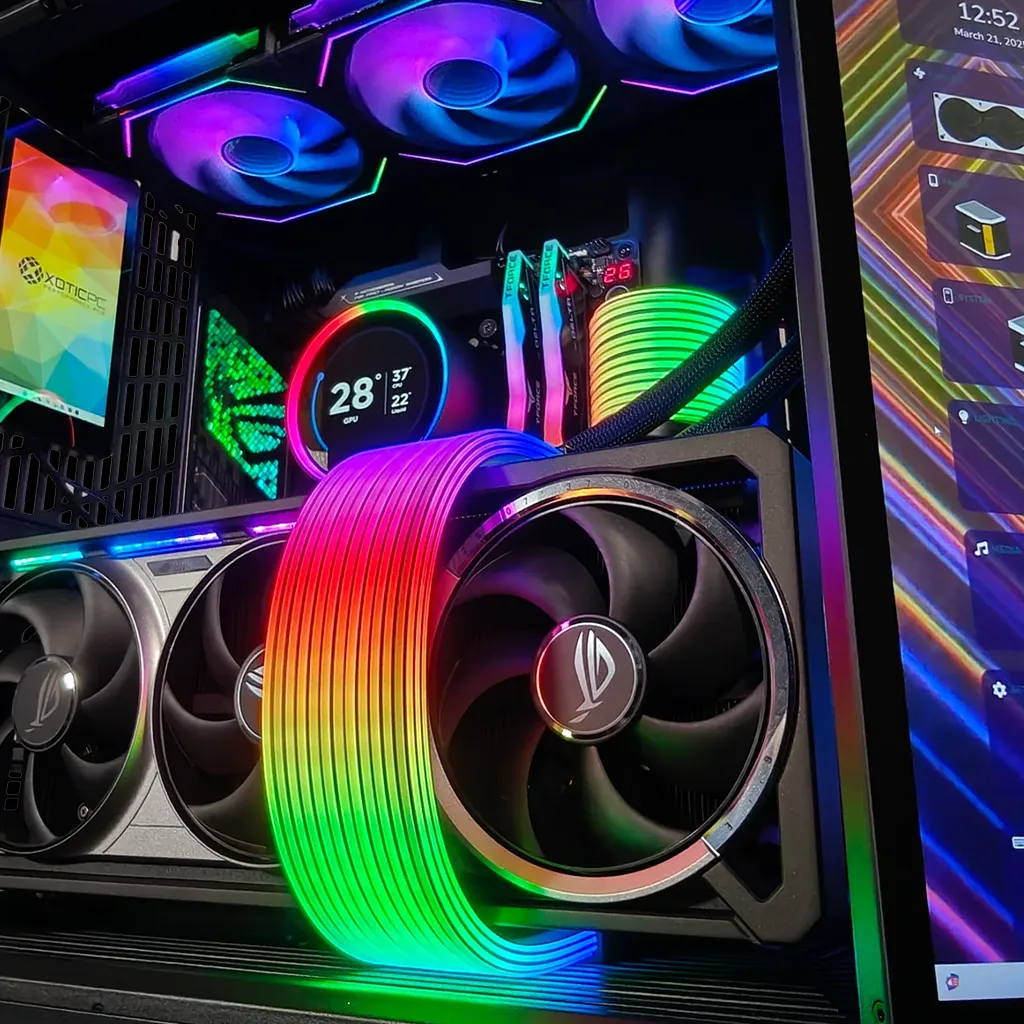
Effective cooling is paramount for maintaining stable clock speeds and preventing thermal throttling. Air cooling solutions like the Noctua NH-D15 offer excellent thermal performance with low noise levels and are easier to install and maintain. For overclocked or high-TDP CPUs, all-in-one (AIO) liquid coolers such as the MSI Titan provide superior heat dissipation with customizable RGB lighting.
Hybrid cooling systems combining air and liquid elements can optimize airflow and temperature control in high-end builds. Proper case ventilation, including intake and exhaust fans, is critical to maintaining positive airflow and reducing dust accumulation.
Power supply units should be selected based on total system wattage with a 20-30% overhead for future upgrades. For systems with RTX 5090 GPUs and high-core-count CPUs, an 850W to 1000W 80 Plus Gold or Platinum certified PSU from reputable brands like Seasonic or Corsair ensures stable power delivery and efficiency.
Beyond performance, understanding the energy consumption of these powerful components is also crucial for a well-rounded custom build.
High-Performance Gaming PC Components & Energy Use
Gaming is the most energy-intensive use of personal computers, and the high-performance “racecar” systems built expressly for gaming are the fastest growing type of gaming platform. Large performance-normalized variations in nameplate power ratings for gaming computer components available on today’s market indicate significant potential for energy savings: central processing units vary by 4.3-fold, graphics processing units 5.8-fold, power supply units 1.3-fold, motherboards 5.0-fold, and random access memory (RAM) 139.2-fold.
Taming the energy use of gaming computers, E Mills, 2016
How Can You Personalize Aesthetics with RGB Lighting and Case Choices?
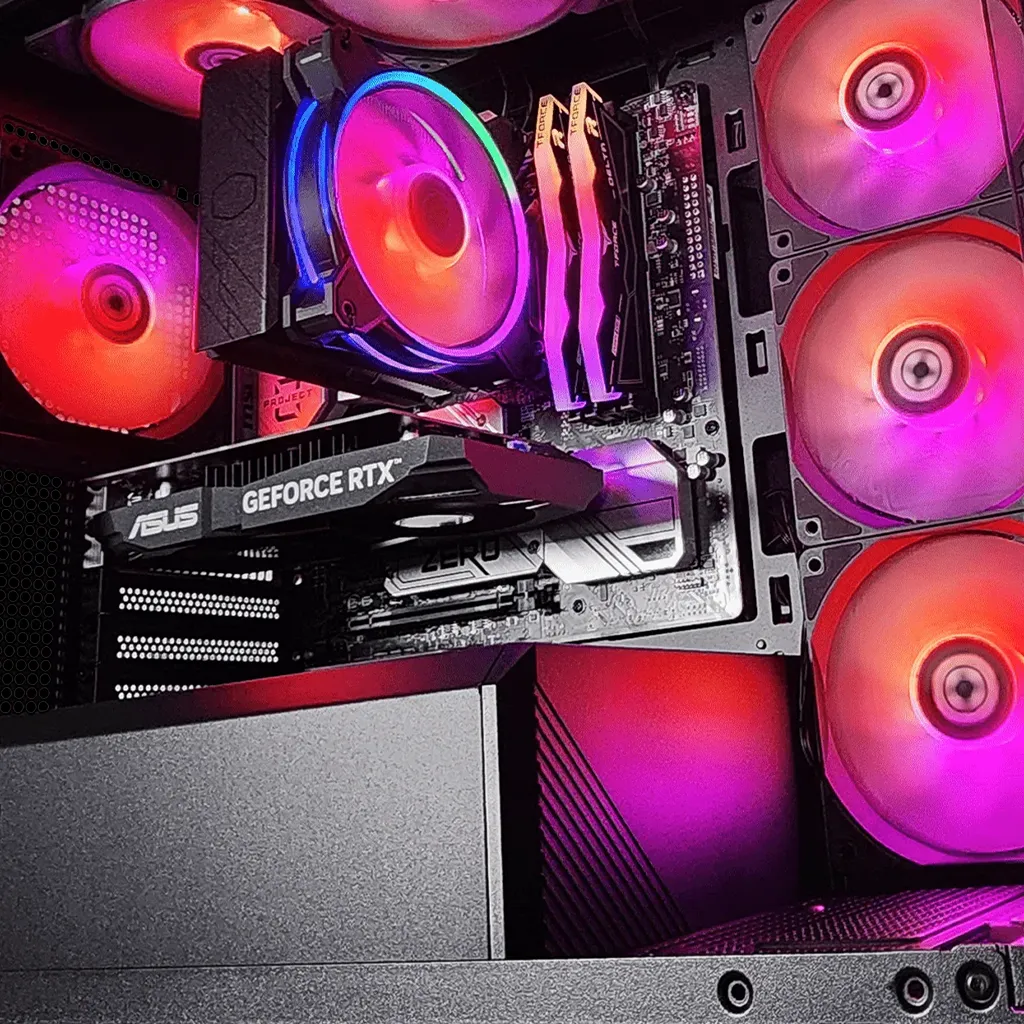
Aesthetics are a key aspect of custom gaming PCs, with RGB lighting systems offering dynamic color control across fans, RAM modules, motherboards, and GPU backplates. Software suites like ASUS Aura Sync, MSI Mystic Light, and Corsair iCUE enable synchronized lighting effects that enhance the visual appeal of your rig.
Case selection should consider airflow, build quality, and expandability. Popular cases like the Lian Li PC-O11 Dynamic EVO and Fractal Design Meshify 2 provide excellent airflow and modularity. Tempered glass panels showcase internal components and lighting, while sound-dampening materials reduce noise levels. Cable management features and modular drive bays contribute to a clean, professional build appearance.
What Are the Benefits and Costs of Buying a Custom Gaming PC?
Investing in a custom gaming PC offers unparalleled benefits including tailored performance, upgrade paths, and personalized aesthetics. Unlike pre-built systems, custom builds allow precise component selection to match your gaming and productivity needs, ensuring optimal value and longevity.
How Does Expert Assembly and Warranty Support Enhance Your Experience?
Professional assembly services, such as those offered by XOTIC PC, ensure meticulous component installation, BIOS configuration, and stress testing. This reduces the risk of hardware conflicts, thermal issues, and system instability. Warranty and technical support provide peace of mind, especially for novice builders, by covering component failures and offering troubleshooting assistance.
What Is the Typical Price Range for High-Performance Custom Gaming Rigs?
Pricing for custom gaming PCs varies widely based on component tiers and features. Below are expert-recommended build configurations for different budgets:
| Budget Tier | CPU | GPU | RAM | Storage | Estimated Price |
|---|---|---|---|---|---|
| Entry-Level ($1,200 - $1,800) | AMD Ryzen 5 9700X / Intel Core Ultra 5 245K | NVIDIA RTX 5060 / AMD RX 9060 XT | 16GB DDR5-5600 | 1TB NVMe SSD | $1,200 - $1,800 |
| Mid-Range ($1,800 - $2,800) | AMD Ryzen 7 9800X3D / Intel Core Ultra 7 265K | NVIDIA RTX 5070 Ti / AMD RX 9070 XT | 32GB DDR5-6000 | 1TB NVMe SSD + 2TB HDD | $1,800 - $2,800 |
| High-End ($2,800 - $4,000+) | AMD Ryzen 9 9850X3D / Intel Core Ultra 9 285K | NVIDIA RTX 5090 / AMD RX 7900 XTX | 64GB DDR5-6400 | 2TB NVMe SSD + 4TB HDD | $2,800 - $4,000+ |
These configurations reflect current market trends and expert benchmarks, balancing cost, performance, and future-proofing. Prices fluctuate based on component availability and regional factors.
Where Can You Find Reliable Custom Gaming PC Builders and Resources?
Partnering with reputable custom PC builders ensures access to expert assembly, warranty coverage, and tailored configurations. Companies like XOTIC PC specialize in high-performance gaming rigs with extensive customization options and professional support.
Which Brands and Builders Offer Trusted Custom Gaming PC Services?
Trusted brands include XOTIC PC, Origin PC, Digital Storm, and Maingear, all known for quality craftsmanship, component selection, and customer service. These builders provide detailed configuration tools, expert consultation, and post-sale support to optimize your build experience.
What Educational Guides and Tools Help You Build or Customize Your PC?
Numerous authoritative resources assist builders at all levels. Websites like PCPartPicker offer compatibility checks and price tracking, while forums such as r/buildapc provide community advice and troubleshooting. Video tutorials from creators like Linus Tech Tips and Gamers Nexus deliver in-depth build guides and performance analyses.
Platforms designed to simplify component selection and configuration are invaluable resources for both new and experienced builders.
Custom PC Building Platform: Component Selection
The PCBUILD project aims to provide a comprehensive and beginner-friendly platform for building custom PCs. It allows users to explore, compare, and configure PC components such as CPUs, motherboards, GPUs, and storage devices. The platform includes features for product filtering, custom PC building, and prebuilt PC browsing, ensuring both novice and expert users can make informed hardware decisions.
PCBUILD: A Web-Based Platform for Custom PC Building and E Commerce Integration, 2025