

Best Gaming Laptops for Creators in 2026: Unlock High-Performance Power and Customization

By Andrew E., XOTIC PC
As the demand for high-performance machines continues to rise, creators need gaming laptops that balance power, customization, and usability. In 2026, the best gaming laptops for creators combine cutting-edge hardware capabilities with tailored features aimed at video editors, 3D artists, and streamers. This article addresses how specific features enhance performance for demanding tasks, ensuring that creators can meet their professional needs without compromise. You will discover insights into high-performance capabilities, customization options, essential features, and the hardware powering top creator gaming laptops today. By the end, you'll find guidance on optimizing a gaming laptop for creative success and understand the factors influencing hardware choices.
High-Performance Capabilities:
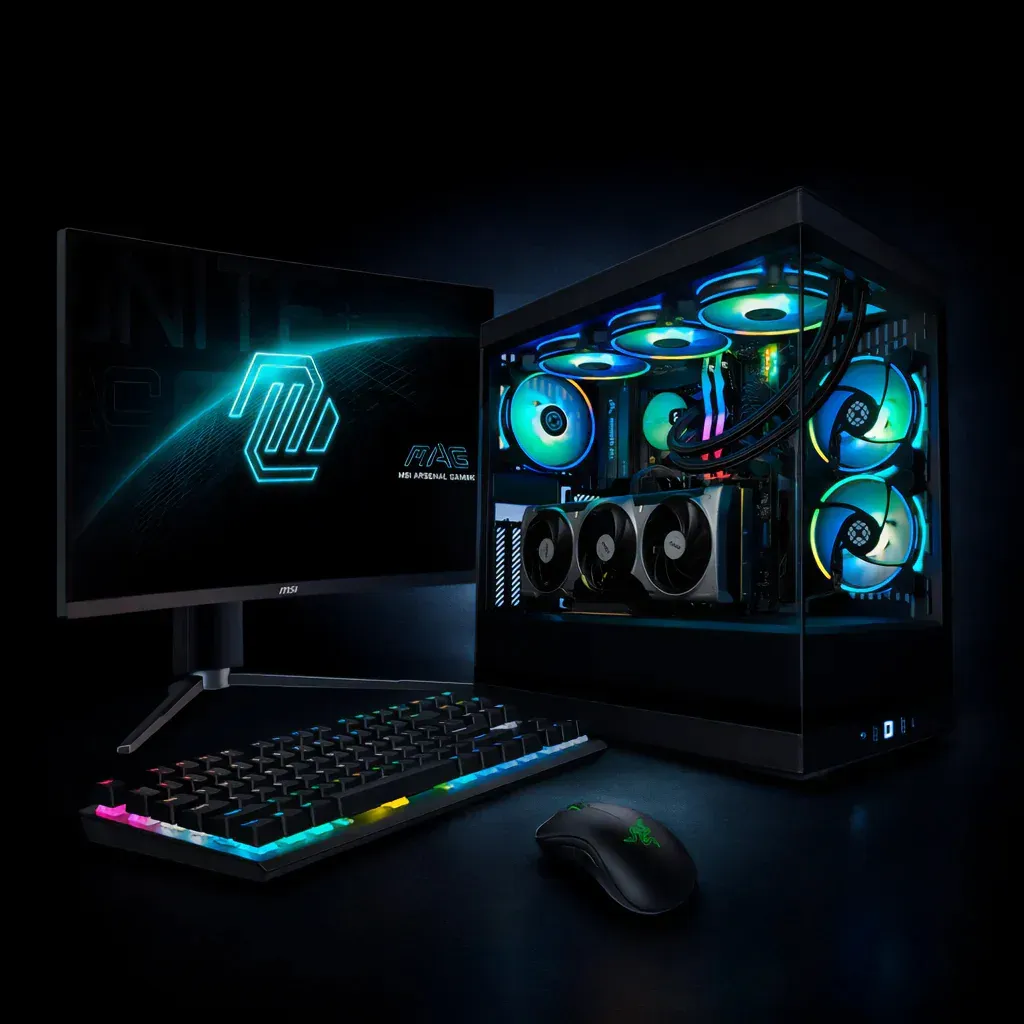
When discussing gaming laptops tailored for creators, high-performance capabilities are paramount. This category includes powerful CPUs and GPUs designed to handle demanding tasks such as video rendering and complex graphic designs. The performance metrics of these laptops are quantified through benchmarks, which showcase their capabilities in real-world scenarios. Notably, systems equipped with the latest Nvidia RTX GPUs provide accelerated rendering times and superior gaming experiences, making them a solid choice for any creator. Thus, understanding these capabilities allows users to select laptops that align perfectly with their creative workflows.
Understanding NVIDIA RTX Ray Tracing Technology
1. Nvidia RTX is a proprietary hardware-accelerated ray tracing technology. Since implementation details are unknown, there were many questions in the development community about the hardware implementation: which stages of the ray tracing pipeline are hardware-accelerated and which of them can be efficiently implemented in software. In this paper we present the results of our experiments with RTX aimed at understanding the inner workings of this technology. We tried to address the questions intriguing developers around the world: What kind of acceleration can be obtained in practical applications compared to software implementations and what is the technological basis of this acceleration? How arduous is it to develop a rendering system with support for hardware acceleration, which at the same time can work on a GPU without RTX (using software implementation of ray tracing), or even perform calculations on a CPU? How effective is the software emulation of RTX (available on some of the previous generation Nvidia GPUs) and to what extent is it possible to bring its effectiveness to that of the hardware accelerated one? How hard will it be to create an analog of RTX if one needs to run application on GPUs from other manufacturers?2. Meiß ner, M., et al., VIZARD II: a reconfigurable interactive volume rendering system,Proc. High-Performance Graphics on Graphics Hardware, ACM Eurographics,Eurographics Assoc., 2002, pp. 137–146.3. Pfister, H., et al., The VolumePro real-time ray-casting system, inComputer Graphics and Interactive Techniques,New York: Association for Computing Machinery, 1999, pp. 251–260.4. Schmittler, J., Wald, I., and Slusallek, P., SaarCOR: a hardware architecture for ray tracing,Proc. ACM Special Interest Group on Computer Graphics Conf. on Graphics Hardware,Eurographics Assoc., 2002, pp. 27–36.5. Schmittler, J., et al., Realtime ray tracing of dynamic scenes on an FPGA chip,Proc. ACM SIGGRAPH/EUROGRAPHICS Conf. on Graphics Hardware,ACM, 2004 Survey of Nvidia RTX technology, 2020
Key Requirements for the Best Gaming Laptops for Creators in 2026
Color Accuracy and OLED/Mini-LED Displays
For creators, especially those focused on video editing and graphic design, color accuracy is non-negotiable. The best gaming laptops for creators offer displays with wide color gamuts (such as Adobe RGB and DCI-P3 coverage) combined with high color precision. OLED and Mini-LED display technologies provide superior contrast ratios, deeper blacks, and enhanced brightness, making them ideal for ensuring true-to-life visuals. These display choices directly affect the quality of output in video editing and design workflows.
RTX GPU Acceleration for Creative Workflows
Modern Nvidia RTX GPUs accelerate ray tracing and AI-powered features like Deep Learning Super Sampling (DLSS). This hardware acceleration reduces rendering times and boosts performance in software like Unreal Engine and Adobe Creative Cloud applications. Creator gaming laptops with RTX GPUs enable faster video encoding, 3D rendering, and real-time visual effects, offering a significant advantage in professional workflows requiring high compute power.
RAM Capacity and NVMe Storage Speeds
Ample RAM is crucial for multitasking and handling large creative files efficiently. A minimum of 16GB RAM is recommended, with 32GB or more preferred for 4K video editing and 3D animation tasks. Fast NVMe SSD storage is equally essential to ensure quick loading times, smooth editing experiences, and efficient data transfers, all of which significantly impact productivity in content creation.
Cooling Architectures and Thermal Limits
Advanced cooling solutions, including vapor chambers and liquid cooling systems, maintain optimum temperatures during demanding workloads. Efficient thermal management prevents throttle-induced performance drops, ensuring consistent rendering speeds and gaming responsiveness. Laptops designed with strict thermal limits sustain prolonged creative sessions without compromising stability, making cooling architecture a vital aspect for creators.
Specific Creator Workflows and How Gaming Laptops Support Them
4K Video Rendering
Rendering 4K video requires a combination of strong CPU processing, GPU acceleration, ample RAM, and fast disk access. Creator gaming laptops designed for these workloads utilize multi-core processors and RTX GPUs to speed up encoding and decoding tasks. NVMe storage allows rapid file access, facilitating seamless playback and editing of large video files.
3D Animation and Unreal Engine
3D artists and developers working with Unreal Engine benefit from high-end GPUs capable of real-time ray tracing and AI features. The RTX series provides necessary hardware acceleration for realistic lighting and complex scene rendering. Paired with powerful CPUs and sufficient RAM, these laptops enable smooth viewport interactions and reduced rendering times in professional 3D workflows.
Adobe Creative Cloud Suite Usage
Creative professionals using Adobe Creative Cloud need robust systems that handle multitasking across Premiere Pro, After Effects, Photoshop, and Illustrator. Efficient RAM management, SSD performance, and GPU acceleration all contribute to smoother editing and faster export times. Custom configurations optimized for Adobe workflows ensure creators maintain peak productivity.
Customization and Configuration Recommendations at XOTIC PC
XOTIC PC specializes in delivering custom gaming laptops optimized for creators with high-end customization options, ensuring the best balance of performance and value.
Top Custom Configurations for Creator Gaming Laptop 2026
| Model | CPU | GPU | RAM | Storage | Display | Price |
|---|---|---|---|---|---|---|
| XOTIC PC Model A | Intel i9-13980HX | Nvidia RTX 4080 16GB | 32GB DDR5 | 2TB NVMe SSD | 16" 4K OLED, 100% DCI-P3 | $3,199 |
| XOTIC PC Model B | AMD Ryzen 9 7945HX | Nvidia RTX 4070 12GB | 32GB DDR5 | 1TB NVMe SSD | 15.6" QHD Mini-LED, 99% Adobe RGB | $2,499 |
| XOTIC PC Model C | Intel i7-13700H | Nvidia RTX 4060 8GB | 16GB DDR5 | 1TB NVMe SSD | 15.6" FHD IPS, 100% sRGB | $1,799 |
Customization Benefits
Tailoring your gaming laptop allows selection of specific components that address your creative workflow’s demands. Whether you prioritize color accuracy with OLED displays, enhanced thermal management for extended workloads, or storage capacity to handle large video files, XOTIC PC offers flexible options. This customization ensures your gaming laptop for video editing and other creative applications will deliver peak performance throughout 2026 and beyond.
Essential Features:
For creators, essential features significantly influence both performance and usability. Key aspects include innovative cooling solutions, high-quality display options, effective upgradeability, and robust software optimization. Cooling solutions, such as advanced thermal designs, prevent overheating during intense workloads, maintaining system reliability and performance. Moreover, display quality plays an essential role, with high refresh rates and color accuracy being crucial for tasks like video editing and graphic design. Understanding these essential features ensures that creators can choose laptops that not only meet their specifications but also enhance their overall workflow.
Cooling Solutions:
Cooling solutions in gaming laptops are critical to maintaining high performance during extended creative sessions. Effective heat dissipation technologies, such as vapor chambers and liquid cooling systems, help maintain optimal operating temperatures even under heavy loads. These advanced cooling methods contribute to system longevity and stability, preventing thermal throttling that can detract from performance during critical tasks. Moreover, customizable cooling options allow creators to modify their laptop's thermal management systems based on personal preferences and usage patterns.
Display Quality:
A laptop's display quality is pivotal for creators engaged in tasks that require precise color representation and high refresh rates. High-resolution displays with vibrant color accuracy enhance the visual experience, ensuring that creators can accurately edit images and videos. Furthermore, high refresh rate screens contribute to smoother gameplay, critical for testing games and graphics during development. The trend towards OLED technology has also improved the contrast and color range, making it an attractive option for creative professionals seeking the best visual fidelity.
Upgradeability:
Upgradeability is a vital consideration for gamers and creators when selecting a laptop. The ability to upgrade components, such as memory and storage, allows users to enhance their machine's performance over time. This flexibility enables creators to keep pace with evolving software requirements without needing to invest in entirely new hardware. Additionally, future-proofing through upgradeable components ensures that users can adapt their laptops to meet the demands of more intensive creative projects in the coming years.
Software Optimization:
Effective software optimization is paramount for maximizing a gaming laptop's performance, particularly for creators who rely on specialized applications. Optimized drivers enhance the efficiency of both hardware and software, directly impacting performance metrics in creative workflows. Furthermore, utilizing popular software tailored for creative tasks can leverage the full capabilities of the hardware, leading to improved outcomes in terms of speed and quality. By ensuring that their software is configured for optimal performance, creators can enhance their productivity and achieve better results in their projects.
Which Hardware Powers Top Creator Gaming Laptops in 2026?
Several crucial hardware components impact the performance of gaming laptops designed for creators. Essential elements include CPUs, GPUs, and RAM, which collectively influence a laptop's ability to handle demanding creative workloads and gaming tasks.
How Do Nvidia RTX GPUs Elevate Creative and Gaming Performance?
Nvidia RTX GPUs significantly improve both creative and gaming performance through advanced technologies such as AI acceleration and ray tracing. These features enhance rendering time and visual quality, making them outstanding for video editing, 3D modeling, and gameplay. The integration of Deep Learning Super Sampling (DLSS) technology optimizes frame rates without sacrificing quality, proving highly beneficial for creators during intensive sessions. Thus, these GPUs not only enhance the overall experience but also empower creators to push boundaries in their projects.
What CPU Choices Maximize Content Creation and Gaming Workloads?
When selecting a CPU for a creator gaming laptop, models from AMD and Intel are often the top choices. High-performance CPUs provide the necessary processing power for video editing, coding, and multitasking—all essential for creative workflows. Evaluating performance characteristics such as core count and clock speed is critical for those looking to maximize efficiency. Price-performance ratio is also a key consideration; choosing the right CPU can significantly influence the overall system performance, allowing users to make informed decisions that align with their budget.
Why Display Quality and Refresh Rates Matter for Creator Gaming Laptops?
The quality of a laptop's display and its refresh rate are crucial factors that significantly impact user experience, especially for creators involved in graphic design or video production. High display quality ensures accurate color representation, which is essential for editing images and videos effectively. Alongside this, higher refresh rates contribute to smoother motion, enhancing gameplay and user experience significantly. Understanding the technological advancements in display technologies allows creators to choose laptops that substantiate their requirements for both gaming and creative applications.
How Does Color Accuracy Enhance Video Editing and Design?
Color accuracy is paramount in video editing and design, as it directly affects the quality of the final product. Displays with high color fidelity ensure that what creators see on their screen matches the output accurately, which is crucial in meeting client expectations and maintaining professional standards. This attention to color detail enhances workflow efficiency, as creators can trust their equipment to represent true colors. The evolution of display technologies continues to prioritize color accuracy, making it a non-negotiable feature for any serious creator.
What Features Define High Refresh Rate Screens for Smooth Gameplay?
High refresh rates are distinguished by their ability to deliver smoother images and reduce motion blur during fast-paced scenarios. This enhances the gaming experience, making it more immersive and responsive. Features such as variable refresh rates and adaptive sync technologies further improve performance by synchronizing the display's refresh rate with the output from the GPU, leading to fluid visuals without tearing. Therefore, for creators who also engage in gaming, high refresh rate screens offer both practicality and enhanced performance.
How Do Thermal Designs and Build Quality Boost Laptop Performance?
Effective thermal designs are crucial for maintaining consistent performance during demanding gaming and creative tasks. Laptops with superior thermal engineering can manage heat better, thereby preventing performance dips associated with overheating. Additionally, high build quality ensures durability and longevity, allowing laptops to withstand the rigors of heavy usage in creative environments. This combination of thermal efficiency and robust construction ultimately contributes to a reliable working environment for creators.
Which Cooling Solutions Support Extended Creative and Gaming Sessions?
Cooling solutions play a vital role in supporting prolonged creative sessions and intense gaming marathons. Advanced air cooling systems provide sufficient airflow to prevent overheating, while liquid cooling options offer superior thermal management for high-performance machines. Customizable cooling settings allow users to adjust their laptop’s thermal profile according to their preferences and workload. Emphasizing effective cooling strategies enhances the laptop's ability to sustain high performance over extended periods while minimizing noise levels during use.
What Build Features Ensure Portability Without Sacrificing Power?
Portability is another critical aspect to consider when selecting a gaming laptop for creators. Lightweight designs and slim profiles enable easy transport, making it feasible for creators to work from various locations without feeling encumbered. However, even with these dimensions, it is essential to ensure that the laptop does not compromise on power. Thus, manufacturers strive to balance portability with performance, ensuring creators can enjoy powerful capabilities wherever they go.
How Can You Customize Your Gaming Laptop for Creator Success?
Optimizing a gaming laptop for creative success involves selecting key hardware components tailored to specific tasks. Customization should focus on robust CPUs and GPUs that enhance processing capabilities. Additionally, ensuring sufficient RAM and storage space is vital for managing large files and software effectively. Recommended software tools that complement these setups also play a role in refining performance. By thoughtfully approaching customization, creators can build machines that cater precisely to their unique workflows.
What Upgrade Paths Maximize GPU, CPU, and RAM Options?
To maximize the performance potential of a gaming laptop, users should be aware of available upgrade paths. This includes the ability to enhance RAM and storage capacities or to swap out a GPU for a more powerful model as needed. Research into compatibility and benchmarks is crucial for selecting parts that will effectively boost performance. Furthermore, investing in models that offer easy access to upgrade components ensures that users can maintain cutting-edge performance throughout their ownership experience.
How Do Custom Configurations Balance Budget and High Performance?
Finding the right balance between budget and performance involves careful consideration of each component's cost-to-performance ratio. Creators should assess their specific demands and choose configurations that meet their needs without overspending. Options from XOTIC PC allow for targeted investments in necessary components, ensuring that the laptop not only performs exceptionally but also represents good value for money. Custom configurations empower users to tailor their purchases to suit their budget while still achieving high performance in their creative pursuits.
Performance Comparison of Best Gaming Laptops
Below is a comparison of various gaming laptops optimized for creative performance:
| Model | CPU | GPU | RAM | Price |
|---|---|---|---|---|
| XOTIC PC Model A | Intel i9 | Nvidia RTX 3080 | 32GB | $2,499 |
| XOTIC PC Model B | AMD Ryzen 9 | Nvidia RTX 3070 | 16GB | $1,799 |
| XOTIC PC Model C | Intel i7 | Nvidia RTX 3060 | 16GB | $1,299 |
This comparison highlights how different configurations affect pricing and performance levels among the best gaming laptops for creators in 2026.