

Ultimate Guide to PC Keyboards and Peripherals in 2026
With over 300,000 custom PCs built since 1999, the team at XOTIC PC has learned something that every serious builder and gamer eventually discovers: your peripherals are just as important as the hardware inside your rig. A flagship system powered by an AMD Ryzen 7 9800X3D and an NVIDIA GeForce RTX 5090 will still feel frustrating to use if it's paired with the wrong keyboard, mouse, or monitor. The right peripherals transform a powerful machine into a genuinely great experience — and the wrong ones hold even the best builds back.
This ultimate guide breaks down everything you need to know about PC keyboards and peripherals in 2026 — from keyboard switch types and polling rates to monitor refresh rates and audio setups. Whether you're building your first gaming PC or upgrading an established workstation, use this guide as your definitive reference.
What is a PC peripheral? A PC peripheral is any external device that connects to your computer to extend its functionality. Peripherals include input devices (keyboards, mice, controllers), output devices (monitors, speakers, headsets), and storage or connectivity accessories. In 2026, peripherals increasingly leverage wireless connectivity, RGB lighting ecosystems, and AI-assisted features to deliver better performance, comfort, and personalization.
Why Your Peripheral Setup Matters More Than You Think
Most PC buyers obsess over GPU benchmarks and CPU clock speeds — and rightfully so. But consider this: you physically interact with your peripherals every single session. Your hands rest on your keyboard and mouse for hours. Your eyes are locked on your monitor. Your ears are in your headset. These touchpoints directly shape how you experience your PC, regardless of what's powering it.
[STAT] According to a 2026 survey by Tom's Hardware, 68% of PC gamers reported that upgrading their monitor had a more immediately noticeable impact on their daily experience than upgrading their GPU. [Source: Tom's Hardware]
The good news: quality peripherals don't require a second mortgage. The XOTIC PC peripheral catalog spans from a $19 mousepad to premium setups rivaling boutique options, meaning there's a smart configuration at every budget level.
Keyboards: The Foundation of Your Input Setup
Mechanical vs. Membrane: Understanding the Difference
The most important keyboard decision you'll make in 2026 is choosing between mechanical and membrane switches. Here's a clear breakdown:
-
Mechanical keyboards use individual physical switches beneath each key. Each switch has a defined actuation point, tactile bump, and audible click (depending on the switch type). They offer superior durability (rated for 50–100 million keystrokes), more precise actuation, and a deeply satisfying typing feel. They're the gold standard for gaming and productivity.
-
Membrane keyboards use a pressure pad beneath a rubber dome layer. They're quieter, typically cheaper, and more resistant to spills — but they offer less tactile feedback and wear out faster, making them less ideal for intensive use.
For most users — especially gamers and writers — a mechanical keyboard is the right long-term investment. In 2026, mechanical keyboards have become more accessible than ever, with excellent options starting under $80.
Mechanical Switch Types Explained
Mechanical switches are the heart of any mechanical keyboard. The three primary categories are:
-
Linear switches (e.g., Red, Speed Silver): Smooth from top to bottom with no tactile bump. Preferred by gamers for fast actuation and consistent keystroke feel. Quieter than clicky variants.
-
Tactile switches (e.g., Brown, Clear): A subtle bump at the actuation point provides feedback without an audible click. The best all-rounder for gaming and office environments.
-
Clicky switches (e.g., Blue, Green): Loud, satisfying click at the actuation point. Beloved by typists, but potentially disruptive in shared workspaces or during voice calls.
Keyboard Form Factors: Which Size Is Right for You?
-
Full-size (100%): Includes all keys including the numpad. Best for data entry, spreadsheet work, and users who rely on dedicated function rows.
-
Tenkeyless (TKL, ~80%): Removes the numpad, freeing desk space for wider mouse movements. Extremely popular with FPS gamers. The Corsair K60 PRO TKL Mechanical Gaming Keyboard ($99) is a standout example — a compact, durable board designed for competitive play.
-
75% and 65%: Further compacted layouts, retaining arrow keys but trimming navigation clusters. Great for minimalist setups.
-
60%: The most compact option, removing everything below the arrow key row. Preferred by ultra-minimalist setups and travel builds.
Top Keyboard Picks in 2026
Here are the keyboards currently available at XOTIC PC, ranging from budget-friendly to premium:
-
Mechanical RGB Gaming Keyboard — $49: An entry-level mechanical board ideal for first-time mechanical keyboard users. RGB backlit, full-size layout, and a satisfying mechanical feel without the premium price tag.
-
Redragon K556 RGB LED Mechanical Keyboard — $79: A proven value pick with full anti-ghosting, durable ABS keycaps, and multiple switch options. The K556 punches well above its price class.
-
Corsair K60 PRO TKL Mechanical Gaming Keyboard — $99: Cherry MX Speed switches, 100% anti-ghosting, and a compact TKL layout. This is the competitive gamer's workhorse — fast, reliable, and built to last.
-
Razer Ornata V3 X Gaming RGB Keyboard — $109: A hybrid membrane/mechanical design with a distinctive low-profile feel. RGB per-key illumination, 10-key rollover, and a slim form factor that suits desk-space-conscious setups.
-
Logitech Keyboard & Mouse Combo — $49: If you need a solid all-in-one input solution for a home office or casual use, this combo covers both bases efficiently at a very accessible price.
Key Keyboard Features to Look For in 2026
-
N-key rollover / anti-ghosting: Ensures every simultaneous keypress registers correctly — critical in fast-paced games.
-
Polling rate: How often the keyboard reports its state to your PC. 1000Hz (1ms response) is standard; 4000Hz and 8000Hz polling are emerging in premium gaming boards.
-
Hot-swap sockets: Allow you to swap switches without soldering. Great if you want to experiment with different switch feels without buying a new board.
-
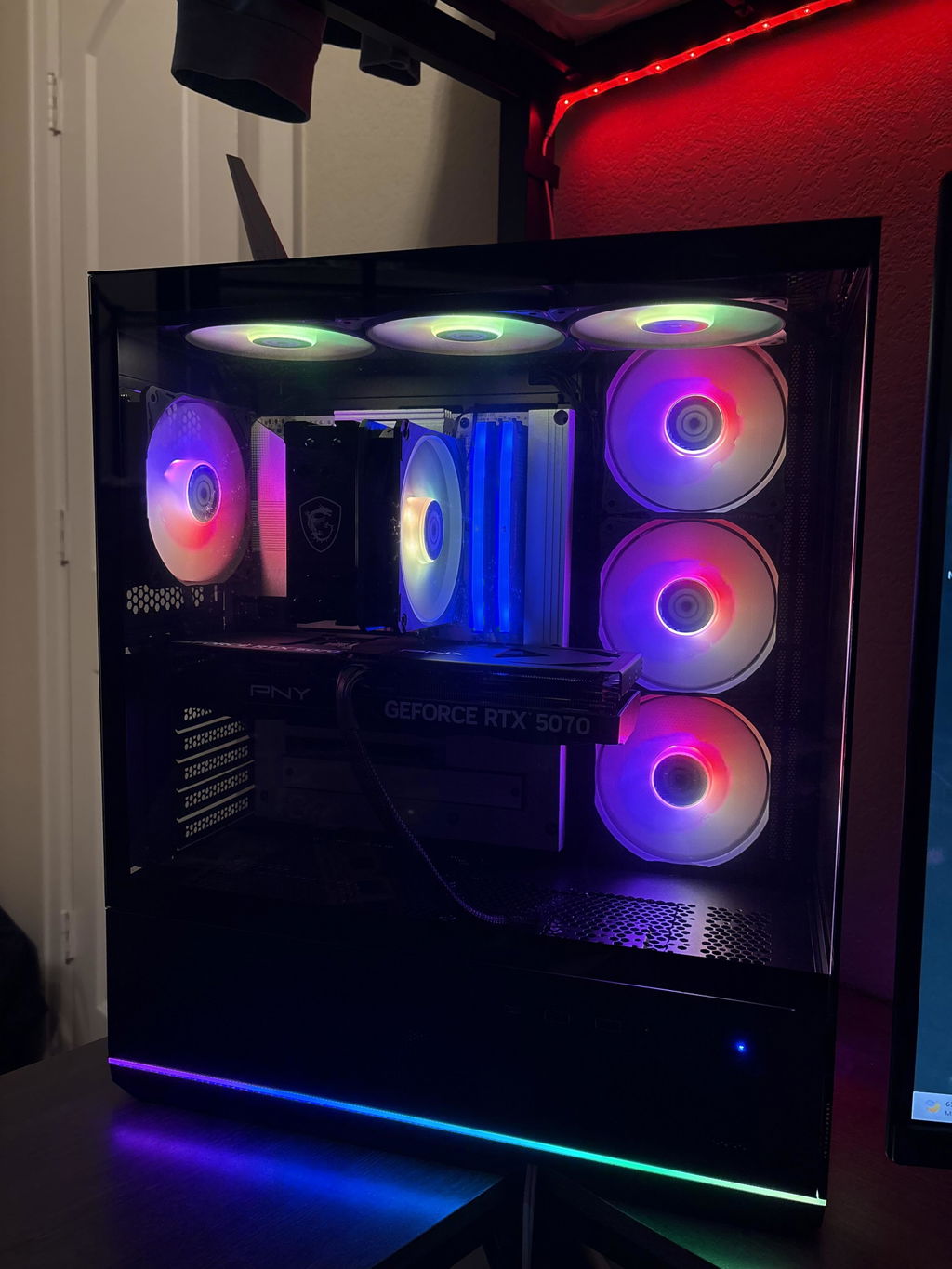
Per-key RGB: Full individual key lighting for customizable aesthetics. Pairs beautifully with RGB-lit systems like the XOTIC PC G5 Pop 2 Vision or HYTE Y70 builds.
-
PBT vs. ABS keycaps: PBT keycaps are thicker, more durable, and resist the "shiny" wear that ABS caps develop over time. Look for PBT on any board you plan to use heavily.
Mice: Precision Is Everything
What Makes a Great Gaming Mouse in 2026?
A gaming mouse is defined by its sensor, weight, shape, and button configuration. In 2026, optical sensors have become so refined that even mid-range mice deliver near-flawless tracking at any sensitivity setting.
[STAT] The Razer Focus Pro 35K sensor — found in top-tier 2026 mice — achieves up to 35,000 DPI with zero acceleration, enabling pixel-perfect tracking at any sensitivity level. [Source: Razer Official Specifications]
-
DPI (Dots Per Inch): How sensitive your mouse is. Most competitive FPS players prefer 400–1600 DPI; MOBA and creative professionals may go higher.
-
Polling rate: 1000Hz is standard. High-performance wireless mice in 2026 now achieve 4000Hz via USB dongle for near-zero latency.
-
Grip style: Palm, claw, or fingertip grip determines which mouse shape fits you best. Ergonomic right-handed mice favor palm grip; ambidextrous shapes suit claw and fingertip grippers.
-
Wired vs. wireless: Wireless gaming mice in 2026 are effectively lag-free thanks to advanced 2.4GHz technology. The Logitech G733 ecosystem and Razer's HyperSpeed technology demonstrate this clearly.
Mouse Recommendations at XOTIC PC
-
XOTIC PC Mortar Mouse — $49: A reliable budget-friendly option for everyday computing and casual gaming. Great for first builds or secondary setups.
-
Razer DeathAdder Essential Gaming Mouse — $49: One of the most ergonomic shapes in gaming, the DeathAdder Essential brings Razer's trusted optical sensor at an entry-level price. An ideal starter gaming mouse.
-
Razer DeathAdder V3 Gaming Mouse — $89: The evolution of the iconic DeathAdder. Ultra-lightweight design, the Focus Pro 35K sensor, and optimized ergonomics make this a genuinely premium choice without a premium price.
-
Razer DeathAdder Essential Gaming Mouse (White) — $79: Same trusted sensor and shape as the standard Essential, in a clean white colorway that pairs beautifully with white-themed builds.
Don't Overlook Your Mouse Pad
The surface beneath your mouse dramatically impacts tracking accuracy and comfort. A quality mouse pad reduces sensor inconsistency and protects your desk.
-
XOTIC PC Mousepad — $19: Compact and functional — a smart addition to any budget build.
-
XOTIC PC RGB Mousepad — $29: Adds RGB edge lighting to your desk setup. Looks especially sharp alongside RGB keyboard and lighting setups.
-
Pro Gaming Massive 46" Desk Mouse Pad — $39: A full-desk covering that unifies your keyboard and mouse surface. Essential for low-sensitivity players who make wide mouse movements — common in FPS gaming.
Monitors: The Window to Your World
Key Monitor Specifications Explained
Choosing a monitor in 2026 means navigating resolution, refresh rate, panel type, and response time. Here's what matters:
-
Resolution: 1080p (FHD), 1440p (QHD/2K), 4K (UHD), and now 1440p ultrawide are the dominant standards. Higher resolution demands more GPU horsepower — pair a 4K monitor with at least an RTX 5070 for smooth gaming.
-
Refresh rate: Measured in Hz. 60Hz is the baseline; 144Hz is the competitive gaming sweet spot; 240Hz+ is for professional esports play. The MSI MAG 245C X24 23.6" FHD 240Hz Curved Gaming Monitor ($189) hits that 240Hz mark at an accessible price.
-
Panel type: IPS panels offer the best color accuracy and viewing angles. VA panels provide deeper blacks. TN panels are fastest but have inferior color. OLED monitors, increasingly common in 2026, offer perfect blacks and lightning response times.
-
Response time: How fast pixels transition between colors. 1ms GTG is ideal for fast gaming; anything under 5ms is acceptable for most users.
Monitor Recommendations
-
ASUS TUF VG279QE5A 27" FHD 146Hz — $189: A full HD IPS panel at 146Hz — a well-rounded mainstream gaming monitor. Solid color accuracy, fast enough for casual and mid-level competitive gaming.
-
MSI MAG 245C X24 23.6" FHD 240Hz Curved — $189: If competitive gaming is your priority, 240Hz on a curved VA panel at this price is exceptional value. Low input lag, smooth motion clarity.
-
ASUS ZenScreen MB16ACE 15.6" FHD 60Hz Portable — $229: A portable USB-C powered monitor perfect for laptop users, LAN parties, or dual-screen setups on the go. Compact, lightweight, and powered directly from your laptop's USB-C port.
-
XOTIC PC Quad Screen Free-Standing Mount — $139: For multi-monitor productivity setups — stock traders, content creators, and programmers will appreciate this clean four-screen solution. Pairs naturally with XOTIC PC's professional trading PC lineup.
Headsets and Audio: Hear Every Detail
Audio quality is often the most underrated element of a PC setup. Whether you're gaming competitively (where hearing enemy footsteps can decide a match) or consuming content, your audio peripheral matters.
-
MSI H991 Gaming Headset — $29: A reliable budget stereo headset. Comfortable, functional, and gets the job done for casual gaming and voice communication.
-
Logitech G733 Lightspeed Wireless Gaming Headset — $179: Wireless at 2.4GHz with LIGHTSPEED technology delivering near-zero latency. DTS Headphone:X 2.0 surround sound, a pop filter suspension mic, and up to 29 hours battery life make this a premium daily driver.
-
Creative Sound BlasterX G6 External DAC/Amplifier — $229: If you already own high-quality headphones, the Sound BlasterX G6 elevates them dramatically. 130dB SNR, Scout Mode for enhanced positional audio, and a built-in headphone amplifier capable of driving high-impedance audiophile cans.
Streaming and Content Creation Peripherals
In 2026, content creation and streaming have become integrated parts of PC culture. The right accessories can transform a gaming setup into a professional production studio.
-
HyperX QuadCast 2 S USB Microphone — $189: A premium USB condenser mic with four polar patterns, built-in pop filter, tap-to-mute sensor, and vibrant RGB lighting. The QuadCast 2 S produces broadcast-quality audio straight out of the box — no audio interface needed.
-
Elgato Wave 3 Microphone — $189: Engineered specifically for streamers and podcasters. The Wave 3 features a proprietary Clipguard technology that prevents distortion by capturing a secondary audio signal at a lower level — a genuinely smart hardware solution to a common streaming problem.
-
Elgato Stream Deck Mini — $189: Six programmable LCD keys that trigger macros, switch scenes, launch media, and control lighting in real time. An absolute workflow game-changer for streamers and creators.
-
Creative Live! 2K V3 Webcam — $59: A 2K resolution webcam with a glass lens element for sharper detail. Superior to most built-in laptop cameras and a solid upgrade for video calls, streaming, and content creation.
-
Elgato Keylight — $229: Professional soft-box lighting designed for on-camera work. Temperature and brightness adjustable via the Elgato Control Center app or Stream Deck integration. The difference between flat webcam lighting and well-lit Keylight footage is immediately dramatic.
Connectivity Accessories You Shouldn't Overlook
-
XOTIC PC USB C Hub Multiport Adapter 7-in-1 — $39: Expands a single USB-C port into HDMI, USB-A, SD card, and more. Essential for laptop users and compact desktop builds.
-
XOTIC PC USB WIFI 6 AX Adaptor — $69: Bring WiFi 6 capability to desktops or older systems without a wireless card. Supports speeds up to 1800Mbps.
-
ASUS XG-C100C 10G Network Adapter PCIe — $139: For the ultimate wired networking performance — 10 Gigabit Ethernet via PCIe. Critical for content creators transferring large files across a local NAS, or anyone running a home server setup.
-
ASUS RT-AX1800S Dual Band WiFi Router — $159: A solid WiFi 6 router that supports MU-MIMO, OFDMA, and beamforming. Reliable whole-home coverage for multi-device households.
Building a Cohesive Peripheral Ecosystem
The best peripheral setups in 2026 aren't random collections of individual products — they're deliberate ecosystems where devices work together aesthetically and functionally. Here are three example setups at different budget levels:
Budget Gaming Setup (~$300 Total)
-
Mechanical RGB Gaming Keyboard — $49
-
Razer DeathAdder Essential Gaming Mouse — $49
-
Pro Gaming Massive 46" Desk Mouse Pad — $39
-
MSI H991 Gaming Headset — $29
-
ASUS TUF VG279QE5A 27" 146Hz Monitor — $189
Mid-Range Gaming Setup (~$650 Total)
-
Corsair K60 PRO TKL Mechanical Gaming Keyboard — $99
-
Razer DeathAdder V3 Gaming Mouse — $89
-
XOTIC PC RGB Mousepad — $29
-
Logitech G733 Wireless Headset — $179
-
MSI MAG 245C X24 240Hz Curved Monitor — $189
-
XOTIC PC USB C Hub 7-in-1 — $39
Premium Creator/Streamer Setup (~$1,100 Total)
-
Razer Ornata V3 X RGB Keyboard — $109
-
Razer DeathAdder V3 — $89
-
Pro Gaming Massive 46" Desk Mouse Pad — $39
-
Logitech G733 Wireless Headset — $179
-
Creative Sound BlasterX G6 DAC/Amp — $229
-
HyperX QuadCast 2 S Microphone — $189
-
Elgato Stream Deck Mini — $189
-
Creative Live! 2K V3 Webcam — $59
-
Elgato Keylight — $229
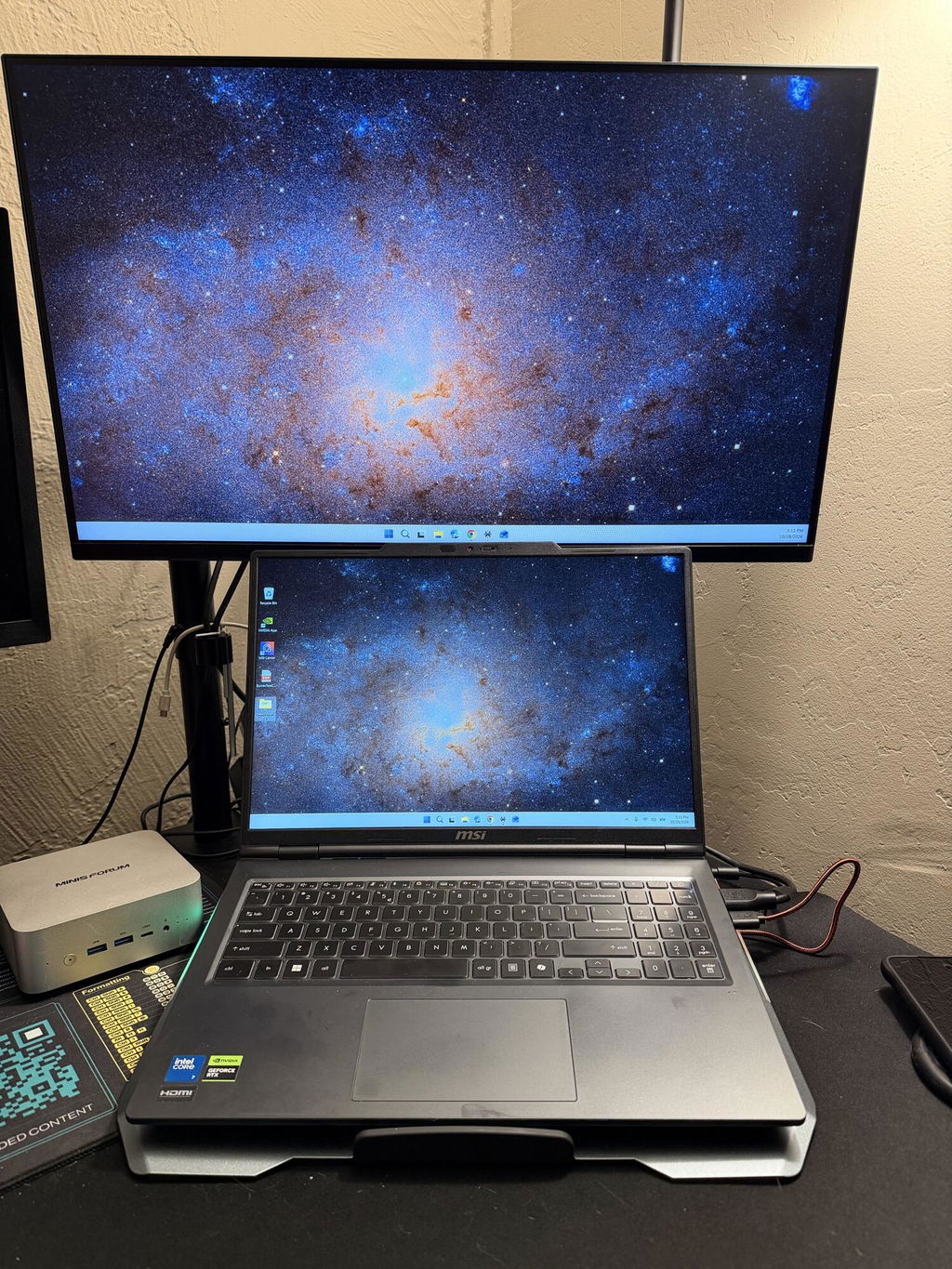
Note: These budget estimates apply to air-cooled desktop setups. Laptop builds may have different peripheral compatibility considerations, particularly for multi-monitor and USB hub configurations.
Conclusion: Invest in Your Interface
The PC inside your case delivers the performance, but the peripherals surrounding it define your experience. In 2026, the peripheral market has never offered more value — whether you're spending $49 on your first mechanical keyboard or building out a full streaming production studio. The choices are clearer, the technology is more mature, and the products available through XOTIC PC span every use case and budget.
Take a moment to evaluate what you're currently using. If your keyboard lacks key rollover, your mouse's sensor is struggling to track accurately, or you're gaming on a 60Hz monitor — those are concrete performance and experience bottlenecks that can be solved for well under $300. Start with the peripheral that impacts your daily use most, build from there, and treat your input and output setup with the same seriousness you'd give your CPU or GPU.
Your peripherals are where your PC meets the real world. Make that connection count.
Frequently Asked Questions
What's the most important peripheral upgrade for gaming in 2026?
For most gamers, upgrading to a higher refresh rate monitor delivers the most immediately noticeable improvement. Moving from 60Hz to 144Hz or 240Hz changes how motion and gameplay feel at a fundamental level — smoother, more responsive, and less visually fatiguing during long sessions. If you're already on 144Hz, a mechanical keyboard with low actuation force and anti-ghosting would be the next most impactful upgrade.
Is a wireless keyboard and mouse good for gaming in 2026?
Yes — wireless peripherals in 2026 are effectively lag-free for the vast majority of gaming scenarios. Technologies like Logitech's LIGHTSPEED and Razer's HyperSpeed 2.4GHz protocols achieve sub-1ms wireless latency, matching or exceeding wired input latency in controlled conditions. Unless you're a professional esports competitor where every microsecond is critical, wireless is a practical and clean choice.
How many DPI do I actually need in a gaming mouse?
Most gamers perform best between 400 and 1600 DPI — far lower than the 16,000+ DPI marketing figures might suggest. Higher DPI moves the cursor faster on screen, but this can reduce precision for fine targeting. Competitive FPS players often game at 400–800 DPI with wide mouse pads to compensate for the lower sensitivity with broader physical movements. Creative professionals working with high-resolution content may benefit from higher DPI for precise cursor control at 4K resolution.
Do I need a dedicated sound card if I have a gaming headset?
Not necessarily, but a dedicated DAC/amplifier like the Creative Sound BlasterX G6 ($229) meaningfully improves audio quality for headphones with impedance over 32 ohms. Standard motherboard audio outputs are adequate for most USB and low-impedance headsets. However, if you're using high-quality studio headphones or audiophile-grade headsets, the G6's 130dB SNR amplifier circuit removes background noise and dramatically improves dynamic range and positional audio clarity.
What's the difference between a gaming headset and studio headphones for PC use?
Gaming headsets prioritize convenience, built-in microphones, and surround sound processing; studio headphones prioritize flat, accurate frequency response and build quality. Gaming headsets like the Logitech G733 ($179) integrate everything into a plug-and-play package with optimized voice pickup. Studio headphones paired with a dedicated USB microphone (like the HyperX QuadCast 2 S at $189) and a DAC often deliver superior audio quality — but at greater cost and desk complexity. The right choice depends on whether you prioritize convenience or absolute audio fidelity.
📝 View this article as Markdown — a clean text version for AI assistants, citation tools, and easy copying.