Best Gaming PC Builds for Every Budget: Your Ultimate Custom Build Guide
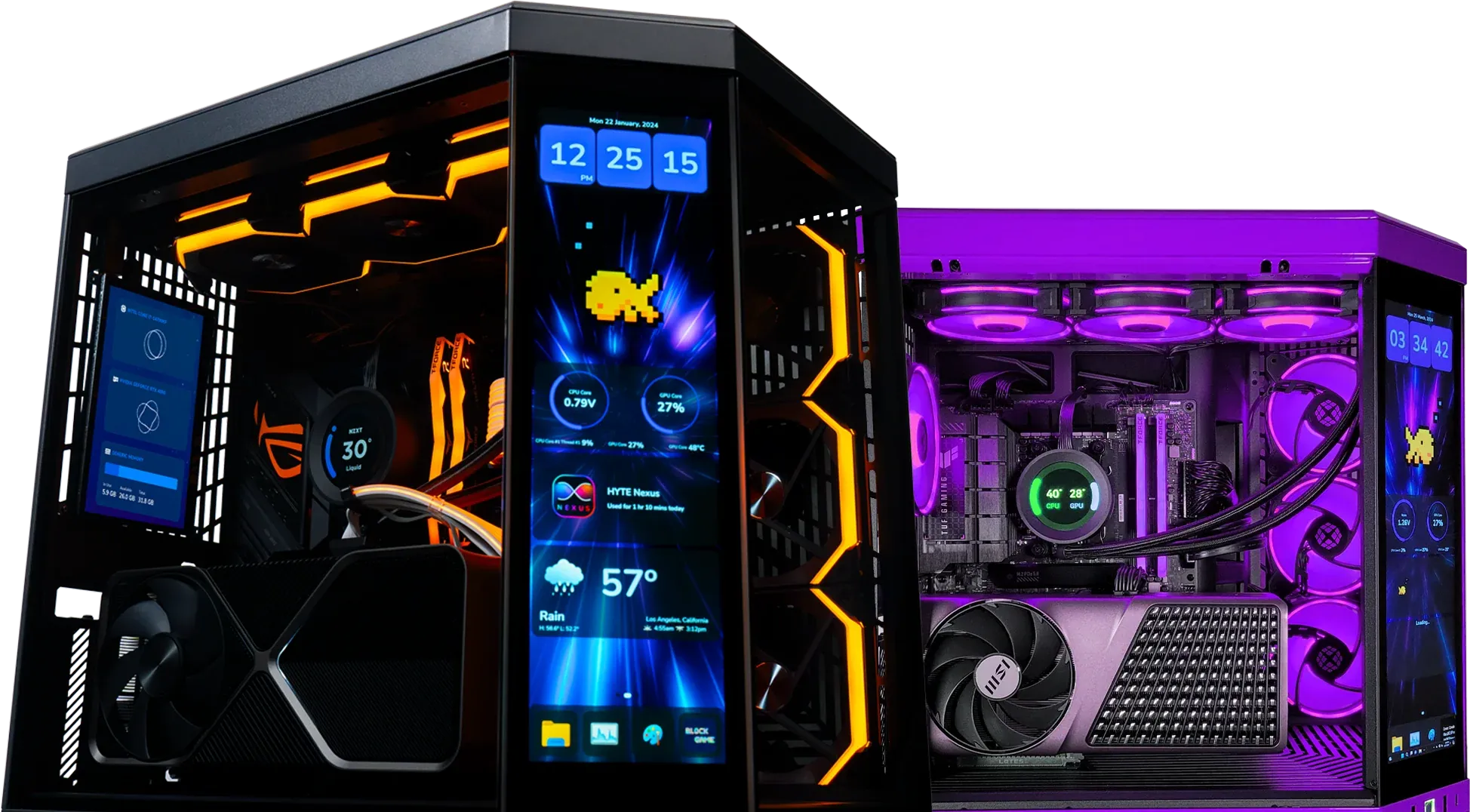
Choosing the right gaming PC build is crucial for an optimal gaming experience, as it directly impacts performance, graphics quality, and overall enjoyment. This guide will help you navigate the various gaming PC builds available for every budget, ensuring you find the perfect setup tailored to your needs. Whether you're a casual gamer or a hardcore enthusiast, understanding the components and configurations that suit your gaming style is essential. In this article, we will explore the best gaming PC builds categorized by budget, how to select the right components, features of high-end builds, and why XOTIC PC is a great choice for your custom gaming PC.
What Are the Best Gaming PC Builds for Every Budget Tier?
When considering a gaming PC, it's essential to categorize builds by budget to ensure you get the best performance for your investment. The three primary budget tiers include entry-level builds under $800, mid-range builds between $800 and $2,000, and high-end builds over $2,000. Each tier offers unique components and performance expectations, allowing gamers to choose based on their financial constraints and gaming requirements.
Research further supports the importance of categorizing PC builds by budget to guide component selection effectively.
Gaming PC Builds: Budget, Mid-Range, High-End Component Selection
examining various PC builds (budget, mid-range, and high-end dream) and gaming consoles. Design variables are first defined, and components are then designed/selected to fulfill this.
Estimating the value of excess: A case study of gaming computers, consoles and the video game industry, D Yadav, 2019
Which Components Define Entry-Level Gaming PC Builds Under $800?
Entry-level gaming PCs are designed for casual gamers who want decent performance without breaking the bank. Key components typically include: static electricity and pc building
- CPU: A budget-friendly processor like the AMD Ryzen 5 5600G or Intel Core i3-12100F provides sufficient power for most games.
- GPU: The NVIDIA RTX 3050 or AMD Radeon RX 6600 is ideal for 1080p gaming at medium to high settings.
- RAM: 8GB of DDR4 RAM is the minimum for smooth gameplay, with 16GB being a recommended upgrade.
- Storage: A 500GB NVMe SSD ensures quick load times and system responsiveness.
These components collectively create a solid foundation for entry-level gaming, allowing players to enjoy popular titles without significant lag or performance issues.
What Makes Mid-Range Gaming PC Builds Ideal for Most Gamers?
Mid-range gaming PCs strike a balance between performance and cost, making them suitable for a wide range of gamers. These builds typically feature: news
- CPU: Processors like the AMD Ryzen 5 9600X or Intel Core i5-14600K offer excellent performance for gaming and multitasking.
- GPU: The NVIDIA RTX 5060 Ti or AMD Radeon RX 9070 XT provides enhanced graphics capabilities for 1080p and 1440p gaming.
- RAM: 16GB of DDR5 RAM is recommended for optimal performance in modern games.
- Storage: A 1TB NVMe SSD allows for ample storage and fast load times.
Mid-range builds are ideal for gamers who want to play the latest titles at high settings while maintaining a reasonable budget.
How to Choose the Right Components for Your Custom Gaming PC Build?
Selecting the right components for your gaming PC is crucial for achieving the desired performance. Understanding compatibility and performance metrics will help you make informed decisions.
What Is the Best CPU and GPU Combo for Gaming Performance?
The CPU and GPU are the most critical components in a gaming PC. A powerful combination, such as the AMD Ryzen 7 9800X3D paired with the NVIDIA RTX 5070, can deliver exceptional gaming performance. This pairing ensures that the CPU can handle complex calculations while the GPU renders high-quality graphics, providing a smooth gaming experience.
AMD, a major player in the semiconductor industry, is renowned for its high-performance CPUs and GPUs that are integral to achieving superior gaming experiences.
AMD High-Performance CPUs & GPUs for Gaming PCs
AMD is a global semiconductor company which services the computing and graphics market with CPU, GPU, APU, system on chip, and chipset product offerings. AMD offers one of the broadest portfolios of high-performance and adaptive processor technologies and leadership computing platforms for cloud, edge, and end devices. The AMD strategy is to create and deliver the world's leading high-performance CPUs and GPUs and to integrate them with hardware and software to build differentiated solutions. The company also invests in high-performance GPUs and software for markets such as gaming, compute, artificial intelligence, cloud gaming, and virtual and augmented reality.
Case 10 Advanced Micro Devices, 2024
How Much RAM and Storage Do You Need for Smooth Gaming?
For most gaming scenarios, 16GB of DDR5 RAM is sufficient to ensure smooth performance, especially when multitasking or running demanding applications. In terms of storage, a 1TB NVMe SSD is recommended for faster load times and improved system responsiveness. This setup allows gamers to install multiple titles without worrying about space constraints.
What Are the Features of High-End and Ultimate 4K Gaming PC Builds?
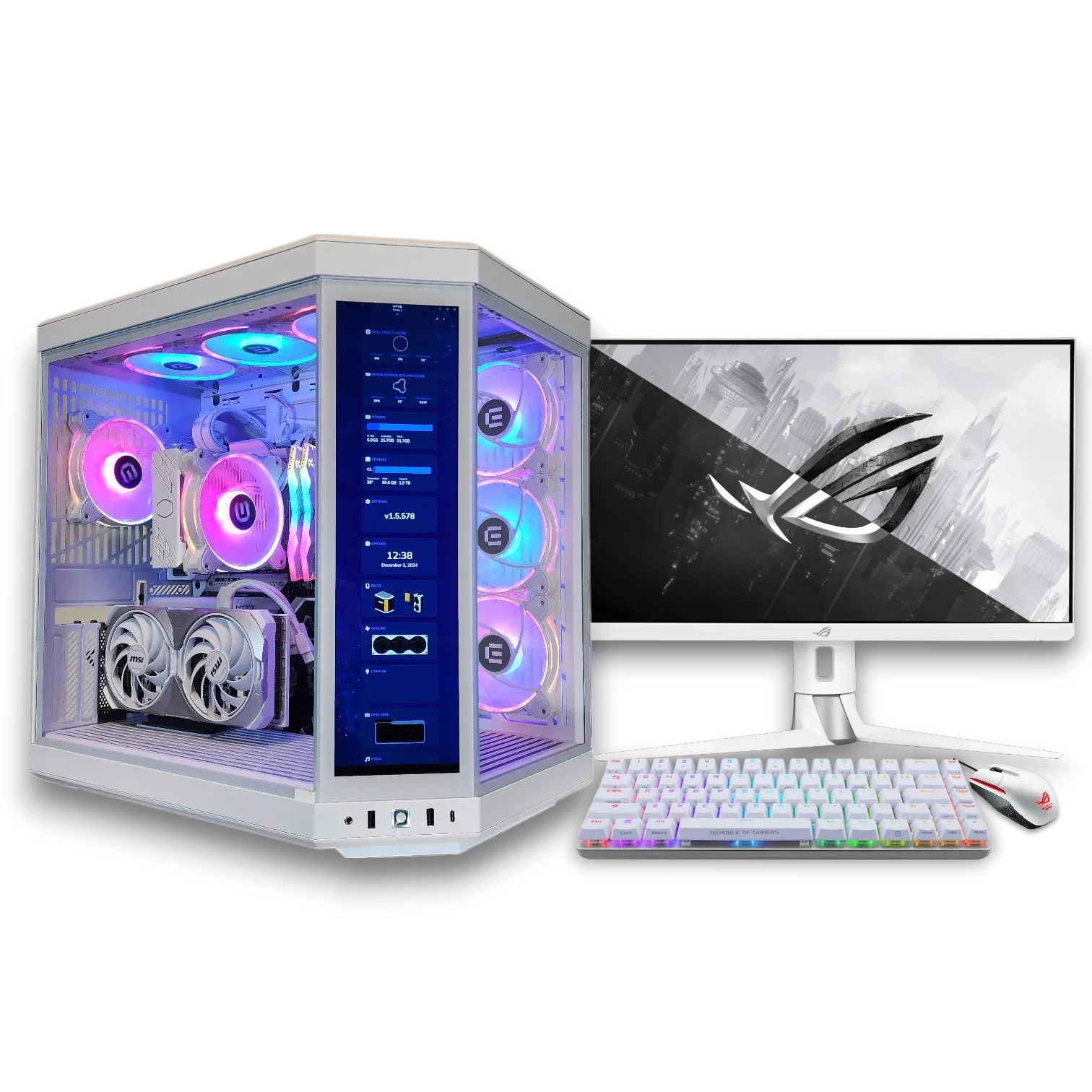
High-end gaming PCs are designed for enthusiasts who demand the best performance and graphics quality. These builds typically feature top-tier components that can handle 4K gaming and intensive applications.
Which Components Power High-Performance Gaming PCs?
High-performance gaming PCs often include: gaming PCs
- CPU: The Intel Core i9-14900K or AMD Ryzen 9 7950X3D processors provide unparalleled processing power.
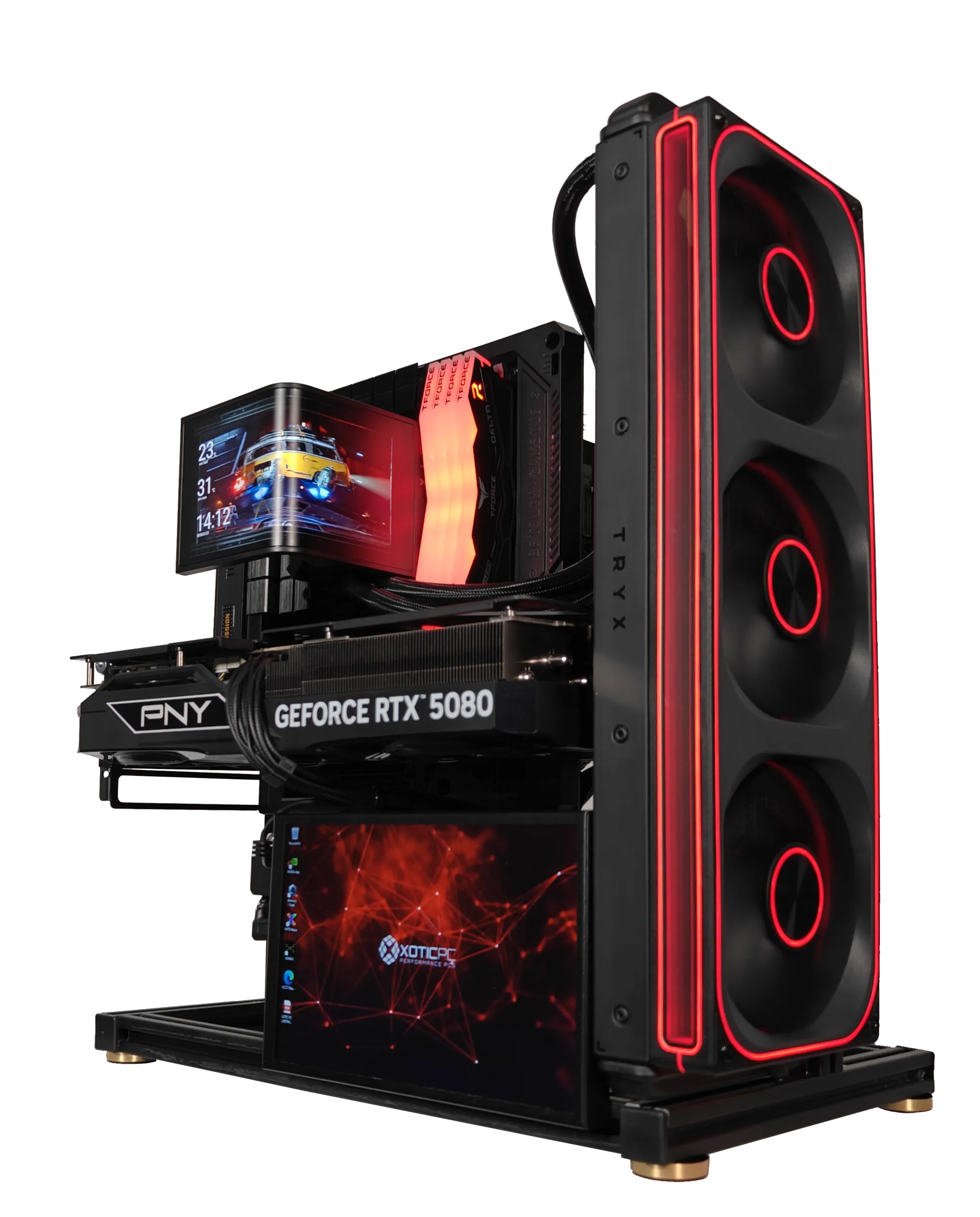
- GPU: The NVIDIA RTX 5080 or NVIDIA RTX 5090 delivers stunning graphics and frame rates at 4K resolution.
- RAM: 32GB of DDR5 RAM ensures that even the most demanding games run smoothly.
- Storage: A 2TB NVMe SSD offers lightning-fast load times and ample space for a large library of games.
These components work together to create a gaming experience that is visually stunning and highly responsive.
How to Build an Ultimate 4K Gaming PC Over $2500?
Building an ultimate 4K gaming PC requires careful selection of high-end components. A recommended build might include:
- CPU: Intel Core i9-14900K or AMD Ryzen 9 9950X3D
- GPU: NVIDIA RTX 5090
- RAM: 32GB DDR5
- Storage: 2TB NVMe SSD
This configuration not only supports 4K gaming but also future-proofs your setup for upcoming titles and applications.
Why Choose XOTIC PC for Your Custom Gaming PC Build?
XOTIC PC specializes in custom gaming PCs, offering a range of hand-built systems tailored to meet individual gaming needs. Their commitment to quality and performance sets them apart in the market.
What Are the Benefits of XOTIC PC’s Hand-Built and Stress-Tested Systems?
XOTIC PC’s hand-built systems undergo rigorous stress testing to ensure reliability and performance. Each component is carefully selected and assembled by experienced technicians, providing peace of mind for gamers who demand the best.
How Does XOTIC PC’s Customization Service Enhance Your Gaming PC?
XOTIC PC offers extensive customization options, allowing gamers to tailor their builds to specific preferences. From aesthetic choices like RGB lighting to performance upgrades, their service ensures that each PC meets the unique needs of its owner.
The concept of tailoring a PC to individual needs is a cornerstone of custom build services.
Custom PC Builds: Tailored Systems & Component Purchasing
A custom-built PC is assembled to cater a specific user needs. Internationally, there are many e-stores available for users which offer them to build and order their systems as per their needs. In this paper, we propose and design a generic architecture of an e-store (Nice PC Maker (NPM)) to facilitate users with custom-build PC option along with other added features such as pre-build system purchasing and PC components purchasing.
Nice PC Maker: An Online Interface to build Custom PCs, S Usmani, 2023
How Can You Optimize Your Gaming PC Build for Specific Use Cases?
Optimizing your gaming PC for specific use cases can enhance performance and user experience. Different gaming scenarios require tailored configurations.
What Are the Best Builds for Streaming and Content Creation?
For gamers who also stream or create content, a powerful build is essential. Recommended components include:
- CPU: AMD Ryzen 9 9900X or Intel Core i7-14700K for multitasking capabilities.
- GPU: NVIDIA RTX 5070 or better for high-quality streaming and video rendering.
- RAM: 32GB or more of DDR5 RAM to handle streaming software alongside games.
This configuration ensures that both gaming and streaming run smoothly without performance hiccups.
How to Build a Silent or Water-Cooled Gaming PC?
Building a silent or water-cooled gaming PC involves selecting components that minimize noise and maximize cooling efficiency. Key considerations include:
- Cooling System: Invest in a quality AIO (All-In-One) liquid cooler or a custom liquid cooling loop to reduce noise levels and enhance thermal performance.
- Case Design: Choose a case with sound-dampening materials and excellent airflow to minimize noise.
- Fans: Opt for high-quality, low-noise fans with PWM control to maintain airflow without excessive sound.
These strategies create a gaming environment that is both powerful and quiet.
What Are Common Questions About Building or Buying Gaming PCs?
Many potential gamers have questions about the best approach to acquiring a gaming PC, whether through building or buying pre-built systems.
Is It Cheaper to Build or Buy a Custom Gaming PC?
Building a custom gaming PC can often be more cost-effective than buying a pre-built system. By selecting components individually, gamers can tailor their builds to their budget and performance needs, potentially saving money in the process.
How Long Does It Take to Build and Receive a Custom Gaming PC from XOTIC PC?
XOTIC PC typically takes 2-4 weeks to build and deliver a custom gaming PC, depending on the complexity of the build and component availability. Their commitment to quality ensures that each system is thoroughly tested before shipping, providing customers with a reliable product.
Frequently Asked Questions
What Should I Consider When Upgrading My Gaming PC?
When upgrading your gaming PC, consider compatibility, performance needs, and budget. Start by identifying which components need an upgrade, such as the CPU, GPU, or RAM. Ensure that new parts are compatible with your existing motherboard and power supply. Additionally, assess your gaming requirements; for instance, if you want to play the latest titles at higher settings, investing in a more powerful GPU may be necessary. Finally, set a budget to avoid overspending while still achieving the desired performance boost.
How Can I Ensure My Gaming PC Stays Cool During Long Sessions?
To keep your gaming PC cool during extended gaming sessions, focus on effective cooling solutions. Invest in high-quality cooling systems, such as aftermarket air coolers or liquid cooling setups. Ensure your case has good airflow by using fans strategically placed for optimal intake and exhaust. Regularly clean dust from fans and filters to maintain airflow efficiency. Additionally, consider monitoring your system temperatures using software tools to ensure components are operating within safe limits.
What Are the Advantages of Custom Gaming PCs Over Pre-Built Systems?
Custom gaming PCs offer several advantages over pre-built systems, including tailored performance, component selection, and upgradeability. With a custom build, you can choose specific components that meet your gaming needs and budget, ensuring optimal performance. Custom PCs also allow for easier upgrades in the future, as you can replace individual parts without being tied to a specific manufacturer’s design. Additionally, building your own PC can be a rewarding experience, giving you a deeper understanding of your system.
How Do I Choose the Right Monitor for My Gaming PC?
Choosing the right monitor for your gaming PC involves considering resolution, refresh rate, and panel type. For gaming, a higher refresh rate (144Hz or more) provides smoother visuals, especially in fast-paced games. Resolution is also crucial; 1080p is standard, but 1440p and 4K offer sharper images. Additionally, consider the panel type: IPS panels provide better color accuracy and viewing angles, while TN panels offer faster response times. Ultimately, select a monitor that complements your gaming style and hardware capabilities.
What Is the Importance of Power Supply in a Gaming PC Build?
The power supply unit (PSU) is critical in a gaming PC build as it provides stable and reliable power to all components. A high-quality PSU ensures that your system runs efficiently and can handle peak loads without failure. It's essential to choose a PSU with sufficient wattage to support your components, especially if you plan to upgrade in the future. Additionally, look for units with good efficiency ratings (80 Plus certification) to minimize energy waste and heat generation.
Can I Use My Gaming PC for Other Tasks Besides Gaming?
Yes, a gaming PC can be effectively used for various tasks beyond gaming. Due to their powerful components, gaming PCs are well-suited for content creation, video editing, graphic design, and even software development. The high-performance CPUs and GPUs can handle demanding applications, making them versatile machines for multitasking. Additionally, if you stream or create content, a gaming PC can provide the necessary power to run both games and streaming software simultaneously without performance issues.